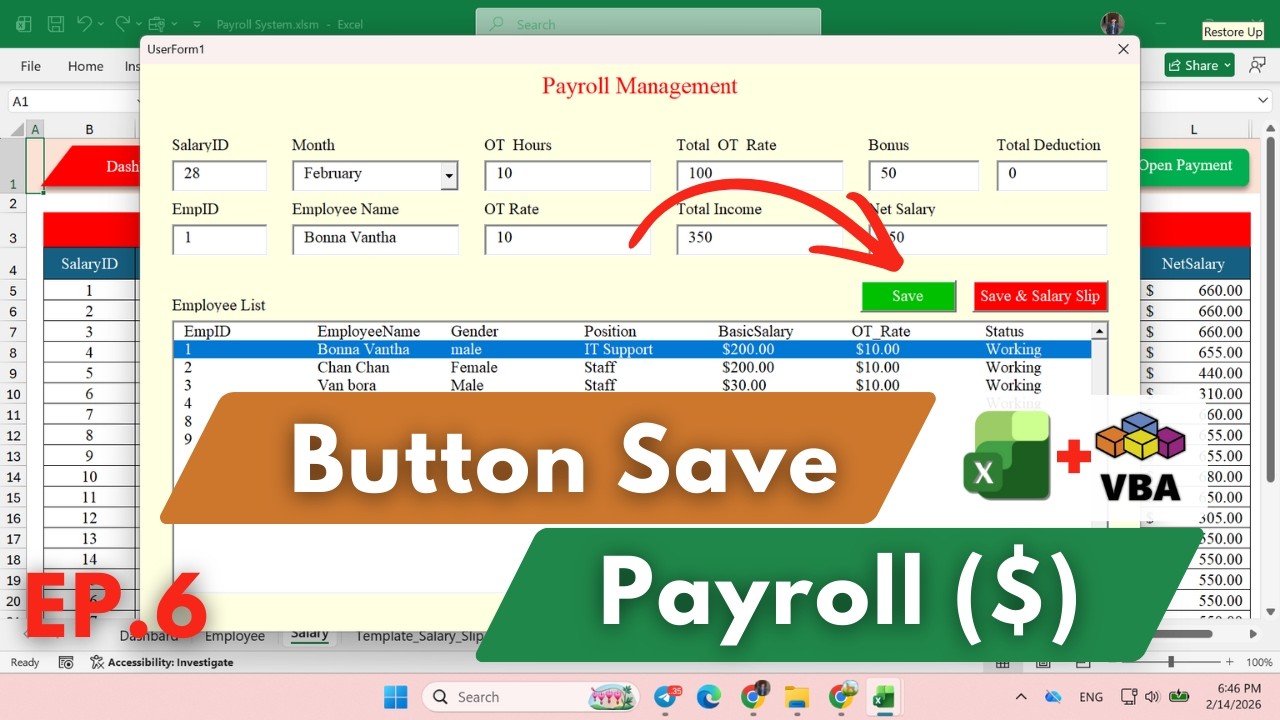
Save Payroll Data from UserForm → Sheet Salary
Автор: Data Automation
Загружено: 2026-02-17
Просмотров: 63
Описание:
In this video, you will learn how to create a Payment button in a Payroll UserForm using Excel VBA.
This tutorial shows how to save payroll data such as Employee ID, Month, Salary, OT, Bonus, Deduction, and Net Salary directly into the Salary worksheet.
In this lesson:
✔ Create Payment button in UserForm
✔ Validate required fields
✔ Save payroll data to worksheet
✔ Auto generate Salary ID
✔ Clear form after saving
✔ Show success message
This video is part of the Excel VBA Payroll System project and is designed as a no-voice tutorial for beginners and intermediate users.
Build your own professional Payroll System step by step with Excel VBA.
#ExcelVBA
#PayrollSystem
#PaymentButton
#UserForm
#SalarySystem
#VBATutorial
#ExcelProject
#ExcelAutomation
#NoVoiceTutorial
Повторяем попытку...
Доступные форматы для скачивания:
Скачать видео
-
Информация по загрузке: