How To Enable Gallery Labs On Samsung Galaxy S25 / S25 Ultra
Автор: 4kEasyGuide
Загружено: 2025-04-03
Просмотров: 303
Описание:
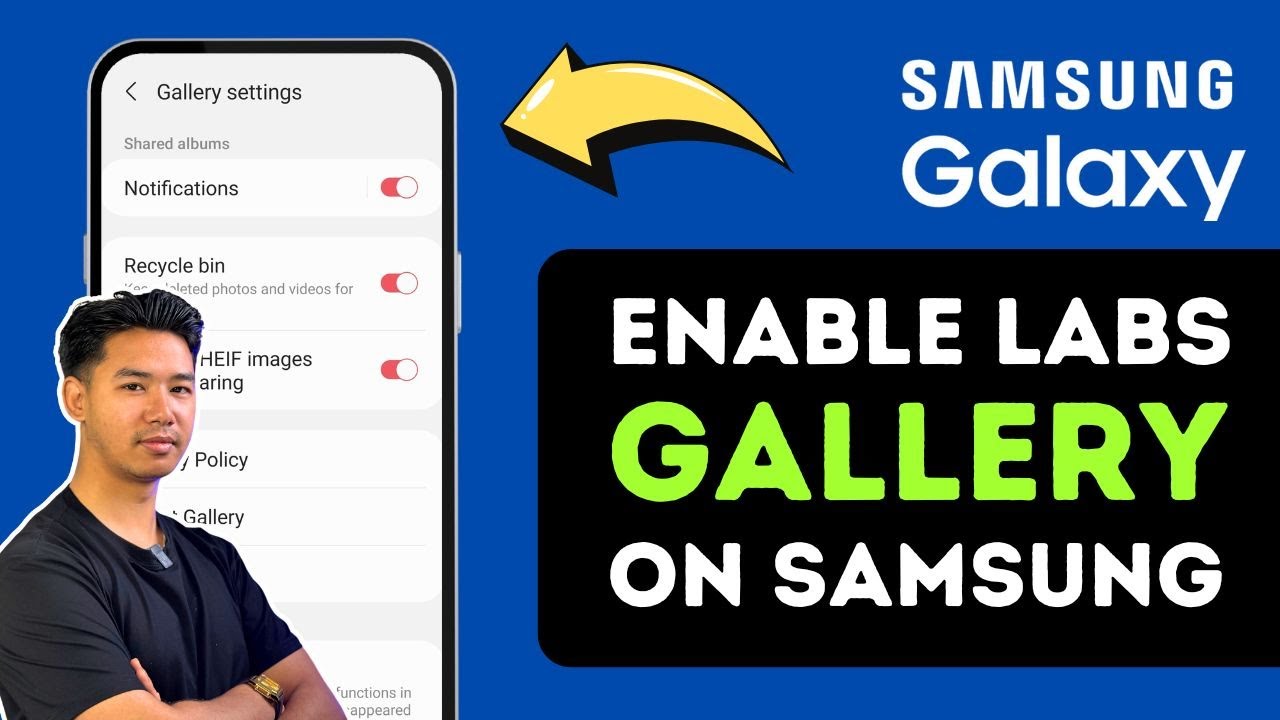
Gallery Labs is a hidden experimental feature built into Samsung’s stock Gallery app, offering advanced options much like Developer Options in Android. If you're using a Galaxy S25, S25 Ultra, or even an older Galaxy model with One UI, you can enable Gallery Labs to unlock extra features such as enhanced layout tools, sorting options, and image-handling tweaks that aren’t available by default. This video walks you through the simple steps to activate it safely and without needing root access or third-party apps.
To begin, open the Samsung Gallery app. Once inside, tap the three-line menu icon located in the bottom right corner and then select 'Settings.' You’ll notice that Gallery Labs is not visible yet. Similar to how Developer Options are activated by tapping repeatedly on the Android build number, Gallery Labs is hidden behind the Gallery app’s version number.
To unlock it, scroll down in the Gallery Settings and tap on 'About Gallery.' Here you’ll find the version number of the app. Now, rapidly tap on that version number several times. After a few taps, you’ll see a message saying "Gallery Labs enabled." This confirms that the hidden menu has been successfully activated.
Once that’s done, go back one screen to the Gallery Settings, and you’ll now see a new section labeled 'Gallery Labs.' Inside this menu, you'll find experimental tools and customization features that Samsung is testing. These may include preview layouts, gesture behavior tweaks, or options for organizing and displaying content more effectively.
This feature is ideal for advanced users or anyone who frequently manages large photo libraries and wants finer control over their gallery experience. Just remember that some features within Gallery Labs may still be in testing and could change with future updates.
Timestamps:
0:00 Introduction
0:22 Open Gallery app and access settings
0:53 Tap version number to enable Gallery Labs
1:15 Explore Gallery Labs features
1:19 Conclusion
Hashtags:
#GalleryLabs #SamsungGallery #GalaxyS25 #SamsungTips #GalaxyS25Ultra #HiddenFeatures #OneUI7 #AndroidCustomization #GalleryTricks #TechHowTo
Повторяем попытку...
Доступные форматы для скачивания:
Скачать видео
-
Информация по загрузке: