How to create Pinterest blog graphics | PicsArt Tutorial
Автор: Picsart
Загружено: 2019-07-20
Просмотров: 72748
Описание:
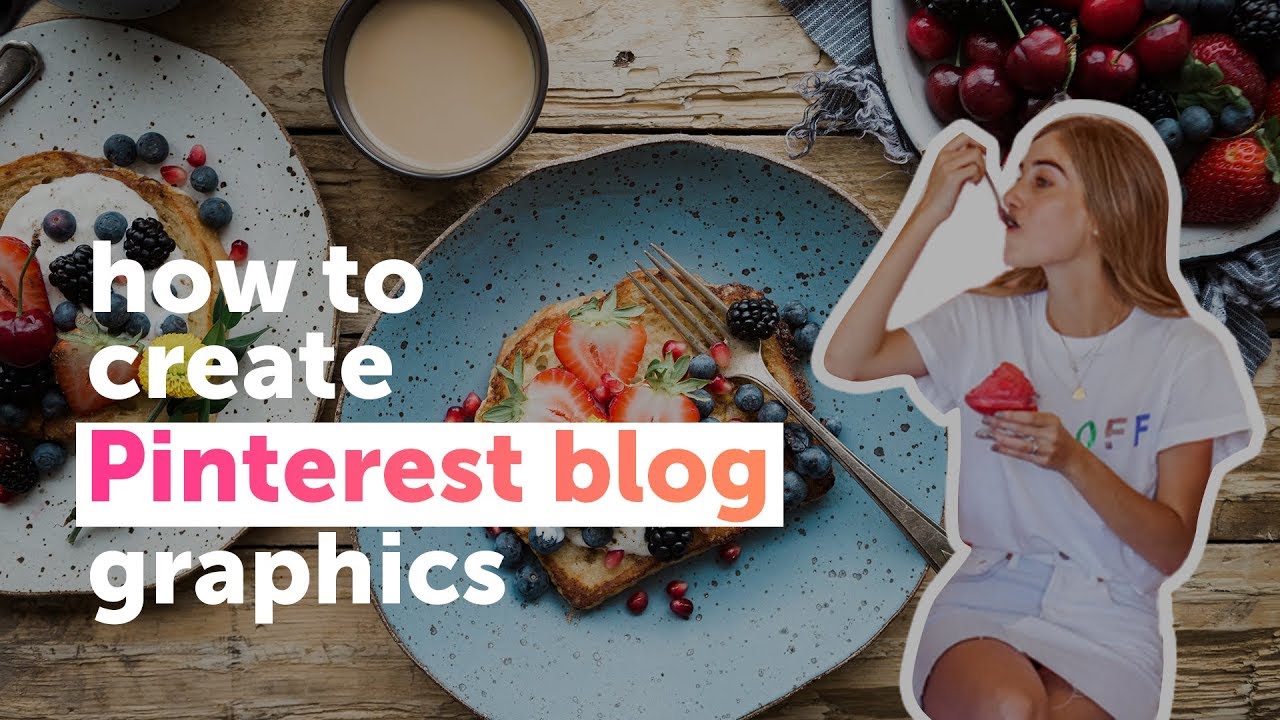
Do you want to create cool graphics to promote your blog or site on Pinterest? In this tutorial, we'll show you step-by-step how to create any size Pinterest graphic using our collage designs, crop tools and automatic size guides along with shapes, fonts and colors.
#pinterestcover #pinterestalbumart #albumcovertutorial #coverart
#albumart
Steps:
1. Open the photo editor and tap on Freestyle in the Collage section
2. Choose the images you want to use in your graphics
3. Change the size of your layout by tapping on Ratio and choose Pinterest size
4. Position your photos to your liking
5. Tap on the + button to add Text
6. Write your text and choose your favorite font and color
7. Tap on Add Photo and choose your image
8. Tap on Eraser then Portrait Selection to bring your image to the foreground
9. Tap on Border and give your portrait a colored outline
10. Add it to your Collage and you’re DONE!
Create your own graphic here: https://picsart.app.link/swZvwtZJrY
***
FOLLOW US ON:
TikTok: https://bit.ly/2V9Kjam
Instagram: / picsart
Facebook: / picsart
Twitter: / picsartstudio
Pinterest: / picsart
Повторяем попытку...
Доступные форматы для скачивания:
Скачать видео
-
Информация по загрузке: