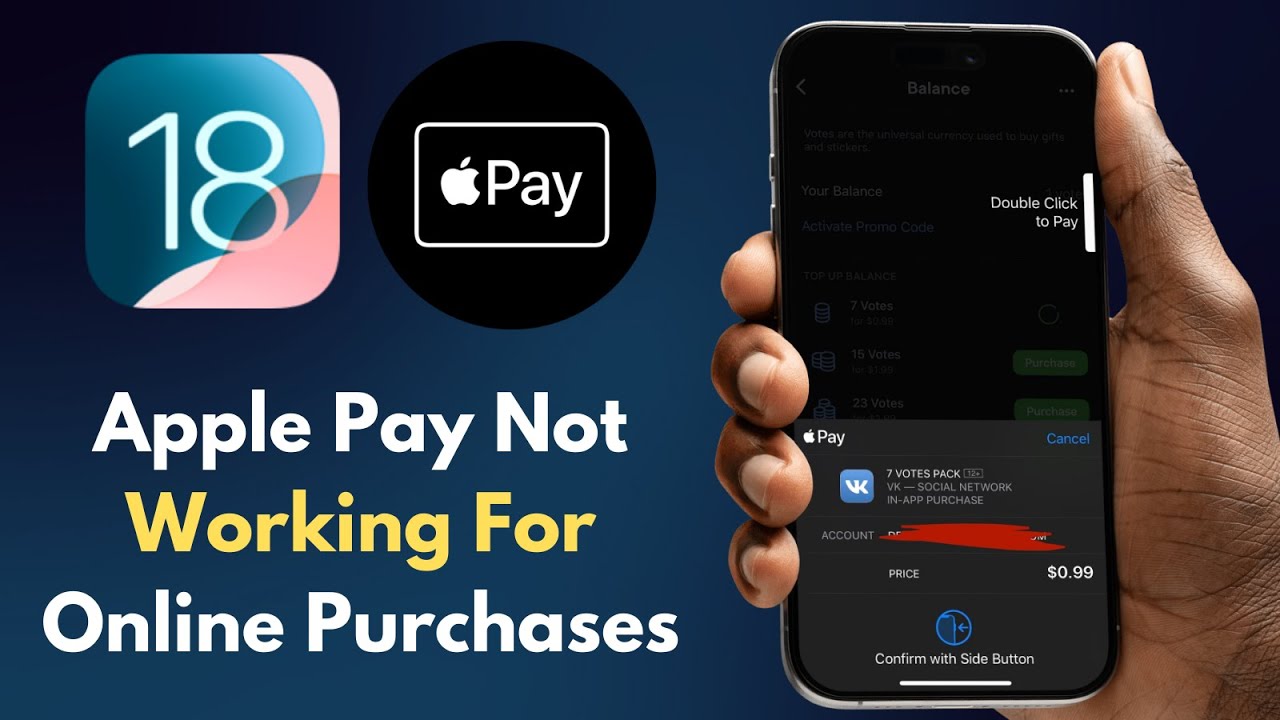
How to Fix Apple Pay Not Working for Online Purchases | iPhone or iPad | iOS 18
Автор: UnlockiOS Tech
Загружено: 2025-05-24
Просмотров: 3004
Описание:
🛒 Trying to make an online purchase but Apple Pay isn't working on your iPhone? In this quick and easy iOS 2025 tutorial, UnlockiOS Tech shows you exactly how to fix Apple Pay when it fails during online checkouts.
00:00 – Intro: Apple Pay Not Working for Online Purchases
00:30 – Step 1: Check Wallet Setup and Supported Cards
00:55 – Step 2: Update iOS and Verify Apple ID Region
01:20 – Step 3: Clear Safari Cache and Enable Web Payments
01:50 – Bonus Fixes: Try Another Site or Browser
02:10 – Outro: Subscribe to UnlockiOS Tech for More iPhone Fixes
✅ Topics Covered:
• Check Apple Pay and Wallet setup
• Verify payment methods and billing address
• Make sure device region, software, and Safari settings are correct
• Clear Safari cache and cookies
• Fix Apple Pay errors in third-party apps & websites
📱 Compatible With:
iPhone 6/6s/7/8/X/Xs/11/12/13/14/15/16
Supports iOS 17 and iOS 18
💡 Pro Tips:
Ensure your card is eligible for online transactions
Make sure you're using Safari or a supported browser
Confirm your Apple ID region matches your card region
📌 Subscribe to UnlockiOS Tech for all things Apple Pay, Wallet, iPhone fixes, and iOS 2025 tips.
#ApplePayOnlineNotWorking #ApplePayFix #UnlockiOSTech #iPhoneHelp #iOS2025 #AppleWalletError #SafariApplePay #OnlinePurchaseError #iOS18 #TechSupport
Повторяем попытку...
Доступные форматы для скачивания:
Скачать видео
-
Информация по загрузке: