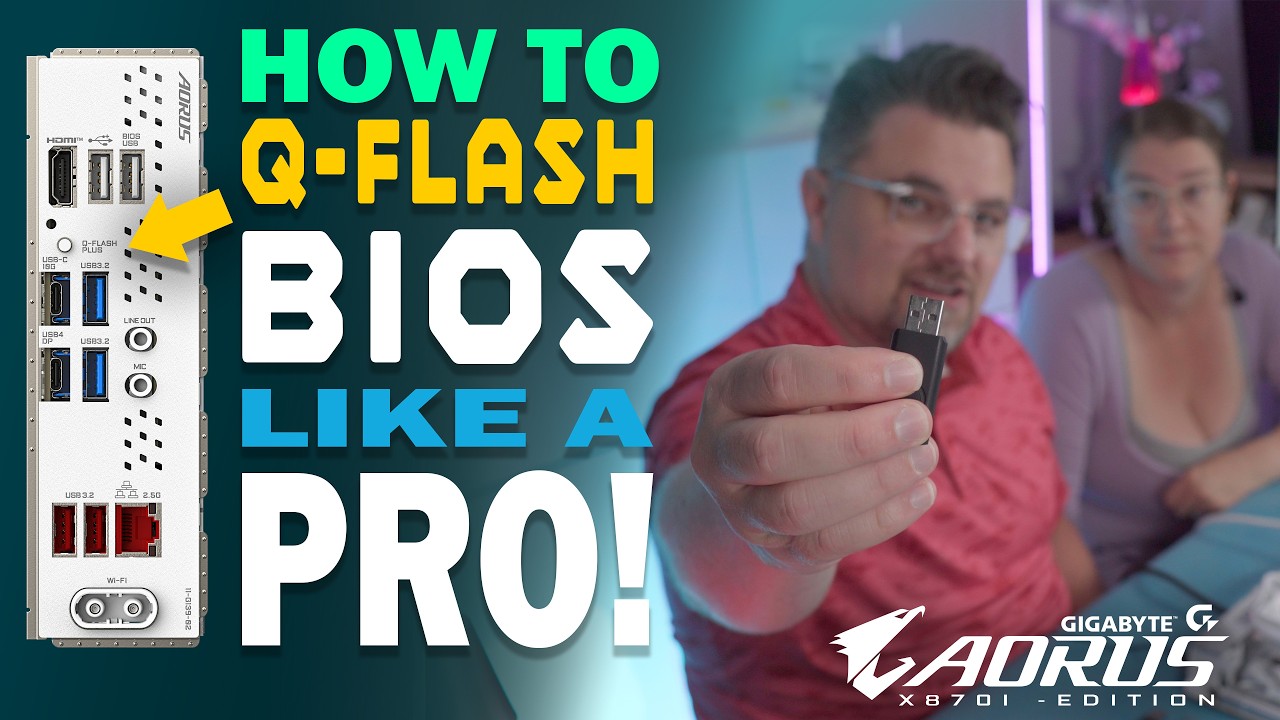
How To Update BIOS without a CPU or RAM with Q-Flash PLUS
Автор: Tech & DIY Projects | Astro Atomica
Загружено: 2025-11-08
Просмотров: 1035
Описание:
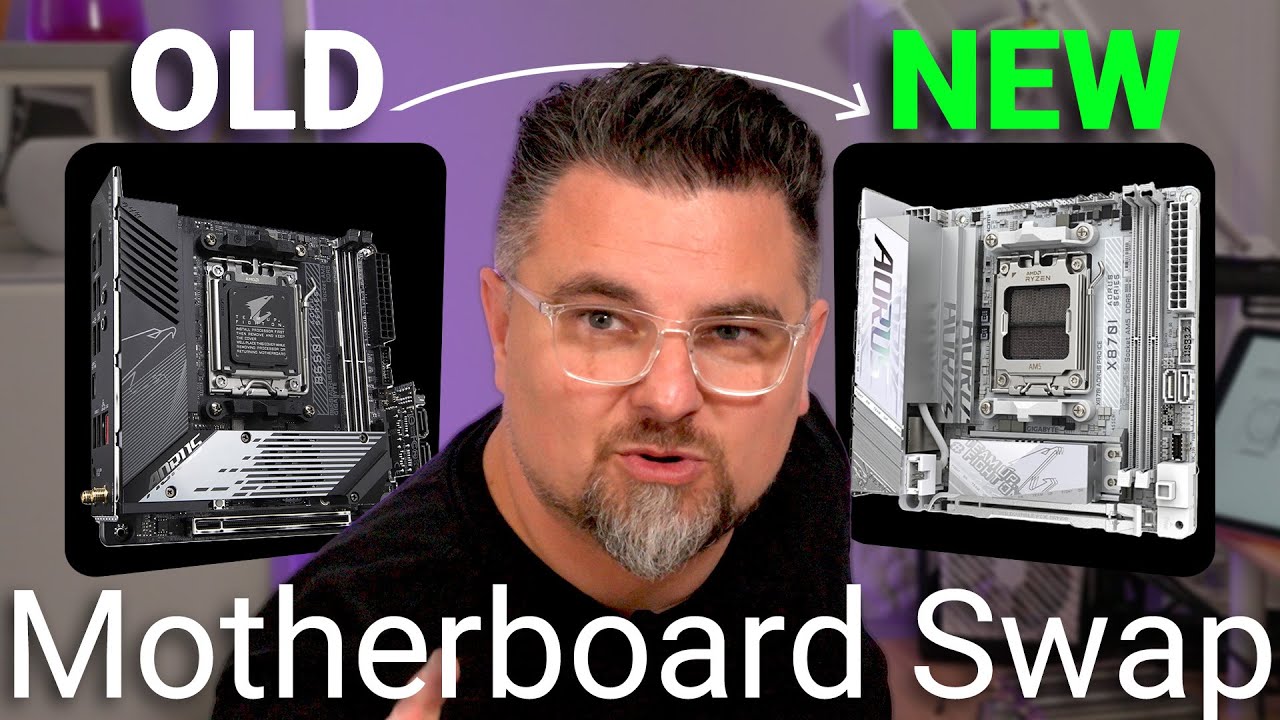
Update your BIOS 1st before Installing your CPU or RAM with Q Flash Plus. This Motherboard feature is more useful than you might think. We go into depth and guide you step by step on how to update your BIOS before installing your CPU or RAM on this Gigabyte X870I AORUS PRO ICE Mini-ITX AM5 Motherboard.
Related Videos
• Can my PC Survive this MOTHERBOARD SWAP (U...
• 32-Inch QD-OLED Gaming Monitor Unboxing | ...
──────────────────
Product / Affiliate Links
──────────────────
Gigabyte X870i AORUS PRO ICE - https://amzn.to/4nDc3Rx
AMD RYZEN 7 9800x3D AM5 - https://amzn.to/3WEywCX
AMD RYZEN 7 7800x3D AM5 - https://amzn.to/43id9uP
Silver White CPU Contact Frame - https://amzn.to/4nMyunw
ASUS ROG Loki 850W Platinum White PSU - https://amzn.to/47Ik1mz
Purchasing through these links supports the channel!
As an Amazon Associate, we may earn a commission from qualifying purchases.
This Video is NOT SPONSORED
This is NOT a paid promotion
All hardware was purchased by us
Повторяем попытку...
Доступные форматы для скачивания:
Скачать видео
-
Информация по загрузке: