EzOSD - How to view the ImmersionRC OSD mission logs (.csv and .kml files)
Автор: Painless360
Загружено: 2013-12-06
Просмотров: 8127
Описание:
ImmersionRC EzOSD
Recording your flights and how you view the data
After using the ImmersionRC and Fatshark technology for a while now I wanted to share some of the more advanced features available to you.
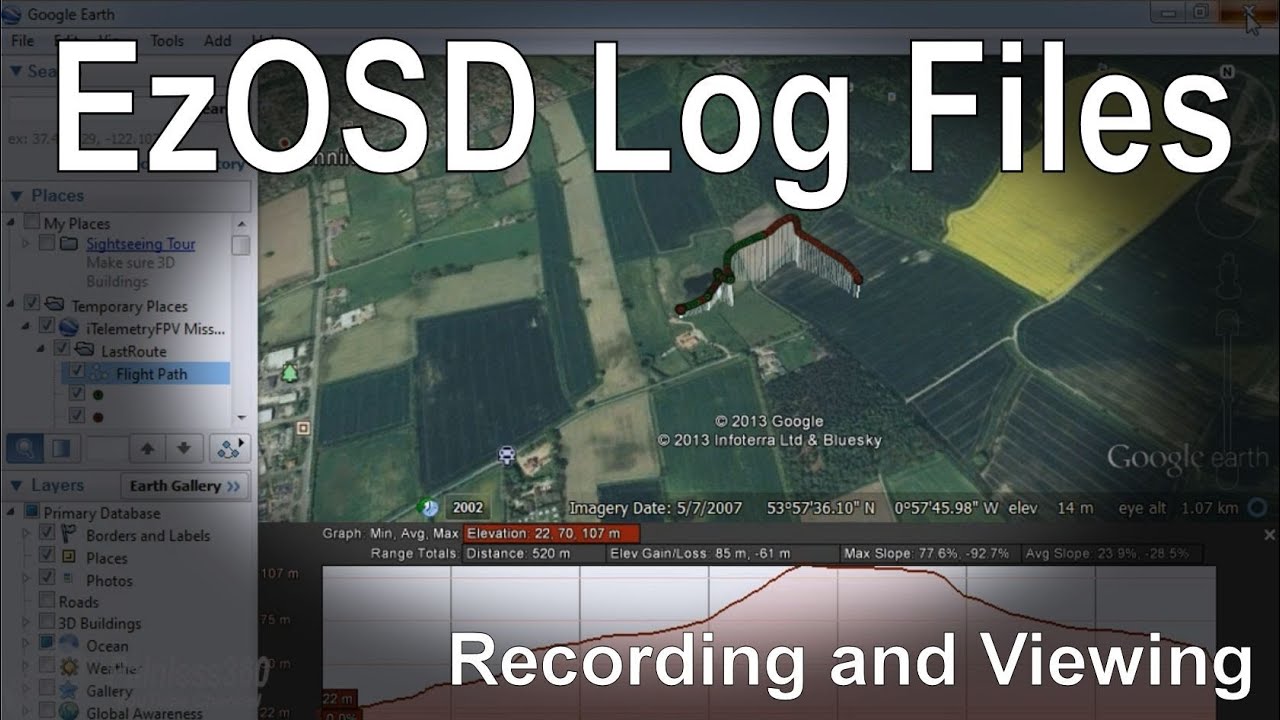
You can record the telemetry data that comes down the right hand audio channel from the EzOSD on screen display system and use the mission log files that it creates to review the flight details afterwards. This audio stream comes in addition to the information being displayed on the screen and allows you to do some cool stuff after the flight.
It also comes in handy if you 'lose' the model and have to romp across a field or two to find it (as I did this week!). You unplug the iPhone and walk to the last red dot on the map for the model. It even shows you as a blue dot so you can see exactly where you need to go -- it could save you model next time you have a hiccup.
You can download the application for apple, android and PC devices from iTunes, the Google marketplace and from the ImmersionRC main site. On the website look under EzOSD and look for the downloads area.
You will need Google Earth installed locally to view the kml file.
Thanks for watching, I hope the information is useful and helps some of you who have the EzOSD system but haven't played with the data capture tools yet.
Please comment and subscribe - Happy Flying!
Повторяем попытку...
Доступные форматы для скачивания:
Скачать видео
-
Информация по загрузке:


