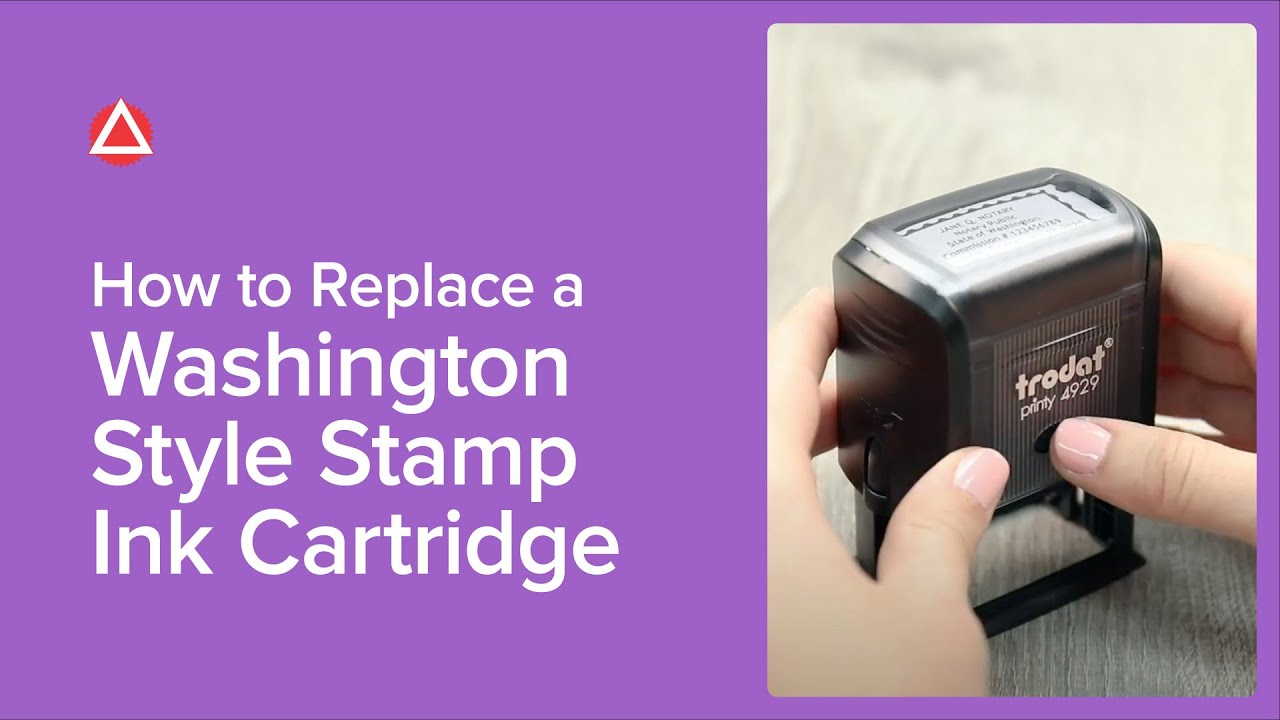
How To Replace A Washington Style Stamp Ink Cartridge
Автор: National Notary Association
Загружено: 2018-08-24
Просмотров: 3793
Описание:
When your Washington Style Stamp runs out of ink, here’s how to replace the ink cartridge.
Compress the stamp just enough to relieve the ink pad from the rubber stamping surface. Press in both lock buttons on the sides of the stamp to hold the stamp in place. Push the eject button on the front of the stamp. The ink cartridge will pop out of the back. Holding the ink cartridge by the sides, pull the ink cartridge out. Remove the cap from the new ink cartridge. Hold the new ink cartridge with the ink facing down. Slide the ink cartridge into place. Press the stamp down to release the lock buttons.
Your Washington Style Stamp is now ready to be used for a flawless impression.
Learn more about Notary stamps: https://www.nationalnotary.org/knowle...
Purchase a Washington Style Stamp: https://www.nationalnotary.org/style-...
Connect with the NNA:
Blog: https://www.nationalnotary.org/notary...
Facebook: / nationalnotary
Twitter: / nationalnotary
Instagram: / nationalnotary
Pinterest: / nationalnotary
LinkedIn: / national-notary-association
#Notary #WashingtonNotary #NotaryTraining
Повторяем попытку...
Доступные форматы для скачивания:
Скачать видео
-
Информация по загрузке: