Curve Roll Up Effect in Blender Geometry Nodes | Intermediate Tutorial
Автор: Augury Blender
Загружено: 2025-04-29
Просмотров: 470
Описание:
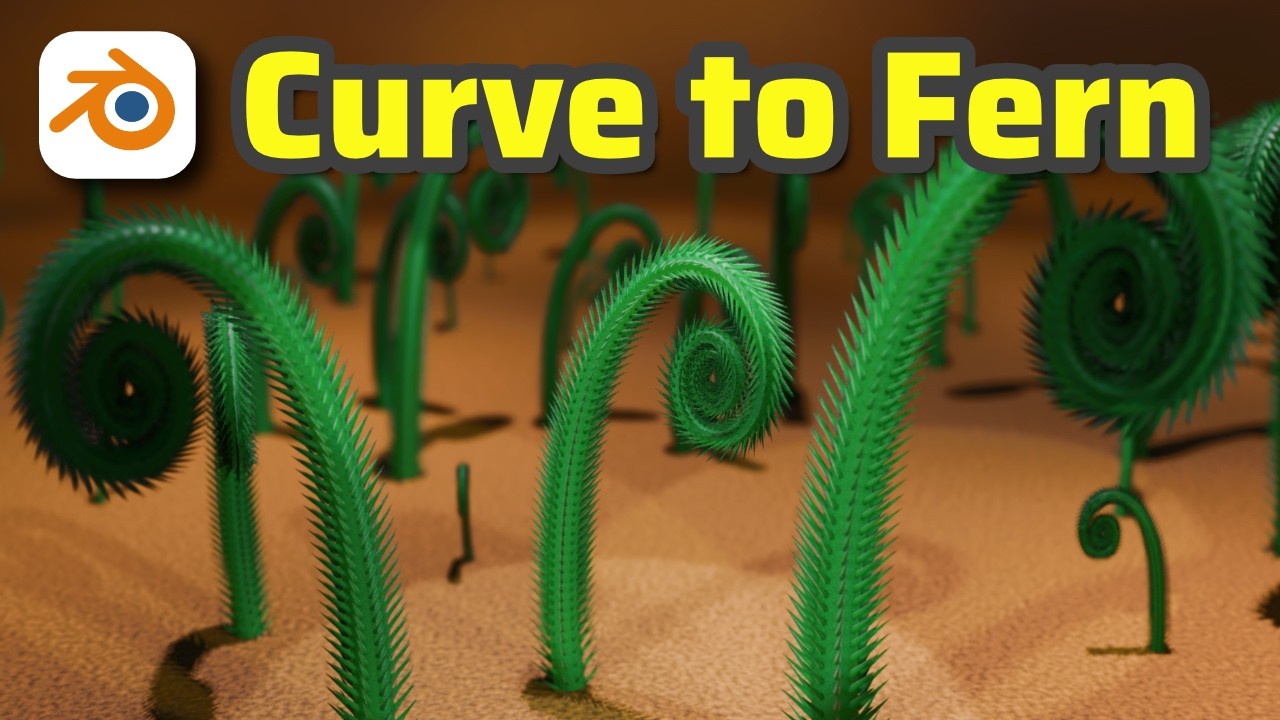
Learn how to create a beautiful, realistic fern spiral in Blender using Geometry Nodes! We’ll cover how to manipulate curves with Vector Rotate and Accumulate Fields to create a natural, animated unfurling effect. Perfect for artists exploring procedural modeling and animation. 🌿
👉 Check out my Blender playlist for more tutorials: • Zen Garden in Blender | Geometry Nodes Tut...
☕ Join my Patreon for free project files and more!
/ augury
⏰ Timestamps:
00:00 - Introduction
00:30 - Tutorial Starts
01:21 - Working on Vector Rotate
04:50 - Using Accumulate Fields to Fix the Vector Rotate
09:00 - Demonstrating Working Effect
13:34 - Instancing Hairs and Spikes along the Mesh Surface
15:46 - Combining Align Rotation to Normal and Curve Tangent to align the spikes
16:57 - Remeshing the Curve Hairs
18:13 - Working on the Procedural Shader for the Fern
19:44 - Outro
🧠 What You Will Learn:
How to use Vector Rotate in Geometry Nodes to twist and curve geometry naturally.
How to fix rotational issues with Accumulate Fields to create controlled spiral effects.
How to instance additional details (hairs/spikes) onto procedural meshes for added realism.
How to combine Align Rotation to Normal with Curve Tangent for correct orientation of instances.
How to build a basic procedural shader to add natural texture and color variation to the fern.
🌟 Welcome to Augury! Here, you'll find a variety of tutorials on what I am into at the time, tips, and tricks to help you master Blender and bring your 3D creations to life. Don’t forget to subscribe to follow the journey.
#blender #3dart #proceduralart #geometrynodes
Повторяем попытку...
Доступные форматы для скачивания:
Скачать видео
-
Информация по загрузке: