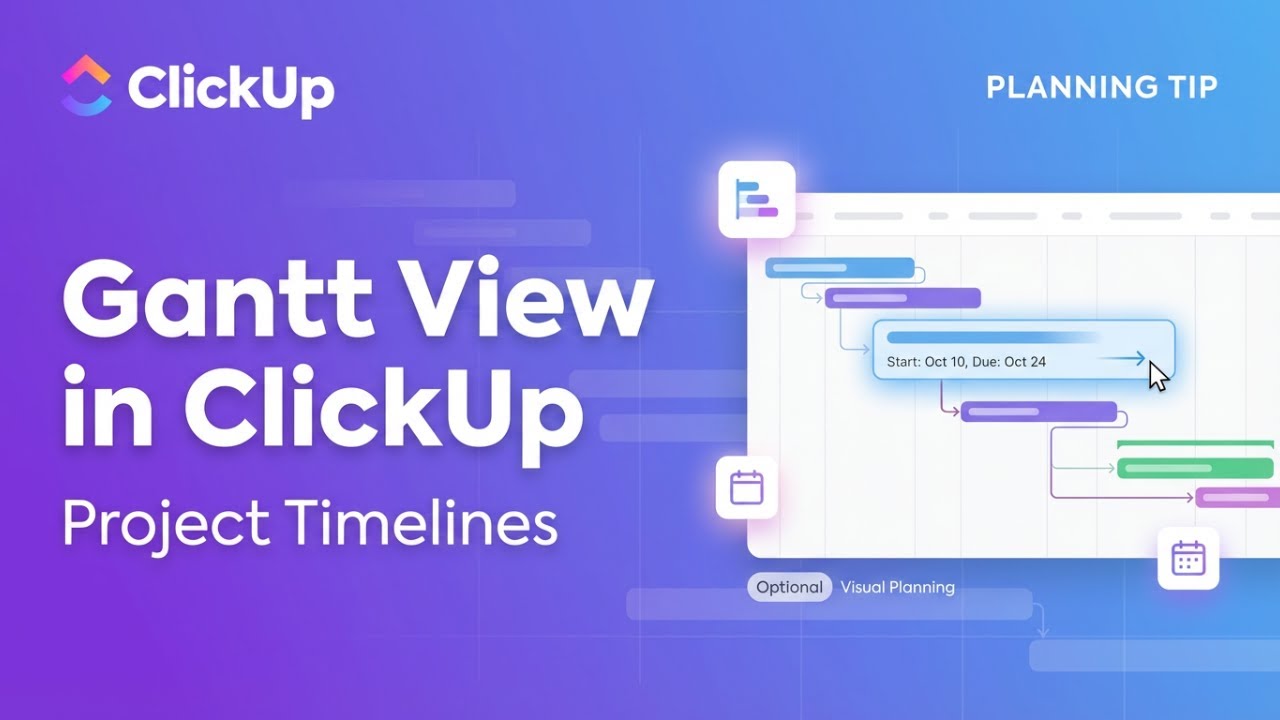
How to Use Gantt View in ClickUp | Plan & Visualize Project Timelines!
Автор: Delft Stack
Загружено: 2025-12-18
Просмотров: 299
Описание:
In this DelftStack tutorial, you'll learn how to use Gantt View in ClickUp to plan, organize, and visualize your project timeline step by step. Whether you're managing a team project, tracking deadlines, or trying to understand how tasks depend on each other, this guide helps you turn complex schedules into a clear visual timeline.
🔹 What You'll Learn in This Video:
✅ Open and enable Gantt View in ClickUp
✅ Create and name a new Gantt view
✅ Customize layout options like time scale and critical path
✅ Ensure tasks have start and due dates enabled
✅ Add existing tasks to the Gantt chart
✅ Create new tasks directly from the timeline
✅ Drag and drop tasks to adjust schedules
✅ Assign team members and manage subtasks visually
📌 Timestamps:
⏱ 00:00 – Introduction
⏱ 00:05 – Why use Gantt View in ClickUp
⏱ 00:19 – Opening your workspace or project list
⏱ 00:28 – Accessing the View menu
⏱ 00:33 – Selecting Gantt View
⏱ 00:43 – Naming and customizing the Gantt view
⏱ 01:03 – Important setup tips before scheduling
⏱ 01:18 – Adding and managing tasks on the timeline
⏱ 01:34 – Adjusting dates and assignments
⏱ 01:40 – Wrap-up and final overview
🔧 Why Watch This Video?
Gantt charts make it easier to see deadlines, dependencies, and workload at a glance. This tutorial helps you use ClickUp's Gantt View effectively so you can plan projects better, avoid conflicts, and keep your team aligned.
🔥 Liked the Video? Don't Forget to Subscribe!
Hit 👍 if this helped, share it with teammates managing projects, and subscribe for more ClickUp and productivity tutorials. Turn on the 🔔 to stay updated with new DelftStack videos.
Повторяем попытку...
Доступные форматы для скачивания:
Скачать видео
-
Информация по загрузке: