Galaxy S25/S25+/Ultra: How to Turn On/Off Bluetooth Hearing Aids Shortcut
Автор: ITJungles
Загружено: 2025-07-20
Просмотров: 1034
Описание:
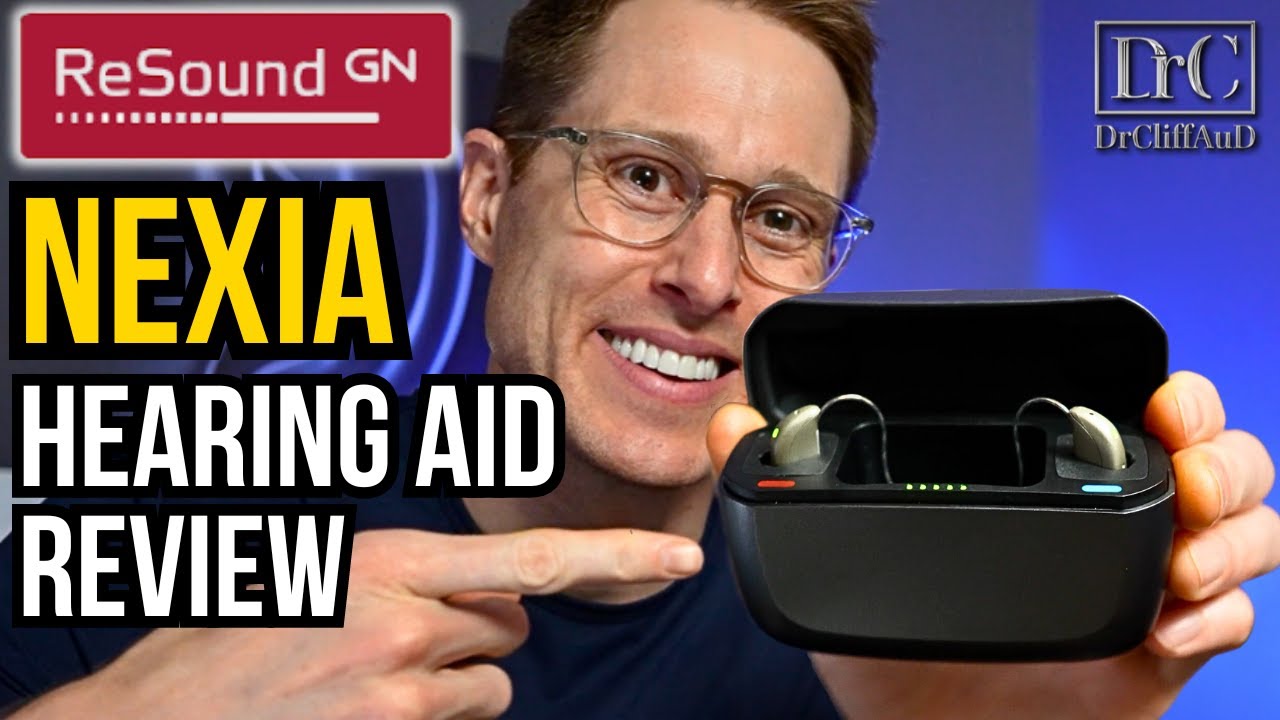
Make controlling your Bluetooth Hearing Aids effortless with this quick shortcut tutorial for Galaxy S25, S25+, Ultra, or Edge! Whether you're turning it on or off, this guide shows how to add or remove the Hearing Aid shortcut to your quick panel or accessibility settings in seconds. Perfect for anyone using hearing devices who needs a fast toggle—no more digging into menus!
#GalaxyS25 #BluetoothHearingAid #AccessibilityTips #SamsungShortcut
🛠️ Step-by-Step Instructions
Step 1: Go to Settings → Accessibility → Hearing enhancements
Step 2: Tap on Hearing aid support
Step 3: Enable the toggle to turn on Bluetooth Hearing Aids
Step 4: Now go back to the home screen and swipe down twice to fully expand the Quick Panel
Step 5: Tap the three-dot icon (More options) in the Quick Panel → Edit buttons
Step 6: Look for “Hearing Aids” shortcut and drag it into the active panel
Step 7: Tap “Done” to save it
Step 8: To turn it off, repeat Step 3 and toggle it off or tap the Quick Panel shortcut anytime
📌 This video also covers topics:
✅ How to quickly toggle accessibility features on Galaxy S25
✅ Adding custom shortcuts to Samsung Quick Panel
✅ Boosting accessibility for hearing-impaired users
Gears I use:
Velbon Sherpa 200 R/F Tripod With 3 Way Panhead https://amzn.to/2IuyFGa
Rode VideoMic Pro+ Compact Directional Microphone: https://amzn.to/36w0pme
Commissions Earned
As an Amazon Associate, I earn from qualifying purchases
FOLLOW US ON TWITTER: http://bit.ly/10Glst1
LIKE US ON FACEBOOK: http://on.fb.me/ZKP4nU
http://www.itjungles.com
Повторяем попытку...

Доступные форматы для скачивания:
Скачать видео
-
Информация по загрузке:







![[Решено] Samsung Galaxy S25/S25+/Ultra подключен к Bluetooth в машине, но нет телефонных звонков ...](https://imager.clipsaver.ru/Y8kfp0IOWoU/max.jpg)


