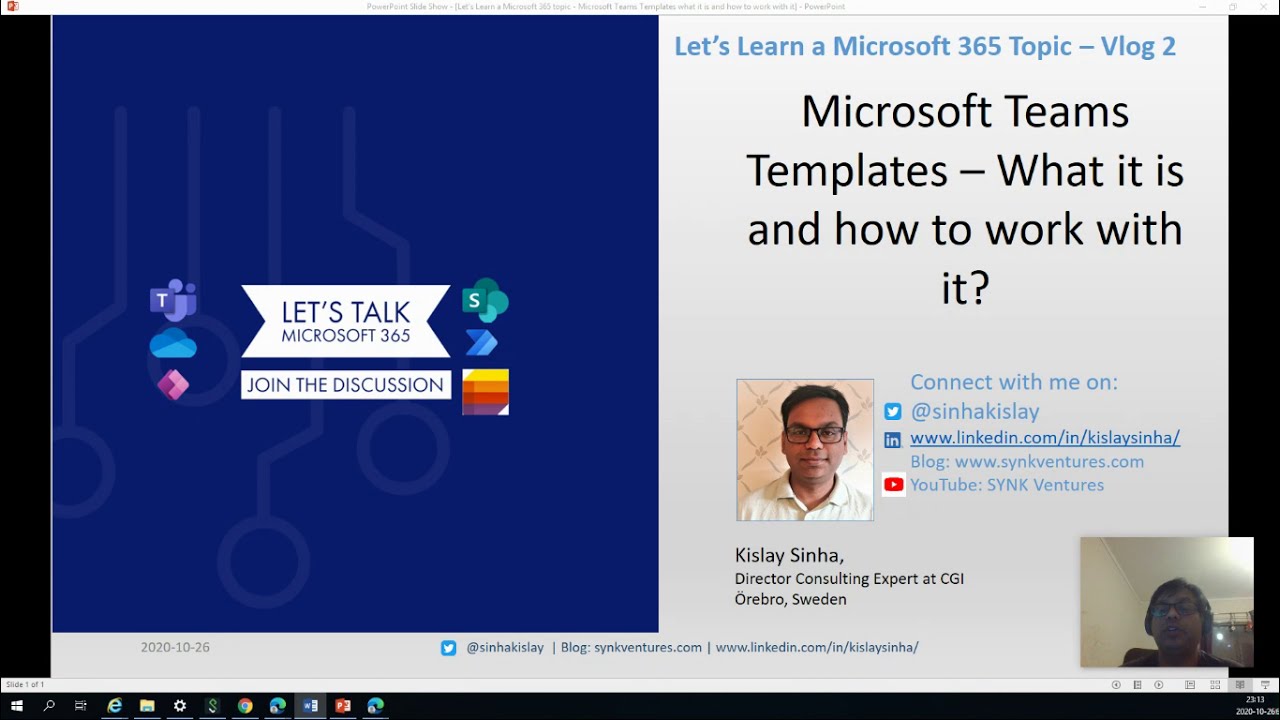
Microsoft Teams Templates –What it is and how to work with it? Episode 2 - Let's Learn a M365 topic
Автор: SYNK Ventures - Technology, Careers & Dev Insights
Загружено: 2020-10-27
Просмотров: 688
Описание:
Hello and welcome to the series ‘Let’s Learn a Microsoft 365 topic’, today’s topic is “Microsoft Teams Templates”. We will try to understand what it is , why it is important and how to work with it?
Before Teams was introduced we had/have “team site template” in SharePoint which was the place for collaboration and sharing files. Introduction of Teams has off course changed the way we collaborate for better.
The things we were missing till now was Templates because one Team cannot fit all and we definitely needed different sets of Templates.
Now as an end user you can select one template when you create a Team and as an Admin you can create multiple templates based on existing Team templates, create a new one from scratch or use an existing team to create a template.
So let’s have a look at all the options in the video.
Details of out to box templates available
Adopt Office 365
Help build, grow, and sustain your Champions community roll out by evangelizing and helping your peers with the new technology.
Manage a Project
Manage tasks, share documents, conduct project meetings and document risks and decisions with this template for general project management.
Manage an Event
Manage tasks, documents and collaborate on everything you need to deliver a compelling event. Invite guests users to have secure collaboration inside and outside of your company.
Onboard Employees
Improve your culture and streamline your employee onboarding with this central team for resources, questions and a bit of fun.
Organize Help Desk
Collaborate on documentation, policy and processes that support your helpdesk. Integrate your existing ticketing system or use our template to manage requests.
Collaborate on Patient Care
Streamline healthcare communication and collaboration within a ward, pod, or department. The template can be used to facilitate patient management, as well as the operational needs of a ward.
Collaborate on a Global Crisis or Event
Centralize collaboration for your crisis team across business units and help create business continuity plans, share remote working tips, track customer comms., and keep everyone in the loop with announcements, and news.
Collaborate within a Bank Branch
Centralize collaboration for your bank branch employees across Huddles, Customer Meetings, Business Processes such as Mortgage Collaboration, and keep everyone in the loop with Announcements and Kudos.
Coordinate Incident Response
Centralize communication and critical resources for your crisis management or incident response team. Within this team you can include many different types of files to help create a central place for all your documents. Use online meetings to improve information flow and situational awareness.
Hospital
Streamline communication and collaboration between multiple wards, pods, and departments within a hospital. This template includes a set of base channels for hospital operations, and can be self extended to include specialties, ad-hoc.
Organize a Store
Bring your retail employees together in one central experience to manage tasks, share documents and resolve customer issues. Integrate additional applications to streamline shift start & end processes.
Quality and Safety
Centralize communication, access to resources, and plant operations with a Manufacturing Plant team. Include policy and procedure documents, training videos, safety notices, shift handover processes.
Retail - Manager Collaboration
The Manager Collaboration template is ideal for creating a team for a set of managers to collaborate across stores/regions, etc. For example, if your organization has regions, you might create a Manager Collaboration team for the California Region and include all the store managers in that region, as well as the regional manager for that region.
There are three options to create a template:
1. Create a brand new template: Creates it from scratch
2. Use an existing Team as Template: If you have a team already existing you can use that create a template
3. Start with an existing template: You can start with an template which already exists by default or you have created before.
In the video you can see how to create a template and how to create a Team using the template
So ya that’s it in this video if you have any questions or suggestions please reach out to me in Twitter, Linked in or in YouTube comments, please share the video and subscribe the channel if you like it.
Connect with me on Twitter or Linked In and follow YouTube Channel or my blog
/ sinhakislay
/ kislaysinha
https://synkventures.com/
https://www.youtube.com/channel/UC6vL...
Повторяем попытку...
Доступные форматы для скачивания:
Скачать видео
-
Информация по загрузке: