5 Tips to Fix Xiaomi POCO X3 Bluetooth Issues | Pairing Not Working, Stuttering & Disconnecting Bugs
Автор: Explaining Android
Загружено: 2023-01-13
Просмотров: 22136
Описание:
In today's video I take the POCO X3 and X3 Pro and show how to troubleshooting Bluetooth related bugs.
~~~~~
Hi! Don't forget to hit the "Thanks" button on this video, if you can, and join our channel community here - / @explainingandroid
Video Description
~~~~~~~~~~~~~~~~~
Reports of Bluetooth not working are one of the most common things I see discussed among the Android community. It doesn't matter which company makes the phone. I've seen this issue pop up from Xiaomi with both its Redmi and POCO brand smartphones. I've seen it happen with Samsung and its Galaxy series. And I've seen it with Google and its Pixel devices.
Android itself just has a history of having Bluetooth issues but thankfully there are a number of troubleshooting steps we can perform. So if your Xiaomi POCO X3, POCO X3 Pro, or POCO X3 GT is experiencing a Bluetooth bug where you're unable to pair the smartphone with your headset, earbuds, or speakers, then I am here to offer 5 different ways that you can attempt to fix Bluetooth.
Reboot
The first thing that I want to recommend you do is to just reboot your smartphone. We can do this by bringing up the Power Menu and then selecting the Reboot option.
Reset Network Connections
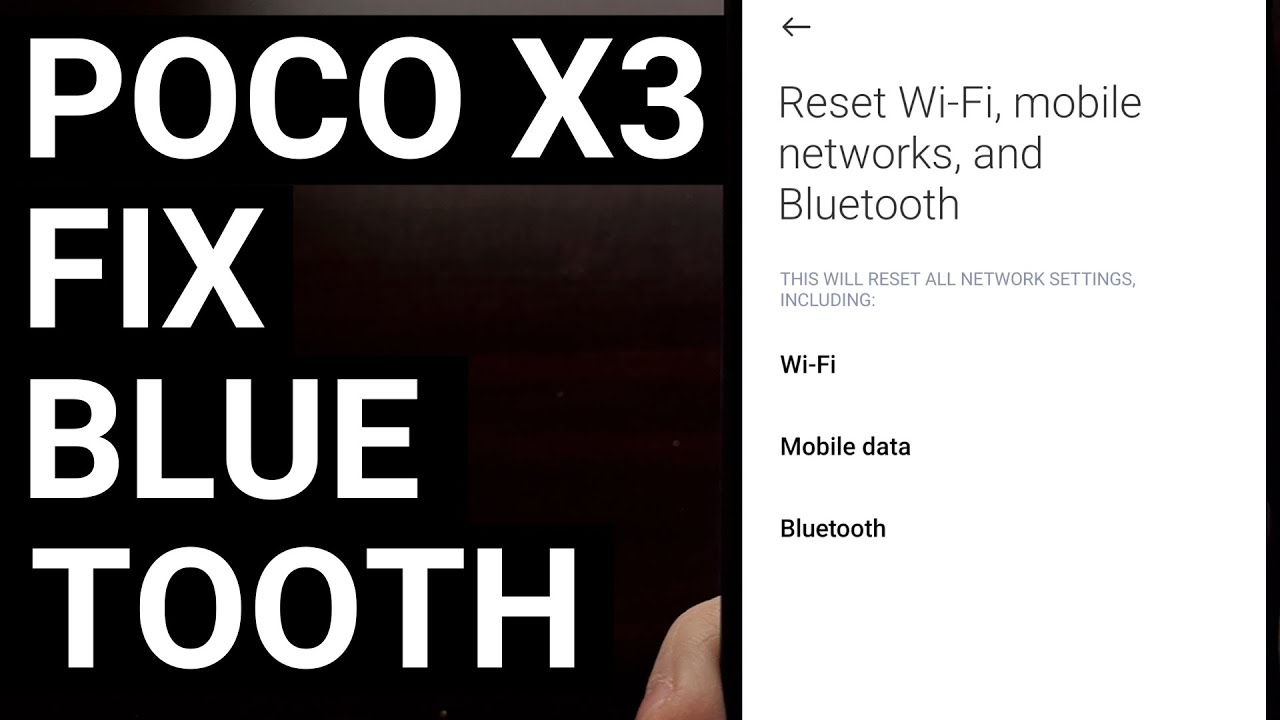
If that failed to fix your Bluetooth pairing issues, then the next thing that you can do is to reset the Network Connections on your POCO X3 smartphone. Doing this will reset your mobile data connection, your WiFi networks, and your Bluetooth stack on Android.
But if your Bluetooth connection is bugged then resetting it this way could help to repair the issue.
Delete Bluetooth App Data
So we can open up the Settings app, dive into the Apps menu and then locate the Bluetooth application from this familiar list.
If you don't see it listed here, you may be able to find it after tapping this 3-dot menu here and then selecting the Show All Apps option. Either way, scroll through this list and then tap the Bluetooth app that you can find. Now, we're going to select the Storage option and then choose the Clear Data button down here at the bottom.
Developer Mode Options
The developers of the Android OS are well aware that the Bluetooth stack that has been used is not the best way to handle it. So they have been hard at work on a new version that is tucked away in the hidden Developer Options menu.
You can find this new menu in the Additional Settings menu. So let's dig around this settings menu and scroll down until you start to see some Bluetooth related options. You should find them within the Networking section and if you're on a version of MIUI that is based on Android 12 then you should also find the Gabeldorsche toggle here as well.
So we can enable this by simply toggling the feature on, and then rebooting the device. Try to pair your Bluetooth earbuds, headset or speaker with the POCO X3 NFC to check if the connection issues have been fixed or not.
Factory Data Reset
The last thing that I can recommend those who are still facing a Bluetooth related issue is to perform a factory data reset to their phone. I have tried to offer as many helpful solutions before suggesting this, but if you're still unable to pair the POCO X3 with your Bluetooth device then there could be some underlying bug within the Android firmware itself.
This could happen thanks to some filesystem data that has become corrupt over time, it could have bugged out after you installed a new OTA update, or MIUI could have just been installed from the factory with a faulty USB cable. So performing a factory data reset could be the only way to fix it.
When the phone boots back up, reactivate Android like you normally would and then attempt to pair the smartphone with your favorite Bluetooth device.
I can also recommend that you unlock the bootloader so that you can manually flash a freshly downloaded MIUI firmware to the device. As that has been known to help these types of underlying Android OS bugs.
Mentioned Links
~~~~~~~~~~~~~~~~~~~~
Xiaomi MIUI Developer Mode - • How to Enable Developer Mode on Xiaomi MIU...
Step by Step Tutorial
~~~~~~~~~~~~~~~~~
1. Intro [00:00]
2. Reboot the phone [01:08]
3. Reset Network Connections [02:19]
4. Clear Bluetooth App Data [03:54]
5. Enable Experimental Bluetooth Stack [06:40]
6. Factory Data Reset [10:02]
7. Conclusion [12:33]
As an Amazon associate, I may earn a commission on sales from the links below.
The Gear I Use
~~~~~~~~~~~~~~~~~
5W "Slow" Charger - https://amzn.to/2OaUMV8
Fast Charger - https://amzn.to/3rtBsC6
MicroUSB Cable - https://amzn.to/38dkpeM
USB-C Cable - https://amzn.to/2OqlTvi
TPU Cases - https://amzn.to/38g9b9w
USB-C to 3.5mm Dongle - https://amzn.to/3rVt7c3
USB-C to 3.5mm DAC - https://amzn.to/3CyksSJ
onn 4K Android TV - https://bit.ly/3hHCpTc
NVIDIA Shield TV - https://bit.ly/3KA17RV
Повторяем попытку...
Доступные форматы для скачивания:
Скачать видео
-
Информация по загрузке: