How to Add a Sticky Secondary Menu to your Global Header in Divi using the Theme Builder
Автор: Divi Engine
Загружено: 2022-06-14
Просмотров: 5035
Описание:
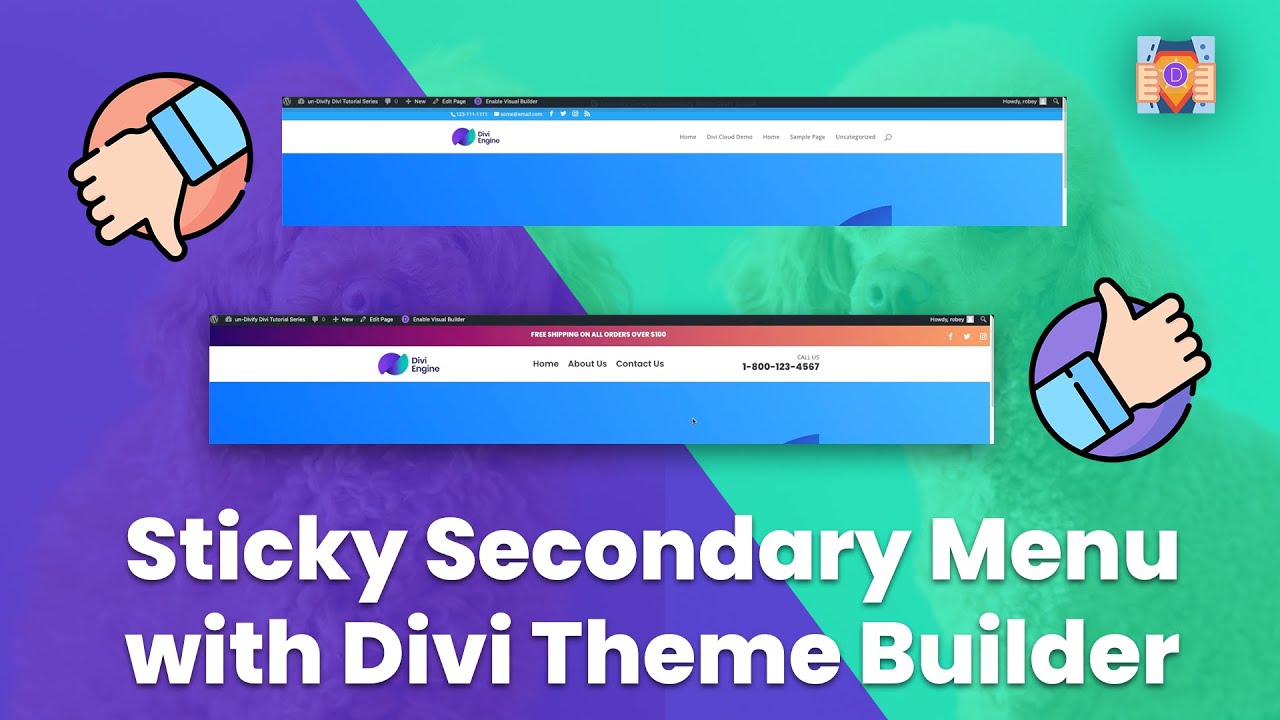
Keeping on track with our Divi Tutorial Series on Building Divi Sites that don't look like Divi Sites we turn to that distinctive Default Divi Secondary Menu. That not-so-gorgeous blue strip is yet another dead giveaway that your site was built with Divi, but Divi Engine is here with solutions.
Sure, you can use the Theme Customizer to do some basic upgrades to your Divi Secondary Menu, but all the cool kids are using the Divi Theme Builder these days. In this Divi Tutorial we will show you how to use the Divi Theme Builder to add a striking Secondary Menu to your Divi Global Header.
➤ Divi Mega Menu https://diviengine.com/product/divi-m...
📖 Text Tutorial @ https://diviengine.com/how-to-add-a-s...
📚 How to un-Divify your Divi Sites Tutorial Series @ https://diviengine.com/how-to-un-divi...
➤ Learn more about Divi Engine @ https://diviengine.com/
➤ Get the Divi Theme @ https://www.elegantthemes.com/affilia...
CHAPTERS
00:00 Introduction
00:56 Using the Divi Theme Customizer
02:02 Editing your Divi Global Header in Theme Builder
02:15 Adding a Row for our Secondary Menu
02:51 Adding a Gradient Background with Multiple Stops
04:18 Making Divi Row Full Width
04:54 Adding a Promotion to your Secondary Menu
06:35 Adding Social Icons to Divi Secondary Menu
08:27 Making your Divi Secondary Menu Sticky
08:56 Conclusion
Повторяем попытку...
Доступные форматы для скачивания:
Скачать видео
-
Информация по загрузке: