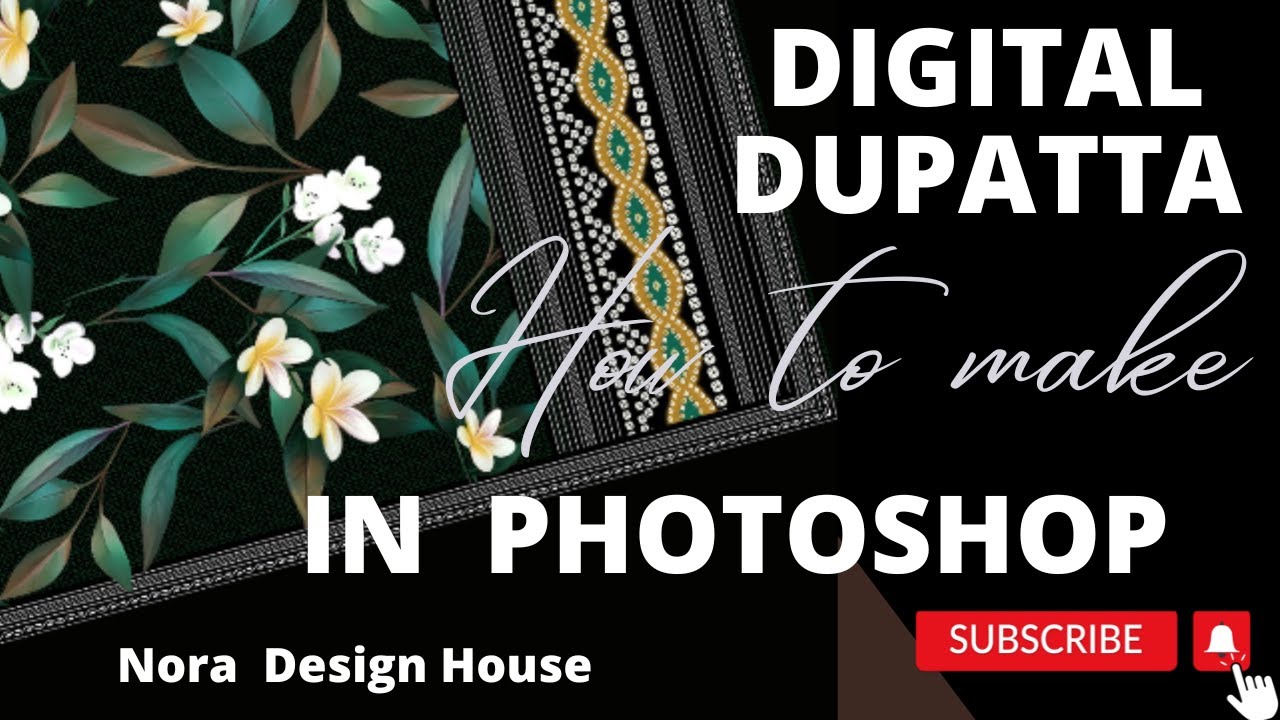
how we make digital dupatta design in photoshop step by step
Автор: NORA DESIGN STUDIO
Загружено: 2023-08-23
Просмотров: 557
Описание:
how we make digital dupatta design in photoshop step by step #photoshop #howto #digitalart #textile element flowers ,texture ,border
Creating a digital dupatta design with elements like flowers, textures, and borders in Photoshop can result in a beautiful and intricate design. Here's a step-by-step guide:
Step 1: Set Up Your Workspace
Open Adobe Photoshop.
Create a new document with the desired dimensions for your digital dupatta design. For example, you can set it to 30 inches by 100 inches at 300 DPI for high-quality printing.
Step 2: Background and Base
Choose a background color or texture that complements your design. You can use the "Paint Bucket" tool to fill the background layer.
Create a new layer for your base design. This layer will serve as the foundation for your design.
Step 3: Adding Flowers and Floral Elements
Create a new layer for your flowers. You can use stock images of flowers or draw them using the "Brush Tool."
Use the "Pen Tool" to create paths for the flower shapes if you're drawing them manually.
Apply flower colors using the "Brush Tool" with a flower-themed brush or a custom brush you create.
Experiment with layer blending modes to make the flowers blend naturally with the base and background.
Step 4: Adding Texture
Create a new layer for the texture. You can use textures that resemble fabric, silk, or any texture you want.
Apply the chosen texture to the layer. You can use the "Overlay" or "Soft Light" blending mode to make the texture interact with the underlying layers.
Step 5: Adding Borders and Patterns
Create a new layer for the border. You can use the "Rectangle Tool" to draw a rectangular shape for your border.
Apply decorative patterns or motifs to the border using brushes, shapes, or patterns you create or find online.
Experiment with layer styles like "Stroke," "Gradient Overlay," or "Pattern Overlay" to enhance the border's appearance.
Step 6: Arranging and Adjusting
Arrange the elements (flowers, textures, borders) on your dupatta design. Use the "Move Tool" to position and scale them as needed.
Experiment with layer opacity to achieve the desired level of transparency and blending between elements.
Step 7: Color Palette and Details
Choose a cohesive color palette for your design. Consider using colors that harmonize with the flowers and textures you've added.
Add small details, such as leaves, vines, or small embellishments, to enhance the overall design.
Step 8: Finishing Touches and Export
Review your design and make any necessary adjustments.
Save your Photoshop project (PSD file) to preserve your layers and edits.
Export your design as a high-resolution image (JPEG, PNG, or TIFF) for printing or digital sharing.
Remember that creating a digital dupatta design involves artistic expression, so feel free to experiment with different techniques, brushes, and effects to achieve the desired aesthetic.
#photoshop #fashion #artist #photoshop #fashion #artist
#PiXimperfect#patterndesign #aquario #adobeillustrator #illustratortutorial #nedgraphics #textiledesigner #colorways #colorchips#GFXMent#nikhilpawarr #trending #trendingshorts
#design #whatsapp#studentmotivation #freelancer #freefire #howto
LET'S CONNECT:
@NORADESIGNSTUDIO-bd8sw
Повторяем попытку...
Доступные форматы для скачивания:
Скачать видео
-
Информация по загрузке:


![Create Texture Background In Photoshop || Motion Blur || Mono Matching || Digita Design [ Hindi ]](https://image.4k-video.ru/id-video/LFm3O8Ja9Hs)


