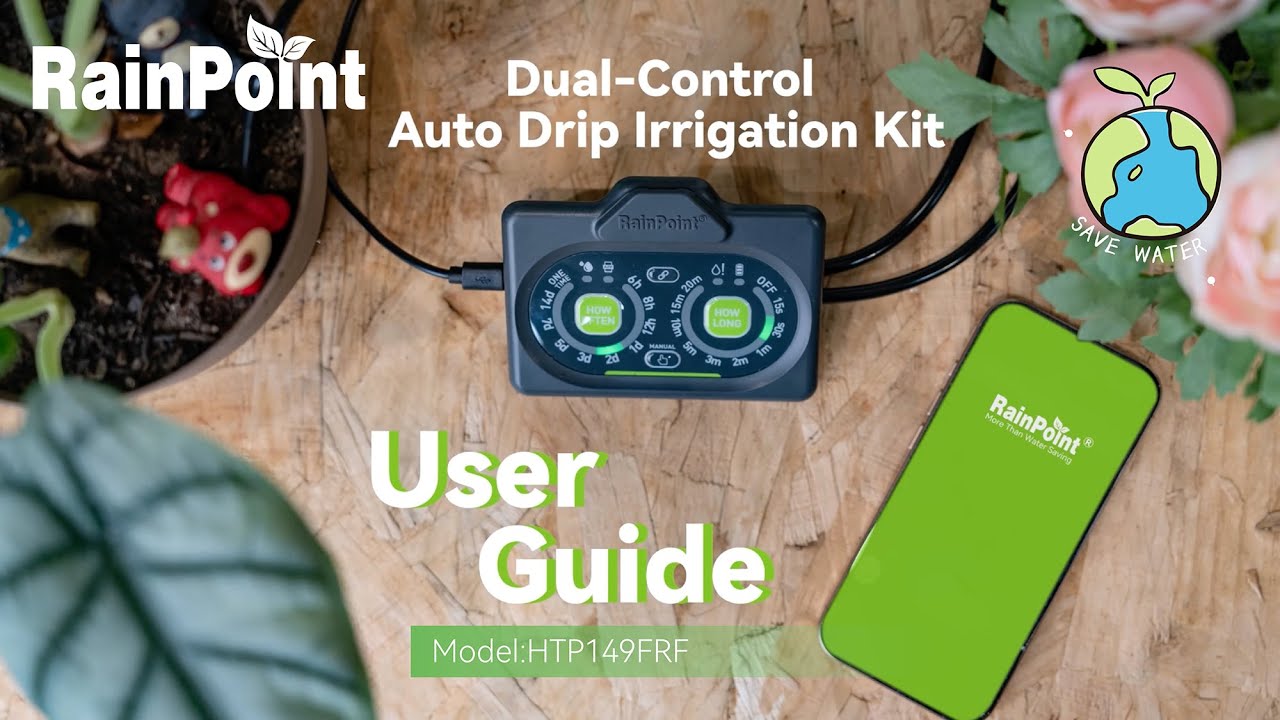
#RainPoint
Автор: RainPoint
Загружено: 2026-01-29
Просмотров: 6
Описание:
Placement Setup (📍)
Choose your mounting method:
Hang the kit using the included hook
Place it on a flat tabletop
Mount it on the wall with the provided fixtures
Secure the kit firmly using the matching accessories.
Power Supply Setup (🔌☀️)
Option 1 (Solar Power): Position the solar panel in a well-lit area to charge and power the kit.
Option 2 (USB Charging): Connect the USB cable to a power source for charging or direct operation.
The kit will switch between power sources automatically.
Local Physical Control Operation (🤲)
Use the on-device buttons:
Press the "Start" button to begin watering immediately.
Press the "Pause" button to stop watering mid-cycle if required.
Remote App Control Operation (📱)
Download the compatible app (e.g., RainPoint Home App) on your mobile device.
Pair the kit with the app via Wi-Fi.
After pairing:
Schedule watering times remotely.
Turn watering on/off by tapping the app interface.
Smart Moisture Scene Setup (🌱💧)
Connect the smart soil meter to the irrigation kit.
Open the app and enable the "Smart Scene" function.
Set the trigger: When soil moisture drops below 25%, the kit will start watering automatically.
🔔 Subscribe for more questions and suggestions, please feel free to leave your comments or contact us by clicking the following link.
►Customer Care---https://www.rainpointonline.com/pages...
#AutoIrrigation #DualControl #SmartGarden #PlantCareEssentials #RainPoint #DripIrrigationKit #PlantParentHacks
Повторяем попытку...
Доступные форматы для скачивания:
Скачать видео
-
Информация по загрузке: