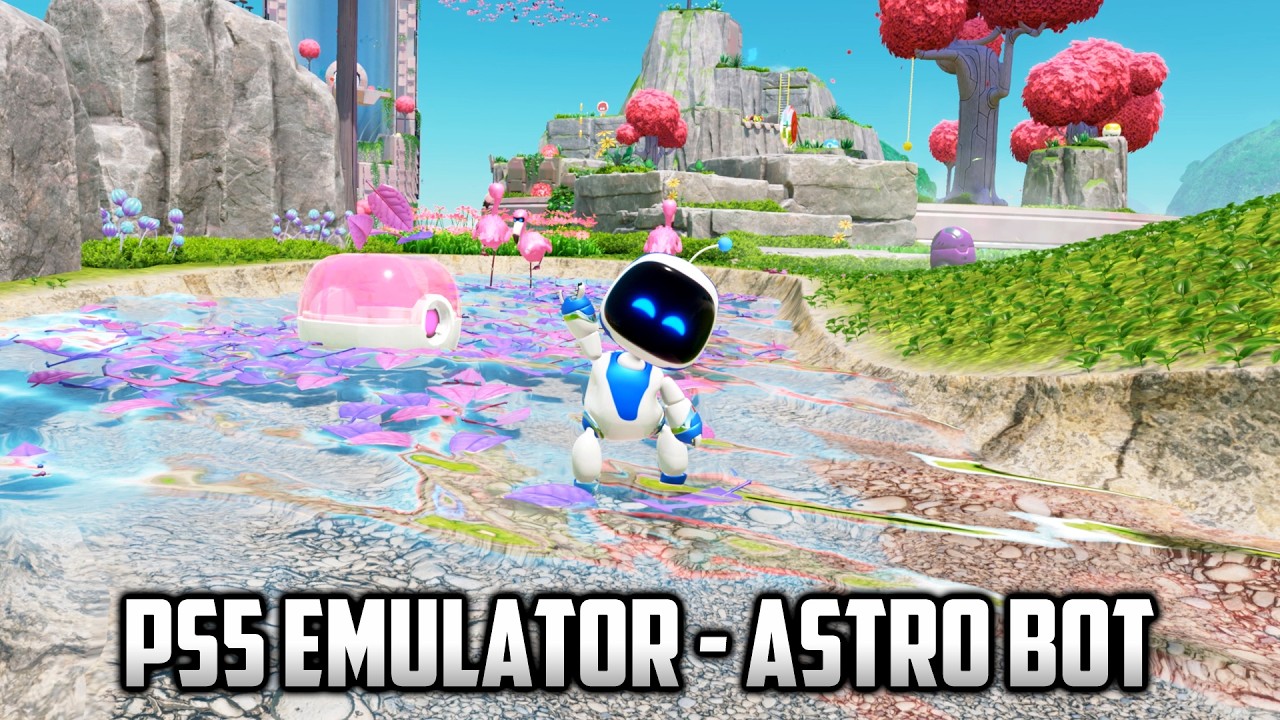
KytyPS5 (PS5 Emulator) - Astro Bot #10 (9800X3D + RTX 4080)
Автор: Unreal Gaming PC
Загружено: 2026-10-07
Просмотров: 10553
Описание:
▶▶▶My PC◀◀◀
https://www.amazon.com/shop/unreal
https://pcpartpicker.com/b/Dbd9TW
CPU: AMD Ryzen 7 9800X3D
GPU: Nvidia GeForce RTX 4080 (Asus ROG Strix OC)
RAM: 64GB G.Skill Trident Z5 Neo 6000 CL30
SSD: WD SN850X 4TB
00:00 - 00:39 Before rendering fixes (micolee221 build)
00:39 - 01:12 After rendering fixes (Jetsku build)
01:12 - 01:26 GI probes and lighting shaders enabled comparison
01:26 Gameplay (GI probes and lighting shaders enabled)
Latest Jetsku build. Vegetation and water are fixed compared to my previous video (where I was using micolee221's build). And now, finally, the 'non-RT patch' is no longer needed to play (before, without it, the image was almost completely black), so you can disable it for the best lighting.
And lastly, the patches have been updated, allowing us to select different resolutions.
"Astro Bot without the "non RT patch": the game's own tiled lighting, GI probes and ray traced shadows now run, so the two patches are no longer needed. Without them the robots used to be black and the lighting missing, because the lighting shaders contain ray-tracing instructions and were skipped. Those instructions now run in software on any GPU (NVIDIA, AMD and Intel).
How to play without the patches: open the launcher, select Astro Bot, open the cheats window and untick "Select the existing non-tiled deferred-lighting renderer" and "Disable GI probes and lighting shaders".
If you see problems, tick them again; this build also runs fine with them."
Game version: PPSA21567 v1.018 (EUR)
**Build**
Jetsku 576d42d
https://github.com/Jetsku/KytyPS5/rel...
***Patches:
https://www.mediafire.com/file/l4vjy0...
***For Intel CPUs enable: AMD CPU patch (EXPERIMENTAL)
https://i.imgur.com/ipCb1kv.png
KytyPS5
https://github.com/KytyPS5/KytyPS5
PS5 Emulation Discord
/ discord
**FAQ**
▶▶▶ I want better performance.
Get a better CPU and/or just wait to future updates of this emulator.
▶▶▶ There are some glitches or missing graphics.
Obviously, this is a Work In Progress emulator.
▶▶▶ Which gamepad do you use?
DualSense
▶▶▶ There is stuttering.
There will be stuttering in the game if we don't have that shader in the cache, and as we play, we will increase the shader cache, so there will be fewer stutters. In my videos, I test first and then record, so most shaders will be in the cache, but there can always be some stutter if I'm missing a shader.
▶▶▶ Where i get the games?
You can obtain your games by dumping them from your PS5 console. It only requires that you are in possession of a jailbroken console.
Do not ask for or share game download links. That is piracy and it is not allowed on this channel.
▶▶▶ How to install and enable patches?
Copy the _Patches folder to the main folder of the emulator, the path should be "KytyPS5folder\_Patches\TitleID.json
Then open KytyPS5's launcher, right click on the game, click on "Cheats (experimental)...", enable or disable the patch and apply:
https://i.imgur.com/XmAX2bZ.png
#kytyps5 #ps5 #playstation #emulator #emulador #playstation5 #astrobot #ps5emulator #patch #parche
Повторяем попытку...
Доступные форматы для скачивания:
Скачать видео
-
Информация по загрузке: