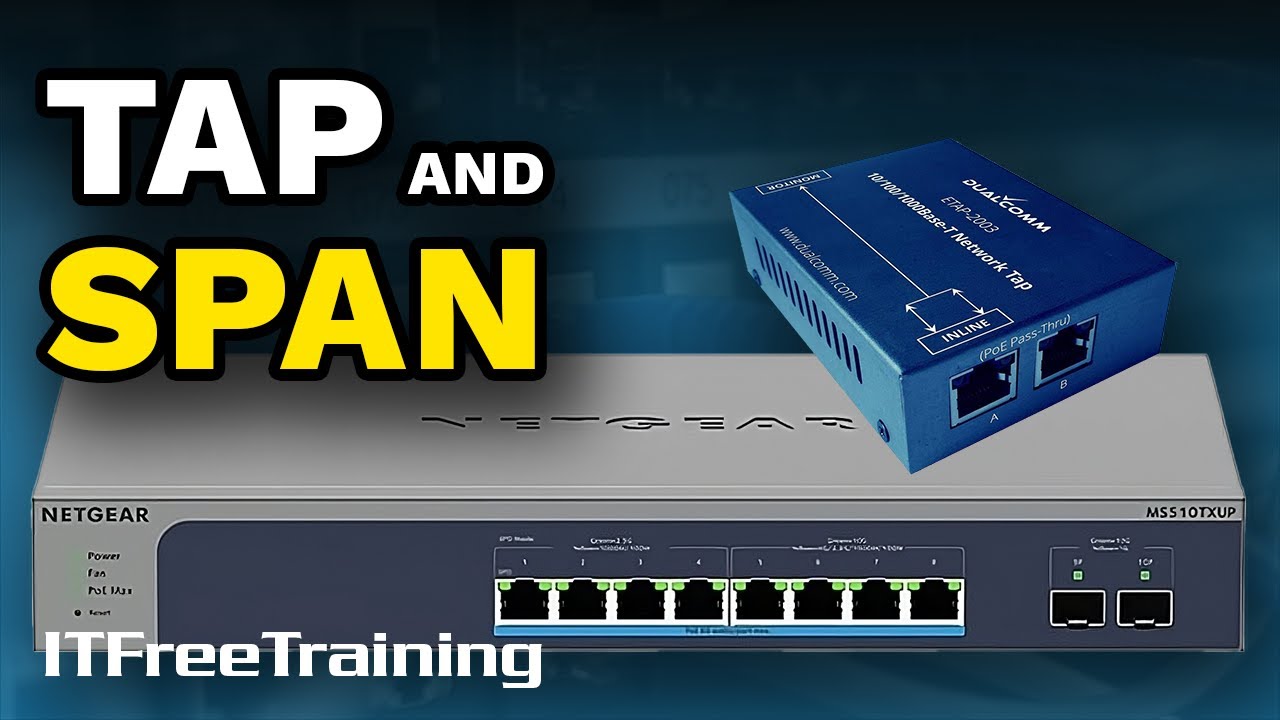
TAP and SPAN - CompTIA A+ 220-1101 – 4.11
Автор: ITFreeTraining
Загружено: 2024-12-27
Просмотров: 2538
Описание:
Let’s have a look at TAP and SPAN.
Download PowerPoint: https://itfreetraining.com/handouts/a...
The Problem
To grasp the concepts of TAP and SPAN, it is crucial to first understand the challenge they address. Picture yourself overseeing a network where it becomes necessary to observe the data traveling over a connection. This monitoring could be for various reasons: perhaps you are troubleshooting to pinpoint network communication issues or aiming to enhance network optimization. You could also be monitoring the network for intruder detection.
Regardless of why you want to capture network traffic, your fundamental goal is to acquire a copy of the network traffic traveling over a network link. The copy of this data stream becomes a valuable tool for analyzing or monitoring the traffic on that link. Importantly, since you are working with a copy, there's no impact or disruption to the actual flow of network traffic. In essence, you become a silent observer of the network, seamlessly monitoring all activities without causing any interference or disturbance.
Let’s have a look at how a TAP and SPAN achieve this.
TAP vs SPAN
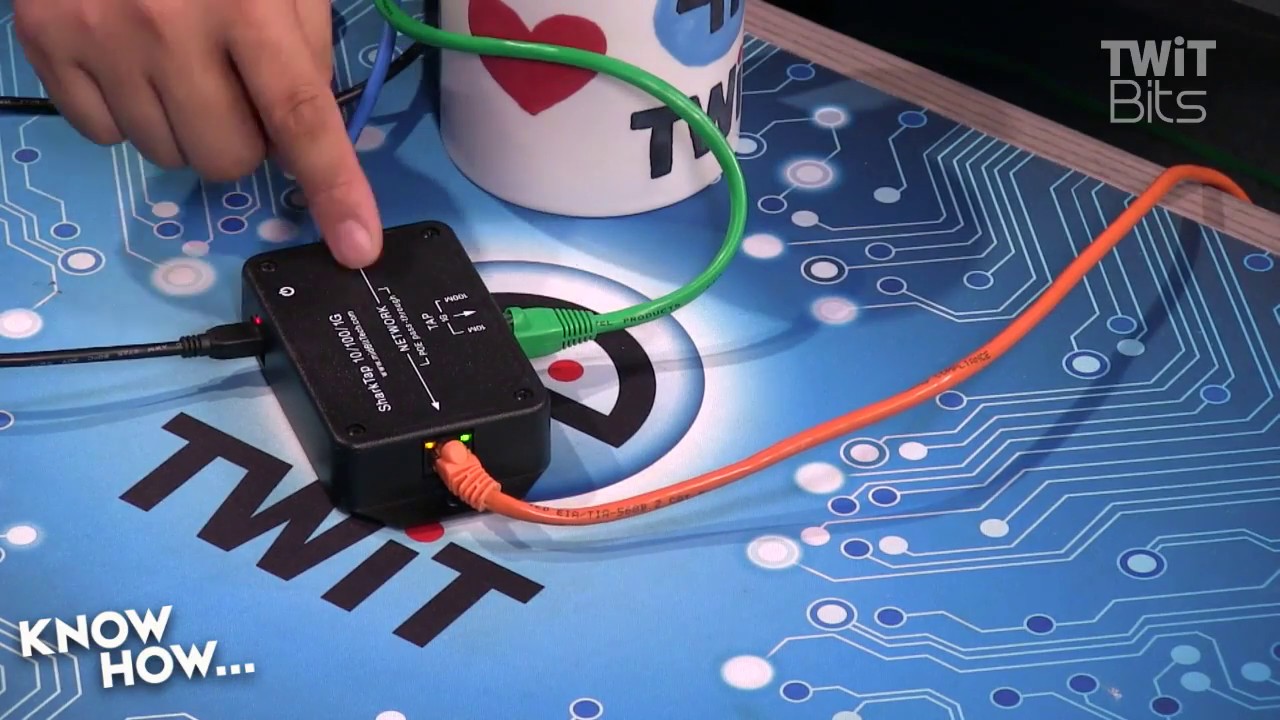
TAP stands for Test Access Point. A TAP is integrated into a network by physically inserting it into the cable run between two network devices, such as switches, routers or firewalls. It has at least three ports: one for the incoming data stream, one for the outgoing data stream and one or more monitor ports.
The example shown here is used for ethernet. These devices are also available for fiber and other network types. The first example has one incoming, one outgoing and one monitor port. The second example takes two incoming, two outgoing and two monitor ports. There is also one big difference between the two. The first one is active, that is, it requires power to operate. The second is passive and thus does not require power to operate.
For active TAPs, in the event of a power outage, most are designed to automatically switch to a pass-through mode. This will mean the network will not be affected; however, monitoring will not be available until the power is restored.
SPAN or Switched Port Analyzer, in contrast to TAP, requires a network switch to support it. This may also be referred to as a mirror port. SPAN does not appear on the exam objectives but is talked about in the official study guide. In the real world, in most cases, SPAN will be used over TAP due to it just being the more convenient option. There are some differences between the two which I will look at in a moment.
To utilize SPAN, you just need to configure a port as a monitoring port on your switch that supports this feature. SPAN ports are often a feature of managed switches, but it is best to check before you purchase the switch. Businesses will often purchase managed switches, so there is a good chance your company has some that already support this feature. For this reason, you can see why SPAN ports are often used in the real world rather than a TAP since there is a good chance you already have the hardware. However, there are reasons why you would want to use a TAP over a SPAN.
Difference between TAP and SPAN
While both TAP and SPAN facilitate the creation of a data stream for analysis and monitoring, they operate in distinct ways. Specifically, a TAP generates an identical replica of your data, inclusive of any errors present. This feature is particularly valuable for troubleshooting scenarios where identifying and analyzing errors in a connection is crucial. If your objective is to diagnose a connection that is generating errors, utilizing a TAP is a good choice, as it ensures you have a comprehensive and unaltered view of the data, errors included.
SPAN, in contrast, does not create an identical copy and, in fact, can drop packets. This happens for two main reasons. Firstly, due to packet errors. If there is something wrong with the packet (for example, it is incomplete or corrupt), the packet will be dropped. If you are troubleshooting a network problem (for example, a damaged cable that is causing packets to be dropped), you won’t be able to detect this using SPAN. If you are not using TAP or prefer to use SPAN, you can always look in the switch’s reports to see if packets are being dropped.
Description too long for YouTube. Please see the following link for the rest of the description. https://itfreetraining.com/ap11/4c40
References
“The Official CompTIA A+ Core Study Guide (Exam 220-1101)” page 140
Credits
Trainer: Austin Mason http://ITFreeTraining.com
Voice Talent: HP Lewis http://hplewis.com
Quality Assurance: Brett Batson http://www.pbb-proofreading.uk
Повторяем попытку...
Доступные форматы для скачивания:
Скачать видео
-
Информация по загрузке: