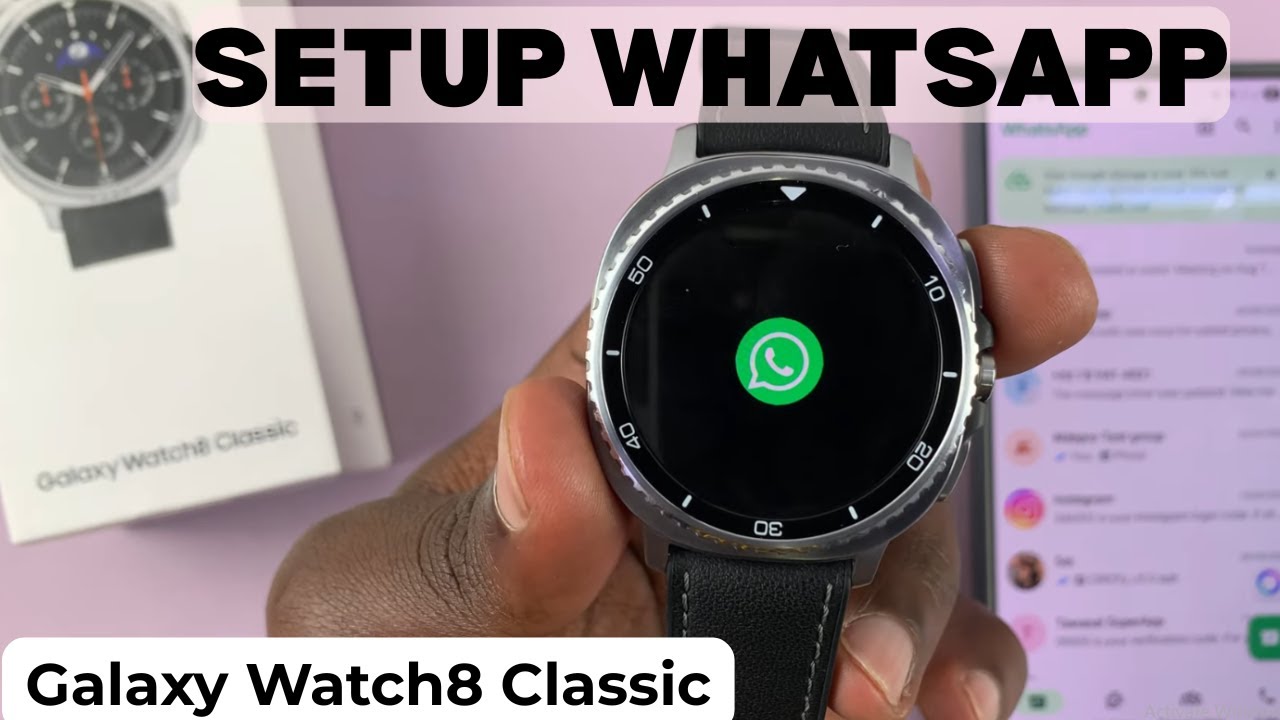
How To Set Up Whatsapp On Samsung Galaxy Watch 8 / 8 Classic
Автор: WebPro Education
Загружено: 2025-08-14
Просмотров: 2550
Описание:
Here’s how to set up WhatsApp on Samsung Galaxy Watch 8 / 8 Classic so you can stay connected right from your wrist. By learning how to set up WhatsApp on Samsung Galaxy Watch 8 / 8 Classic, you’ll be able to receive notifications, reply to messages, and manage chats without picking up your phone.
How To Set Up Whatsapp On Samsung Galaxy Watch 8 / 8 Classic;
-Go to the app screen on your watch and locate the WhatsApp icon.
-Ensure WhatsApp is already set up and running on your phone.
-Open WhatsApp on your phone and keep it active.
-Launch WhatsApp on your watch and wait for it to start.
-When your phone detects the link request, confirm it.
-Enter your password on your phone if prompted.
-Input the code shown on your watch into your phone.
-Wait for the watch to log in and load your chats.
-Read messages, listen to voice notes, send voice messages, or reply using voice typing or the keyboard.
#SamsungGalaxyWatch8 #GalaxyWatch8Classic #WhatsApp #GalaxyWatchTutorial
Timestamps:
0:00 – Intro
0:14 – Opening WhatsApp on your watch
0:26 – Ensuring WhatsApp is ready on your phone
0:46 – Linking your watch and phone
1:11 – Entering the code and confirming
1:38 – Accessing and replying to messages
----My Gear for Youtube videos----
Main Camera (iPhone 13 pro): https://amzn.to/3GZztve
Tripod: https://amzn.to/35acqRa
Cell Phone Tripod Adapter: https://amzn.to/3v3wFuI
Lights: https://amzn.to/3vkoGK7
As full disclosure, I use affiliate links on this channel and purchasing through these links earns me a small commission. The price you pay will be the same!
Website: https://www.webproeducation.org
Facebook: / webproeducation.org
Twitter: / webpro_e
Instagram: / webproeducation
Повторяем попытку...
Доступные форматы для скачивания:
Скачать видео
-
Информация по загрузке: