How to Compare Products in WordPress Website | WooCommerce Compare Products
Автор: WebStylePress
Загружено: 2022-12-28
Просмотров: 7730
Описание:
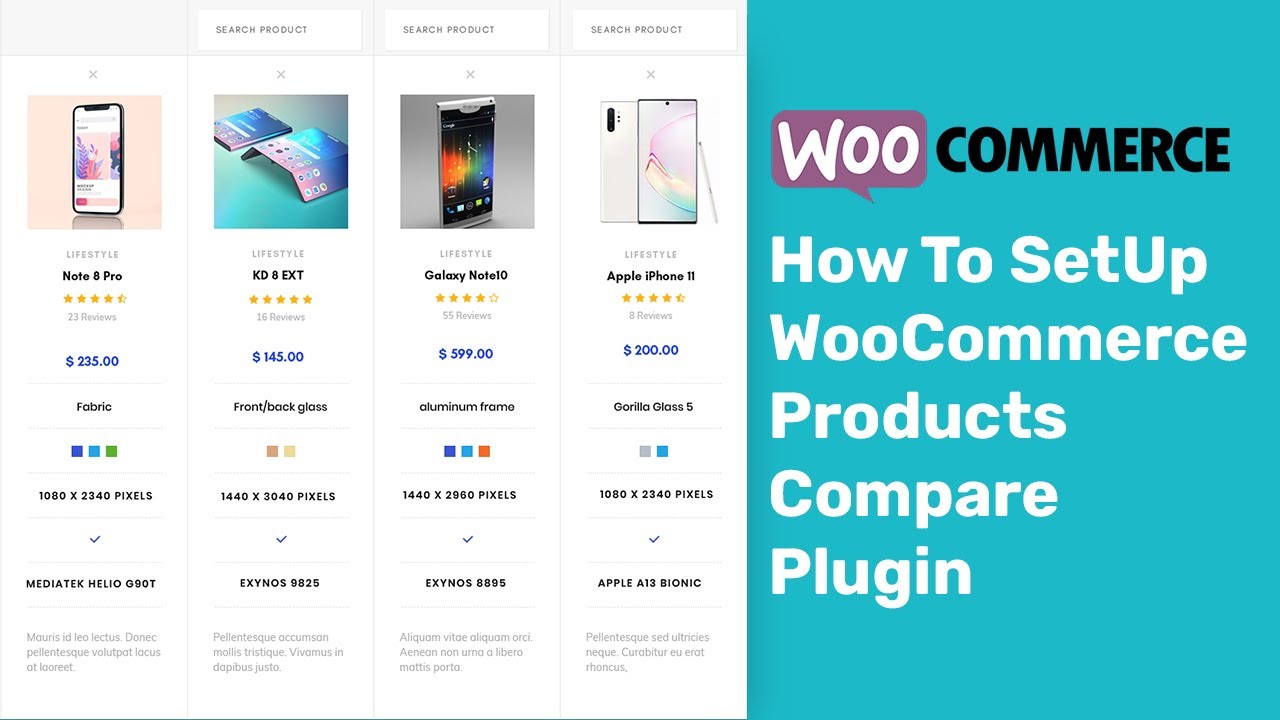
How to add product comparison in WordPress? Its very simple. Product comparison is where you place products side-by-side to compare their features. Allow website visitors to compare multiple products on your online store. It enables functionality to let visitors add products to a comparison table which consists of product information like name, image, price, rating, description, attributes and more. Enhance your customers' over all shopping experience on your ecommerce website built with WordPress.
To add product comparisons, go to plugins and search for 'compare products'. We will use 'Addonify – Compare Products For WooCommerce'. It will allow you to compare products side by side. Install and activate.
Go to plugin's settings to adjust plugin to fit your needs. Refresh products page. Now each product has a compare button. Select products to compare by clicking compare button. You can also click plus icon to search products and add to comparison panel. Products are being added to the comparison panel. After you are done, click compare button. Watch products side by side, compare features of different products.
Really an awesome and easy to implement product comparison. You can also get this comparison at separate page, but I like it this way. So this is how you can add product comparison functionality in your wordpress website.
If you are new to the channel, subscribe to learn more about web development, web application development, editing wordpress source code, how to create a website using wordpress, developing landing pages in wordpress, working with child theme wordpress, custom wordpress theme development, wordpress plugin development, how to build a website with wordpress, create a website with wordpress and related web development areas. You can also make money online by learning and using the skills that we share on this channel.
Thank You!
👍 LIKE VIDEO
👊 SUBSCRIBE
🔔 PRESS BELL ICON
✍️ COMMENT
⚡Channel: / @webstylepress
⚡Website: https://www.webstylepress.com
⚡FaceBook: / webstylepress
⚡Twitter: / webstylepress
⚡GitHub: https://github.com/webstylepress
#WooCommerce #WordPress #WordPressTutorial #WordPressTraining #WordPressForBeginners #WordpressPlugin #WebDevelopment #WordpressDeveloper #WebStylePress #website
Повторяем попытку...

Доступные форматы для скачивания:
Скачать видео
-
Информация по загрузке: