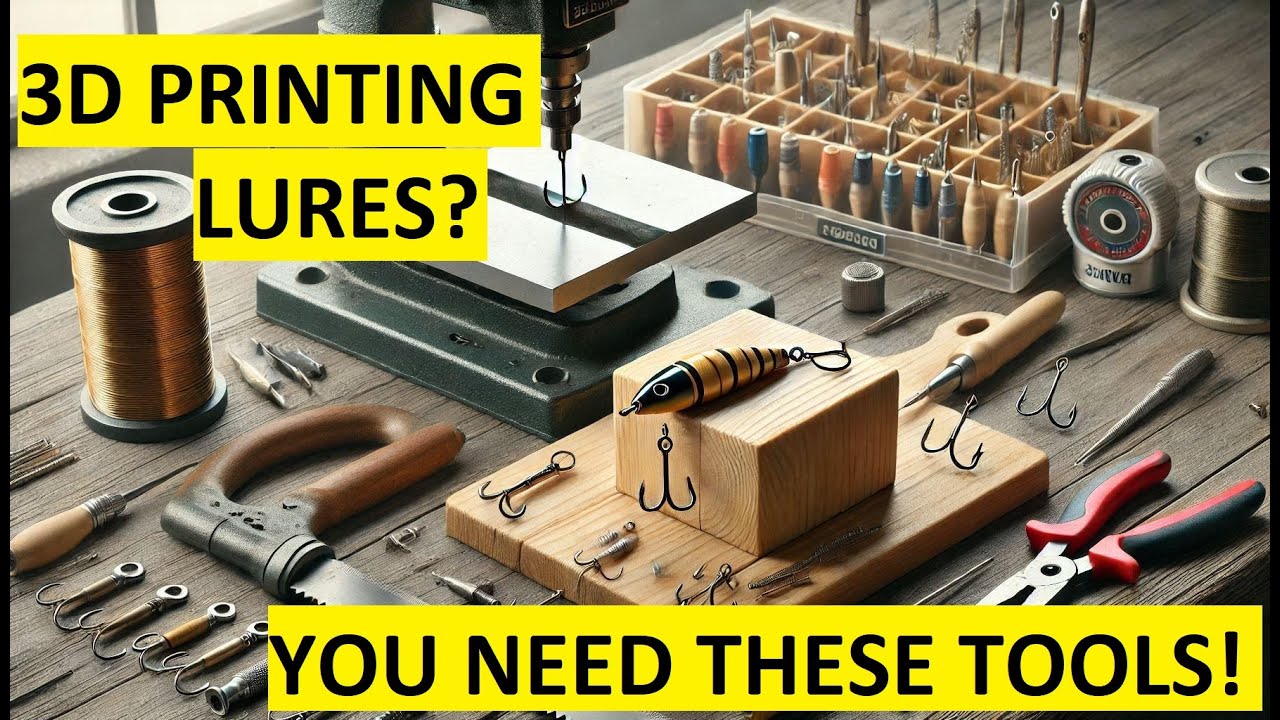
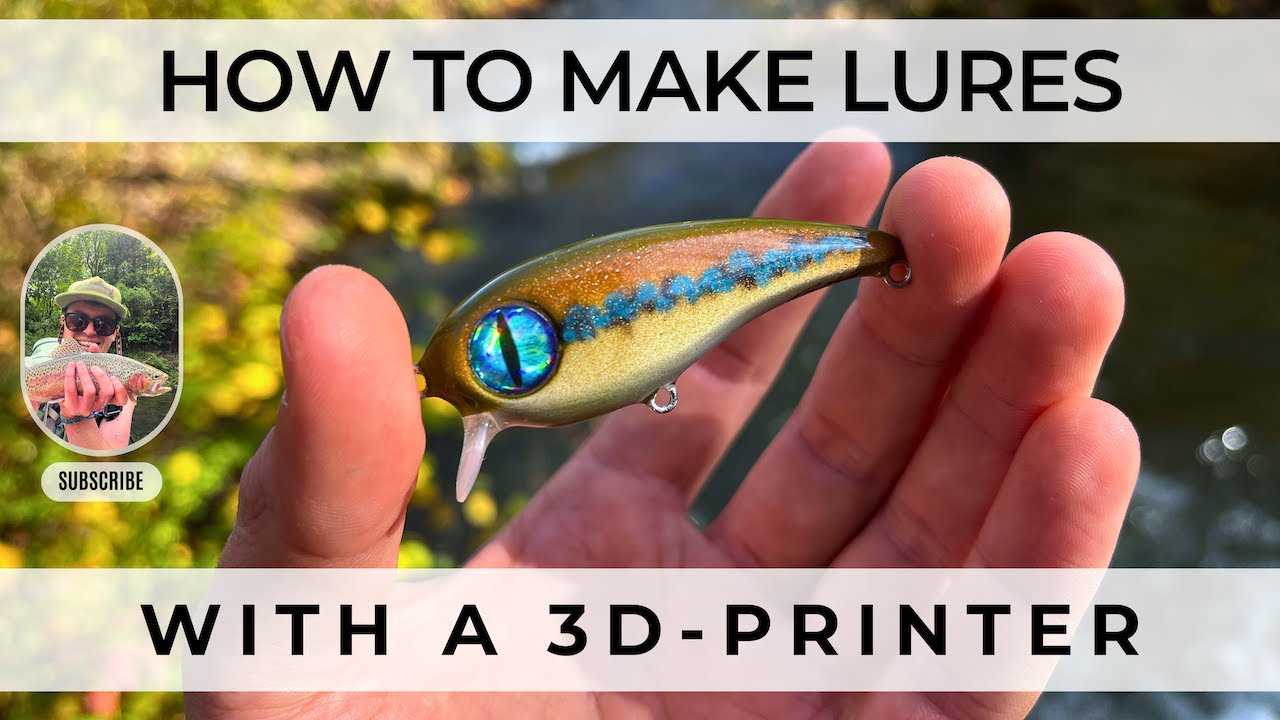
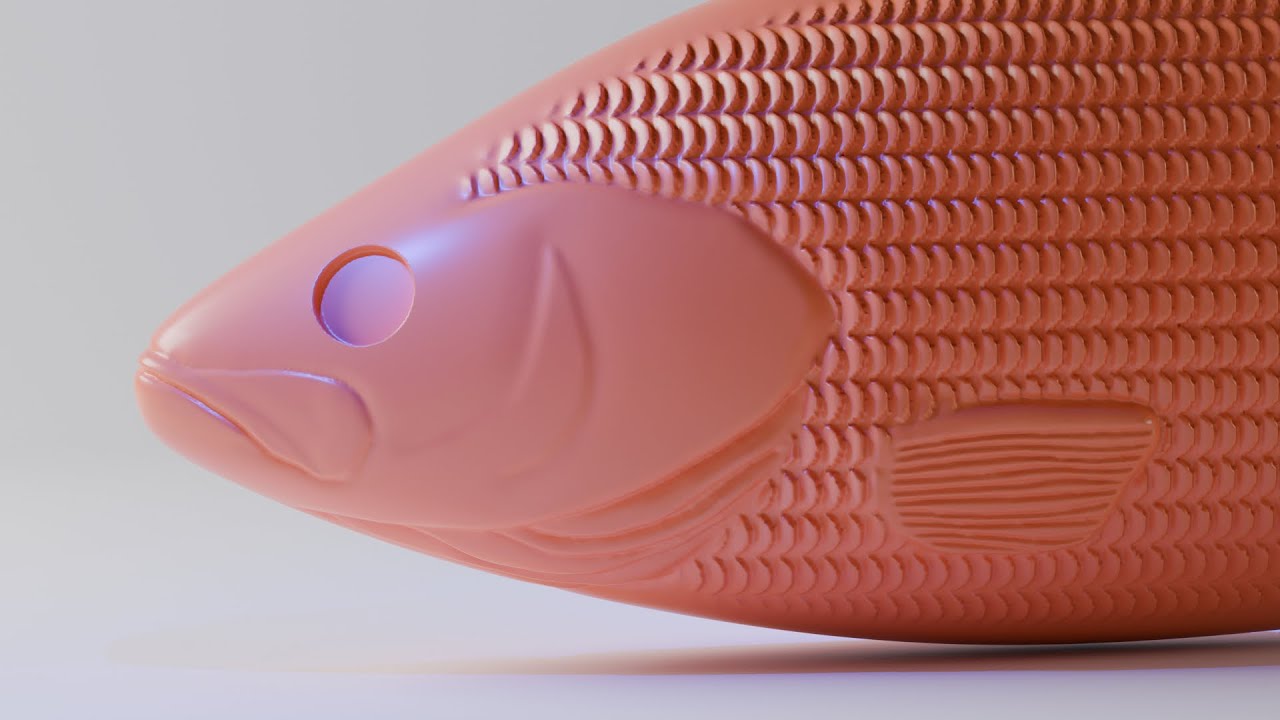
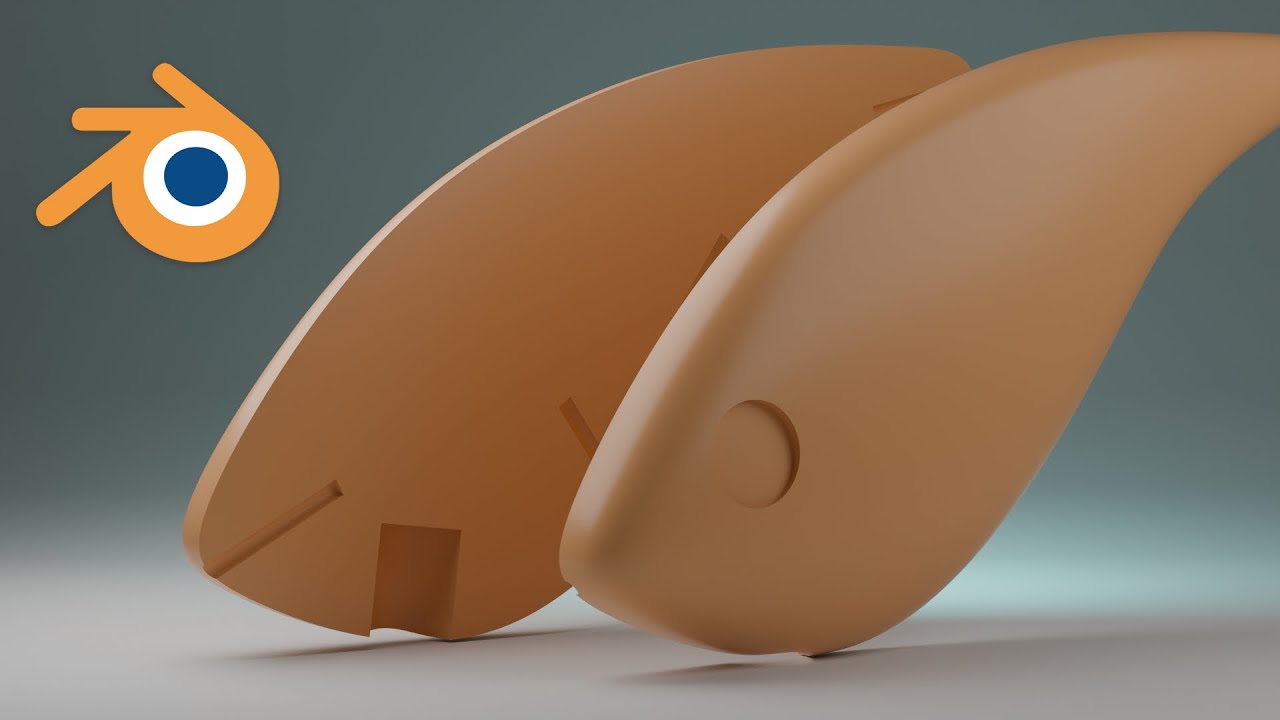
From ZERO to HERO: 3D Printed Lure Design Tutorial (Blender)
Автор: Bulin Fishing
Загружено: 2024-12-14
Просмотров: 2156
Описание:
See the rest of the videos in this playlist here:
• Designing Your First 3D Printed Lure
Welcome to Bulin Fishing! Ready to go from ZERO to HERO in 3D printed lure design? Learn to design and 3D print your own custom fishing lures with this comprehensive Blender tutorial! Go from beginner to pro lure maker as we cover the entire process, from initial design concept to a finished, printable lure model. This video is perfect for aspiring lure designers, fishing enthusiasts, and 3D printing hobbyists.
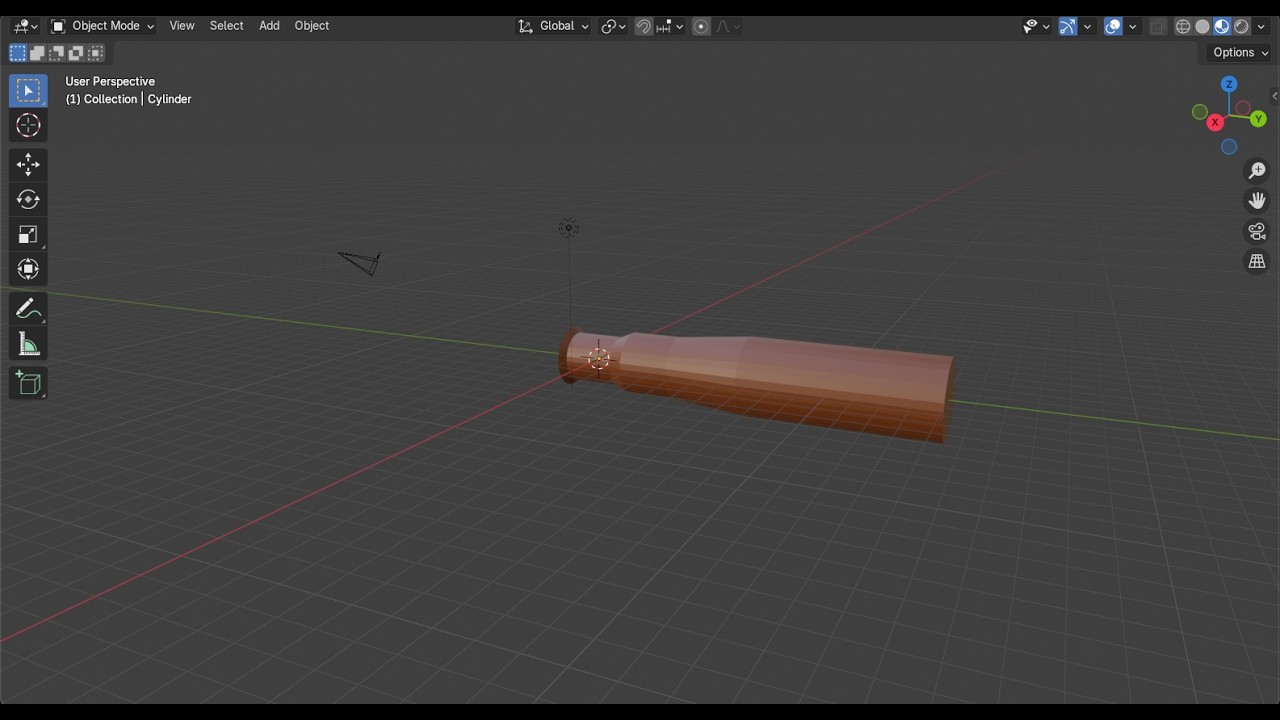
This tutorial is your ultimate guide to creating custom fishing lures using Blender! Whether you're a complete beginner or have some experience, you'll learn step-by-step how to design your own fishing lures from scratch. We'll cover everything from setting up your workspace and establishing dimensions, to using loop cuts and the auto mirror tool for symmetrical designs.
Discover how to create the perfect lure shape using subdivision surfaces and understand the importance of x-ray mode. Learn to add key features like line ties and ballast, and how to manipulate vertices to get the perfect shape.
We'll also delve into understanding volume for optimal lure performance and even show you how to import 2D reference images into Blender. If you're passionate about 3D printing and fishing, this is the video you've been waiting for. Whether you dream of building fishing lures that catch more fish, or simply enjoy the creative process of 3D printing, this tutorial is for you. Start creating your own unique fishing lures today!
If you have not checked out our Getting Started With Blender playlist, check it out here for tips on installing and setting up Blender for first time users:
• 2025 Getting Started with Blender
#3dprinting #3dprintingtutorial #fishinglures #luremaking #blender #blender3d #tutorial #fishing #3dprintedlures #customlures #diylures #3dmodeling
Glossary of Key Terms
3D Cursor: A visual aid in Blender that marks the position in 3D space where an object will be created or an action will take place.
Auto Mirror Modifier: A tool in Blender that creates a symmetrical copy of a mesh along a specified axis, allowing for edits on one side to automatically be mirrored to the other.
Ballast: Material added to a lure to control its weight and buoyancy.
Boolean Modifier: A modifier in Blender that allow you to combine, subtract, or intersect two or more meshes in Blender to create complex shapes by adding or cutting away.
Bounding Box: A virtual box that encloses a 3D model, used to define its overall dimensions and shape.
Clipping: A setting in Blender that prevents a vertex from being moved beyond a certain plane, often used when mirroring and maintaining the center of a model.
Edit Mode: A mode in Blender where individual vertices, edges, and faces of a mesh can be manipulated.
Extrude: To create a new face or volume from existing geometry, often along an axis.
Imperial Units: Units of measurement system based on inches, feet, and yards.
Loop Cut: A tool in Blender used to add an edge loop (a series of connected edges) along a mesh.
Mesh: A collection of vertices, edges, and faces that make up the geometry of a 3D object in a computer graphics software like Blender.
Metric Units: Units of measurement system based on centimeters, meters, and kilometers, often used for volume calculation.
Modifiers: Non-destructive operations in Blender that can be applied to an object without permanently altering its underlying mesh. These effects can be toggled, edited, or removed later.
Normals: Directions perpendicular to a surface, indicating the "front" or "outside" of a face.
Object Mode: A mode in Blender for manipulating objects as a whole, without affecting individual components.
Origin Point: The point of reference for an object in Blender and the point around which an object rotates or scales.
Radius: The distance from the center to the edge of a circle or sphere.
Reference Image: An image that is used as a guide for modeling an object.
Reference Image: Images added to the Blender viewport that serve as a visual guide for creating 3D models, often used as templates to trace when designing a lure.
Split Shot: A type of small weight, often lead, used in fishing.
Subdivision Surface Modifier: A modifier in Blender that increases the resolution and smoothness of a mesh by dividing and subdividing its faces, creating rounded shapes.
Vertex (Vertices): A point in 3D space that connects edges and forms the building block of a 3D mesh. These are the points that you manipulate to shape your model.
Viewport: The window in Blender that displays the 3D scene and objects.
Volume: The amount of 3D space an object occupies, usually measured in cubic centimeters.
X-ray Mode: A display mode in Blender that allows viewing and selecting all vertices, including those hidden behind surfaces.
Повторяем попытку...

Доступные форматы для скачивания:
Скачать видео
-
Информация по загрузке: