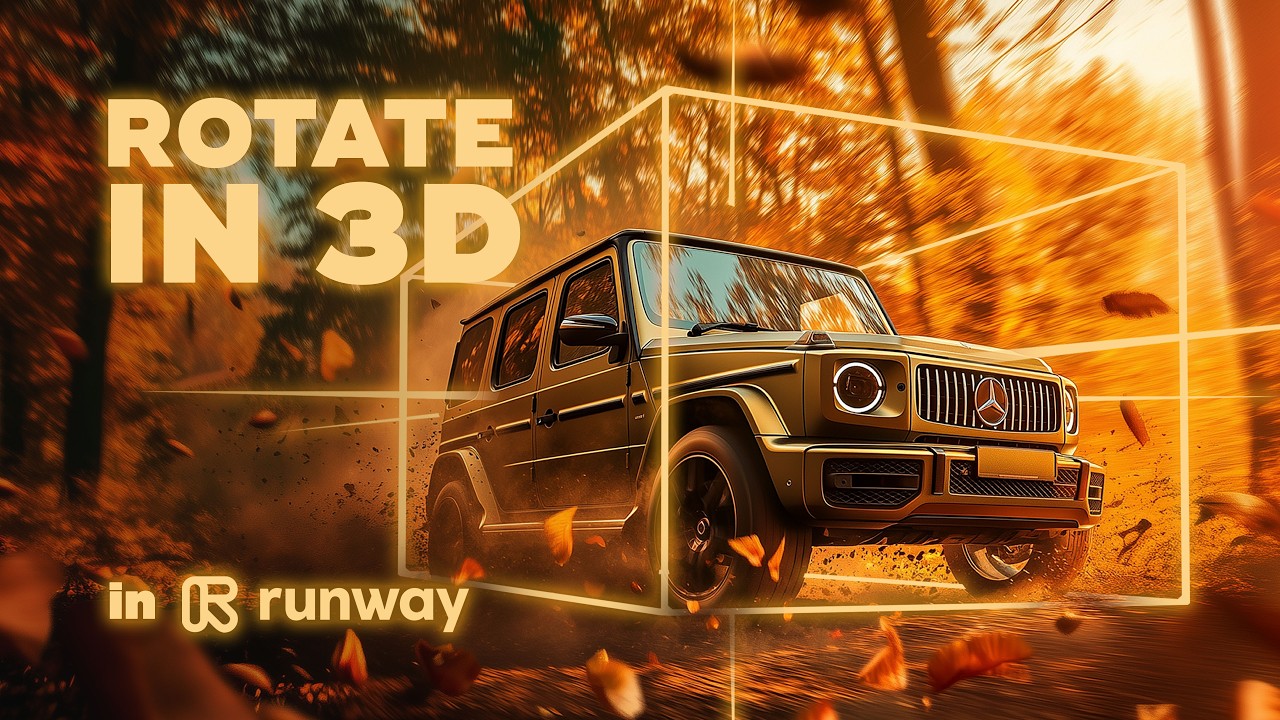
Create a 3D Rotation Effect with AI – Step by Step | Runway | After Effects
Автор: Ľudovít Nastišin
Загружено: 2025-02-04
Просмотров: 9562
Описание:
Learn how to turn a single image into a cool 3D rotation effect using AI tools like Runway and After Effects. Experience AI animation that combines camera control, time remapping, and smooth slow-motion frames. Discover tips for generating a high-impact scene, upscaling to 4K with Topaz, and perfecting transitions for a seamless result. AI personalization takes creativity to a whole new level, whether you’re crafting an AI commercial or an experimental art piece.
Dive into step-by-step guidance on aligning speed curves, applying color grading, and adding subtle motion blur for more realism. Experiment with zooming, panning, and reversing clips to keep viewers engaged. Combine these techniques in a final composition and enhance the atmosphere with strategic sound design.
Click the subscribe button for more AI video tricks, animation insights, and all-around creativity boosts!
#3DRotation #aianimation #midjourney #Runway #AfterEffects #TimeRemapping #Midjourney #AICommercial #CameraControl #Upscale #SloMo #Animation #Creativity
Повторяем попытку...
Доступные форматы для скачивания:
Скачать видео
-
Информация по загрузке: