Tutorial: TabControl in FireMonkey (Delphi DX 11.2 Alexandria) on Windows and OSX64
Автор: Quark Cube
Загружено: 2022-10-30
Просмотров: 2353
Описание:
DISCLAIMER: This video is boring to the average YouTube viewer.
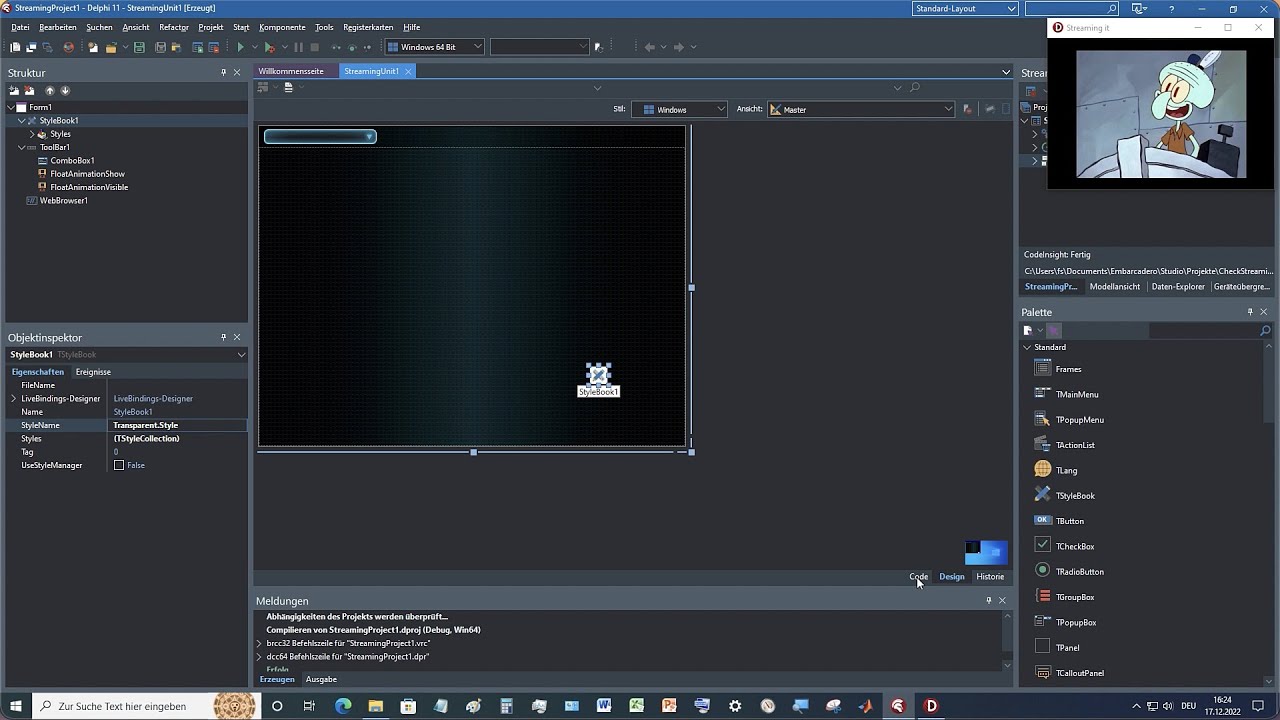
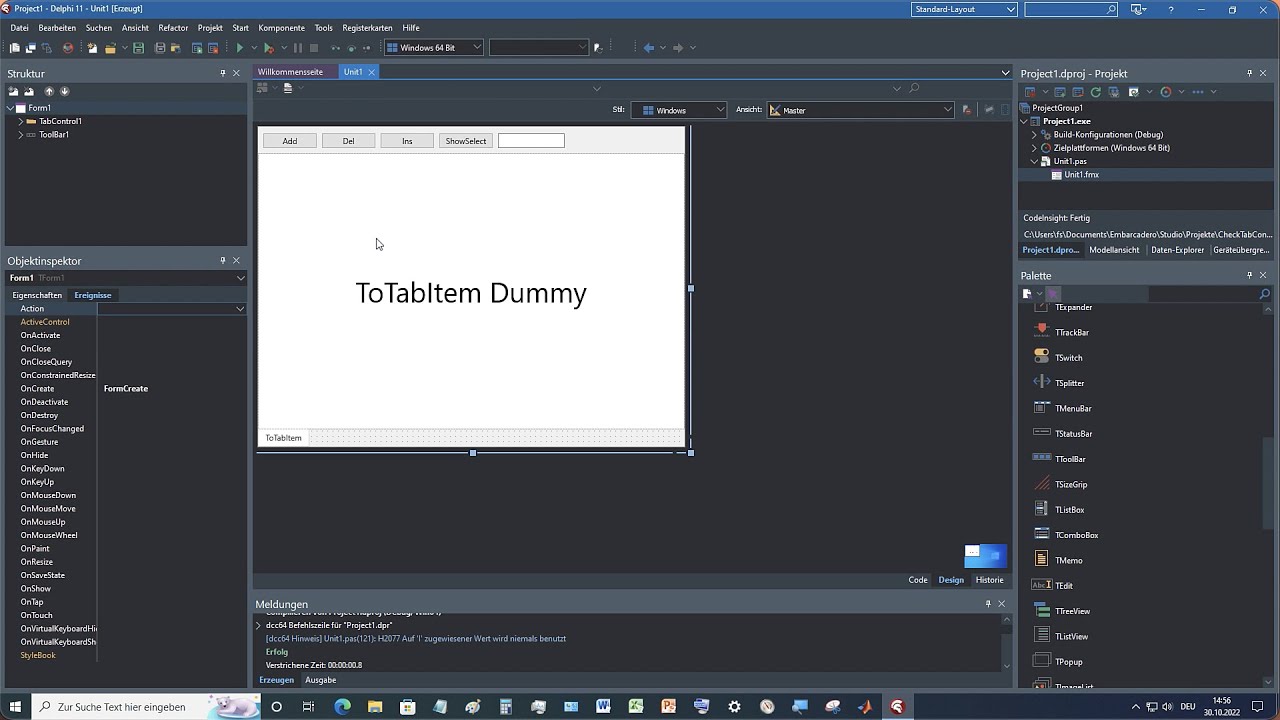
Almost every app has a "TabControl" to manage the settings. In this small prototype we create a framework to briefly test the variety of possibilities of TabControl. We add new pages, we insert new pages, we delete pages. We point to the active side and go there. With DragDrop we move the TabItems. And we edit the text of the TabItem.
Tutroial: TabControl in FireMonkey (Delphi DX 11.2 Alexandria) auf Windows und OSX64
Fast jede App hat ein „TabControl“, um die Einstellungen zu verwalten. In diesem kleinen Prototypen erstellen wir ein Gerüst, um die Vielfalt der Möglichkeiten von TabControl kurz zu testen. Wir fügen neue Seiten hinzu, wir fügen neue Seiten ein, wir löschen Seiten. Wir zeigen auf die aktive Seite und gehen dorthin. Mit DragDrop verschieben wir die TabItems. Und wir bearbeiten den Text des TabItem.
0:00 Overview
0:47 Start Delphi and go
1:14 Insert ToolBar into the form
1:35 Put the TabControl in the form and set it
1:47 Insert TabItem into the TabControl as a dummy
1:58 Change TabPosition in TabControl to Bottom
2:10 Save the project
2:26 We put the buttons on the ToolBar
3:42 Let's write the code for Add TabItem
4:33 We need the text for TabItem
5:29 Let's insert a Text object into TabItem
6:48 We need a text list for numbering
8:12 We give the dummy its own text object
9:41 Basics done, TabItem text is running
9:53 We want to insert pages
11:27 Let's go to the active side
12:45 We want to delete the active page
15:13 We change the name of the application
15:26 The dummy should disappear when it is created
15:55 We need DragDrop to move the TabItem
17:31 Linking property to TabItem for DragDrop
18:28 DragMode causes problems with TabControl
20:00 Cannot select TabItem with DragMode
20:15 Back with DragMode setting and this time by hand
20:33 Use event for MouseMove to trigger DragMode after 10 pixels
23:24 Set event for DragDrop and DragOver
25:38 Change the text of TabItem
29:53 We test
31:38 We test the app on macOS 64 bit
32:56 Problem with macOS 64 bit with the slider
33:59 We continue testing
35:08 We want to print the source code
35:48 We switch from dark to light
36:22 We don't have a page setting for the code
41:36 We switch back to dark
42:41 We clear the history
#FireMonkey #Delphi
Повторяем попытку...
Доступные форматы для скачивания:
Скачать видео
-
Информация по загрузке: