How To Turn ON /OFF Snore Detection On Samsung Galaxy Fit 3
Автор: WebPro Education
Загружено: 2024-04-02
Просмотров: 1321
Описание:
Learn how to turn on & off snore detection on the Samsung Galaxy Fit 3.
Read: https://www.webproeducation.org/how-t...
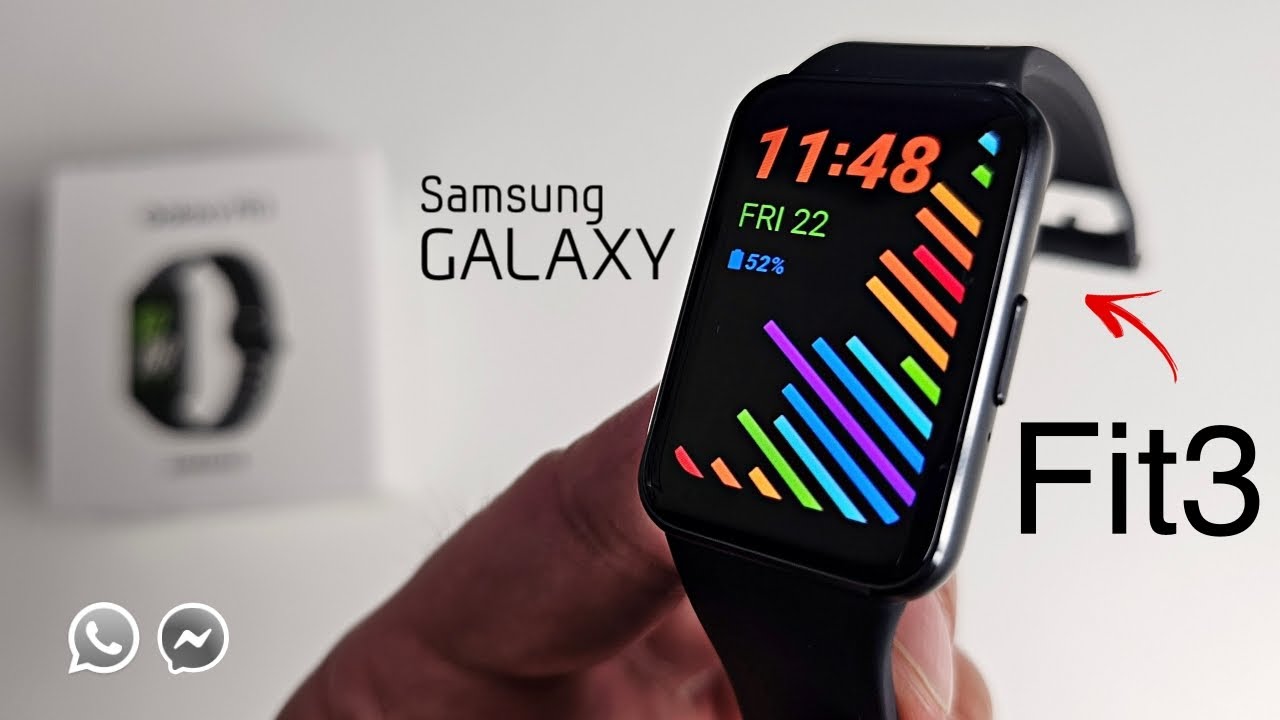
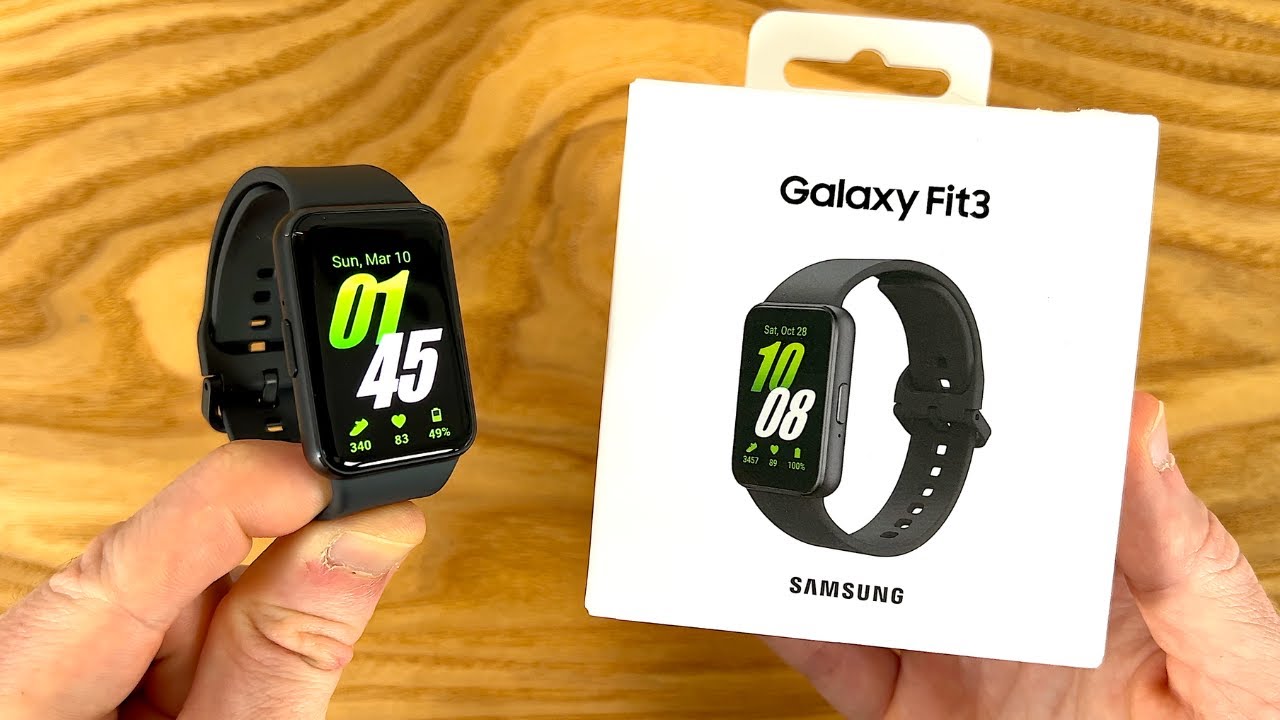
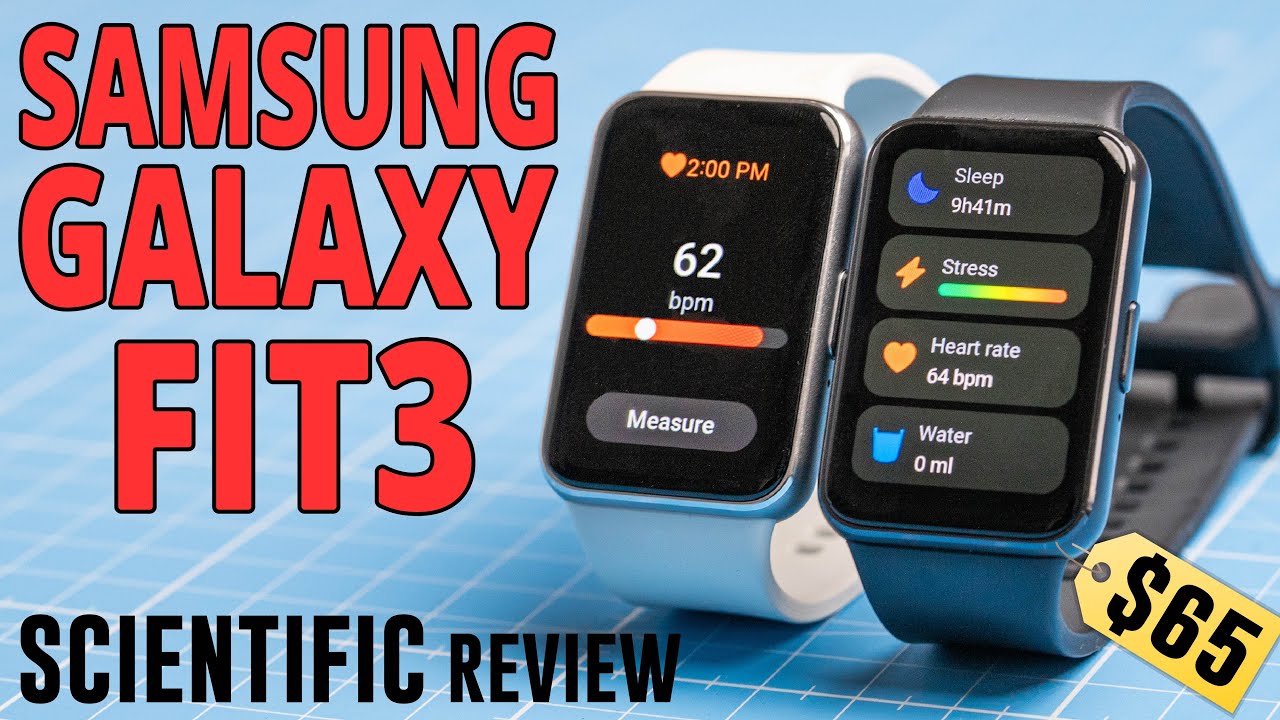
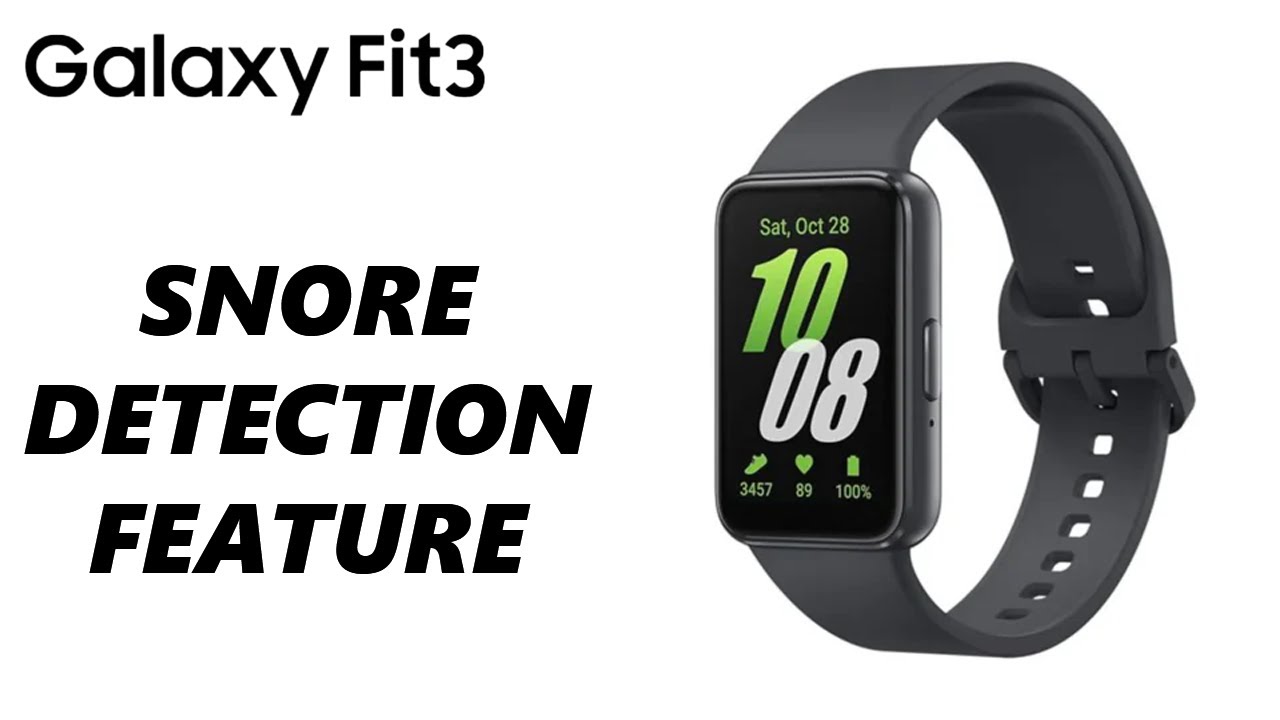
The Samsung Galaxy Fit 3 is a versatile and feature-packed fitness tracker designed to help you monitor and improve your health and wellness. One of the standout features of the Galaxy Fit 3 is its ability to detect snoring during sleep, providing users with insights into their sleep patterns and potential sleep disturbances.
However, if you wish to customize this feature based on your preferences or needs, you can easily turn it on or off. Here's how you can do it:
How To Turn ON Snore Detection On Samsung Galaxy Fit 3
How To Enable Snore Detection On Samsung Galaxy Fit 3
1: From the home screen of your Samsung Galaxy Fit 3, swipe up to access the app screen, then scroll down until you find the "Settings" option. Tap on the "Settings" option to enter the settings menu.
2: Within the settings menu, scroll down until you locate the "Samsung Health" option. Tap on it. Following this, scroll down and select the "Sleep" option.
3: Here, you'll find various options related to sleep tracking and monitoring. Look for the option labeled "Snore Detection" within the sleep settings menu. Tap on it to toggle the switch to the ON position. Once activated, your Galaxy Fit 3 will start detecting snoring during sleep.
How To Turn OFF Snore Detection On Samsung Galaxy Fit 3
How To Disable Snore Detection On Samsung Galaxy Fit 3
1: From the home screen of your Samsung Galaxy Fit 3, swipe up to reveal the apps, then scroll down until you find the "Settings" option. Tap on the "Settings" option to enter the settings menu.
2: Within the settings menu, scroll down until you locate the "Samsung Health" option. Tap on it. Following this, scroll down and select the "Sleep" option.
3: Here, you'll find various options related to sleep tracking and monitoring. Look for the option labeled "Snore Detection" within the sleep settings menu. Tap on it to toggle the switch to the OFF position. This deactivates snore detection on your Galaxy Fit 3.
SAMSUNG Galaxy FIT 3:
https://amzn.to/3IxyGVK
Samsung Galaxy A25 5G, Factory Unlocked GSM:
https://amzn.to/3wKYjQe
Samsung Galaxy S24 Ultra (Factory Unlocked):
https://amzn.to/3UprMJi
Samsung Galaxy A15:
https://amzn.to/48Mas5A
Samsung Galaxy A05 (Unlocked):
https://amzn.to/3uaivK7
#SamsungGalaxyFit3 #SnoreDetection #SleepTracking #HealthMonitoring #WearableTech #FitnessTracker #SleepMonitoring #TurnOn #TurnOff #GalaxyFit3 #HealthyLiving #TechTips #WearableDevice #Smartwatch #SleepManagement #HealthTech
----My Gear for Youtube videos----
Main Camera (iPhone 13 pro): https://amzn.to/3GZztve
Tripod: https://amzn.to/35acqRa
Cell Phone Tripod Adapter: https://amzn.to/3v3wFuI
Lights: https://amzn.to/3vkoGK7
As a full disclosure, I use affiliate links on this channel, and purchasing through these links earns me a small commission. The price you pay will be the same!
Website: https://www.webproeducation.org
Facebook: / webproeducation.org
Twitter: / webpro_e
Instagram: / webproeducation
Повторяем попытку...
Доступные форматы для скачивания:
Скачать видео
-
Информация по загрузке: