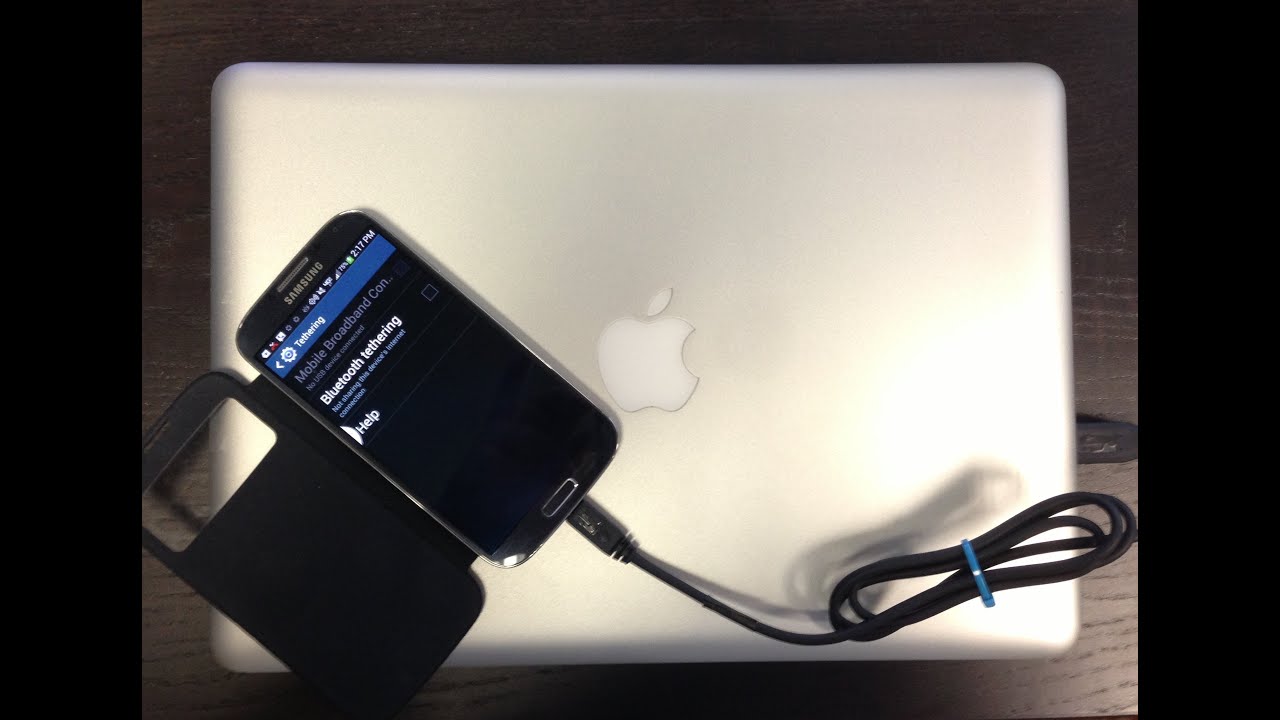
How to tether android phone wirelessly to a mac without applications or rooting!
Автор: Max M
Загружено: 2011-01-01
Просмотров: 67011
Описание:
this is the easiest way to tether your phone to your mac and it requires no downloads or rooting. it does it through bluetooth. Its so easy i figured it out all by myself. There are pretty much no vids or tutorials on how to do this so i thought i would make one for you guys.
WRITTEN TUTORIAL:
1. enable bluetooth on PHONE and COMPUTER
2. make bluetooth discoverable on PHONE and COMPUTER
(EVERYTHING FROM HERE ON IS DONE ON THE COMPUTER)
3. go to bluetooth preferences
4. press the "+" to add your phone
5. once it finds it click it then click continue
6. when the passcode comes up on the computer and phone, click pair on the phone first, then continue of the computer
7. a screen titled "bluetooth mobile phone setup" will pop up
8. leave everything the way it is even if its blank and hit continue then quit.
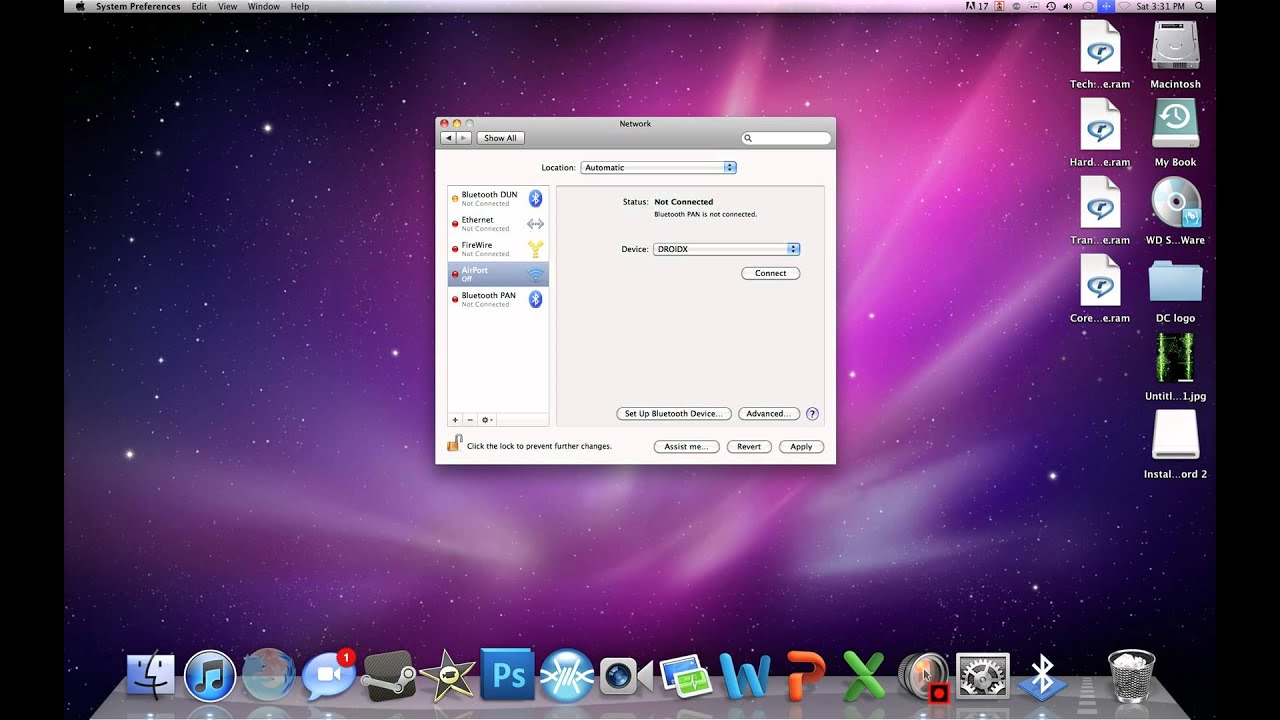
9. go to Network in your system preferences and check internet sharing
10. Press the "+" sign
11. make the interface bluetooth PAN and the name bluetooth PAN and click continue
12. select your phone from the drop down menu and press the conect box right below it
Повторяем попытку...
Доступные форматы для скачивания:
Скачать видео
-
Информация по загрузке:


![Best of Deep House [2026] | Melodic House & Progressive Flow](https://imager.clipsaver.ru/Il-ZpBuC8tA/max.jpg)