Trip Planning With Garmin inReach - gpx garmin connect courses
Автор: Avoiding Chores
Загружено: 2018-05-06
Просмотров: 24014
Описание:
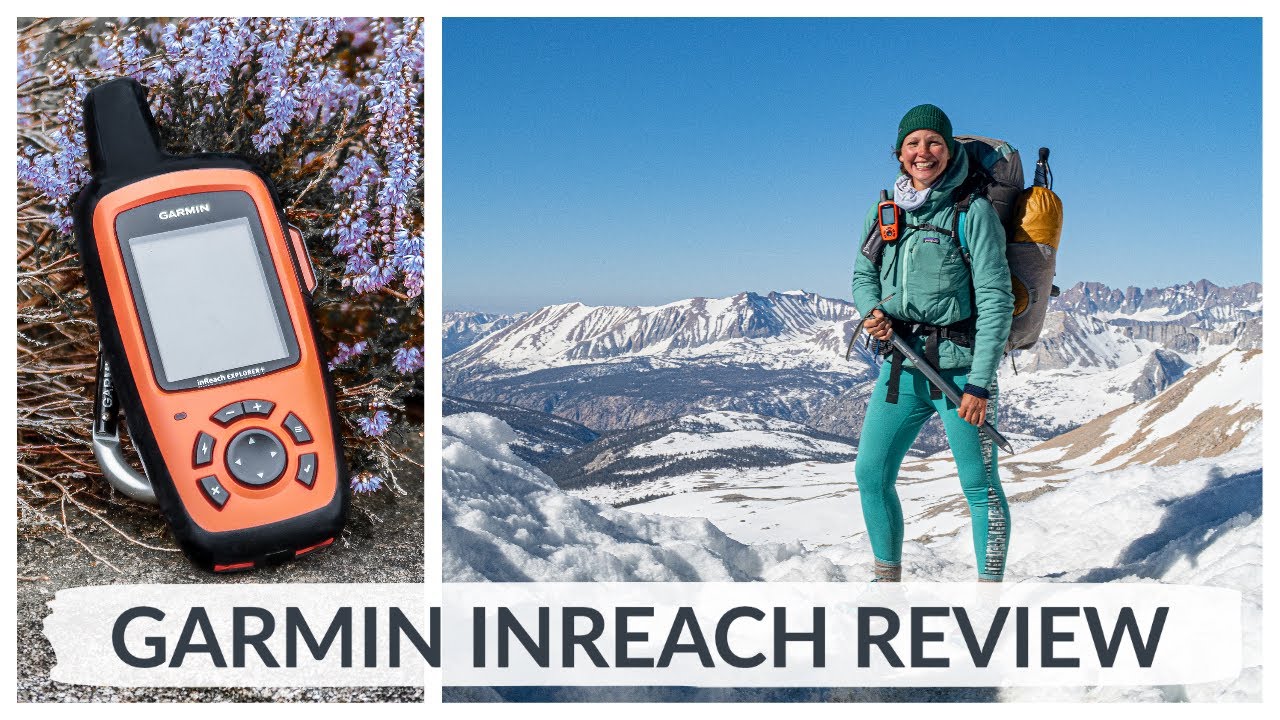
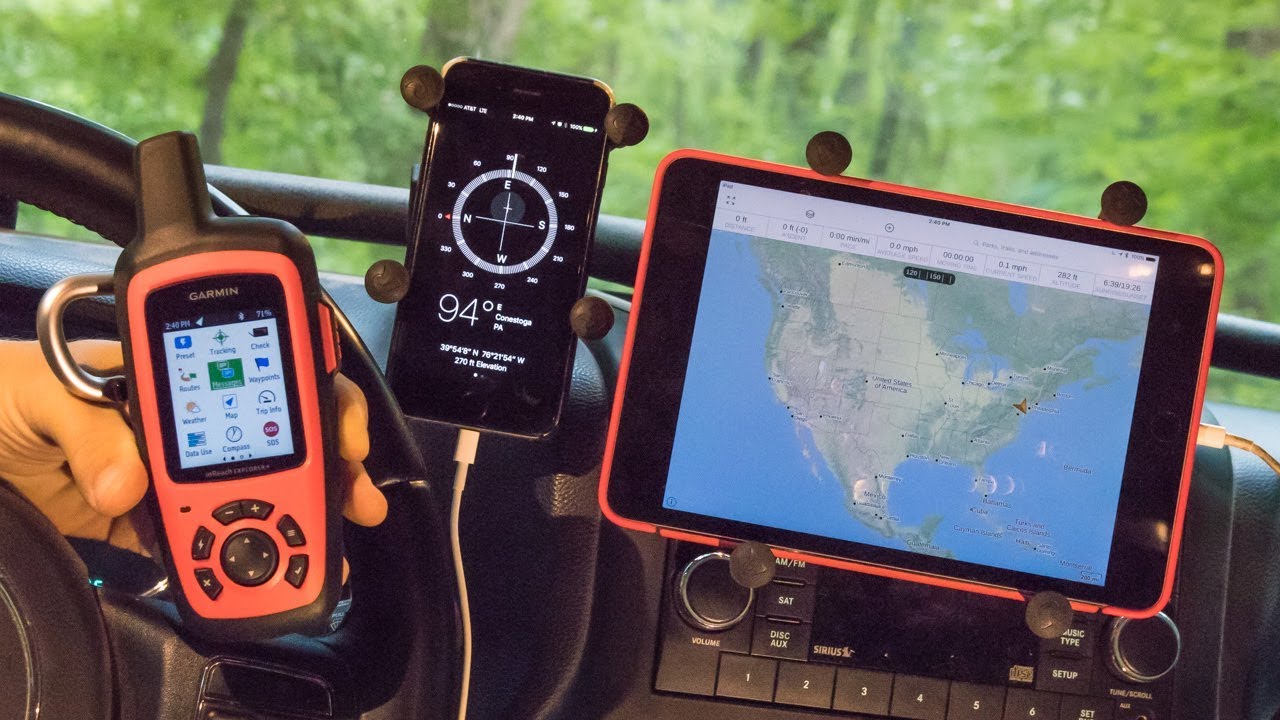
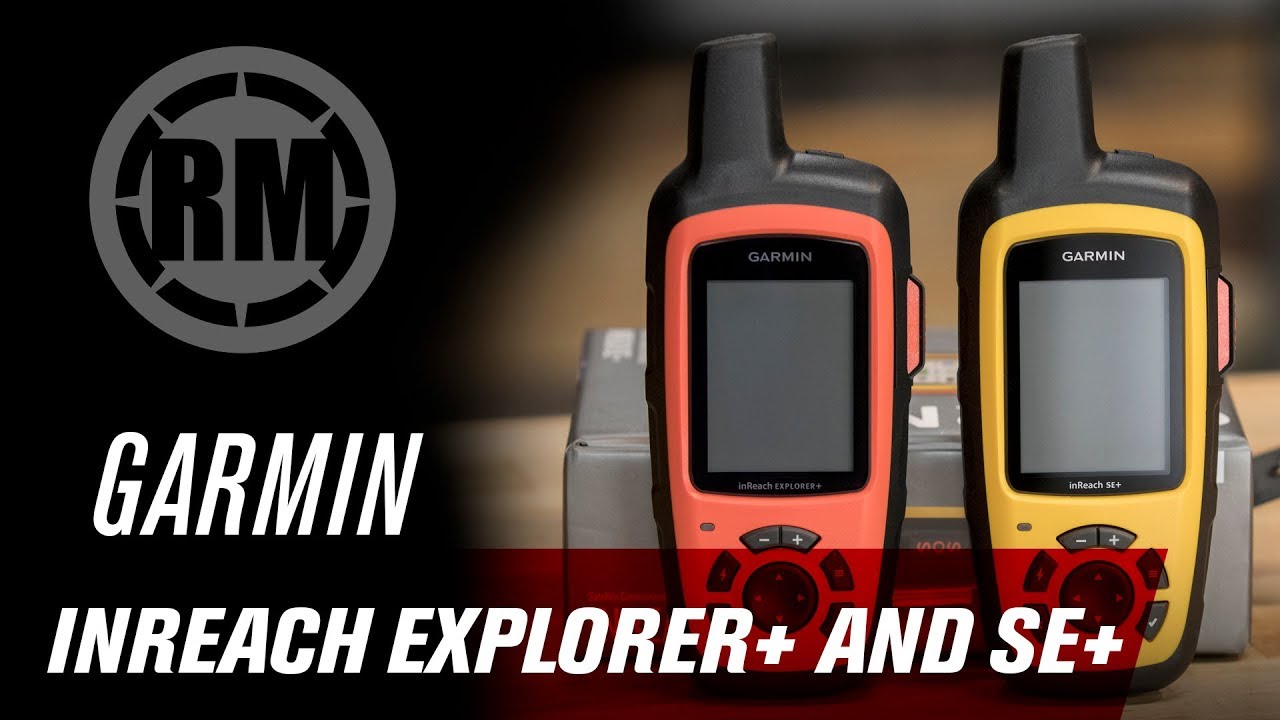
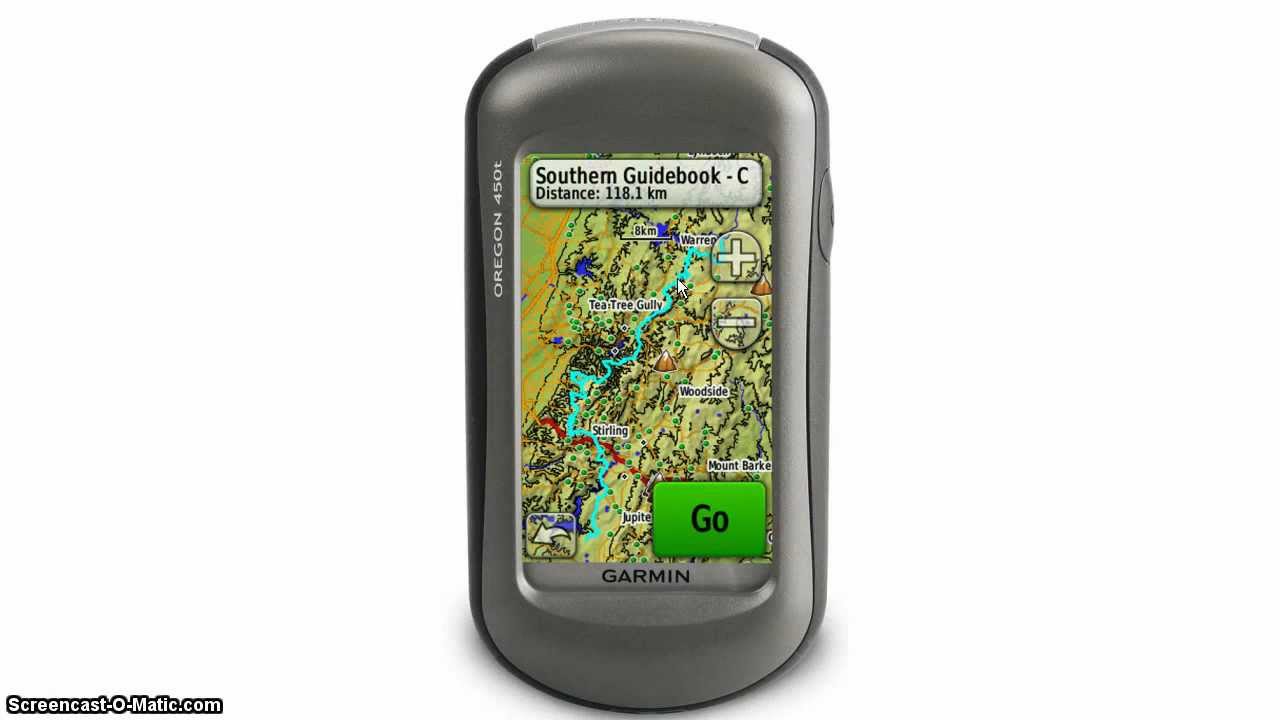
IN this video, I'll go over the methods you can import tracks, waypoints and sync maps to your garmin inreach devices as par of trip planning. Now this video is geared for the more recent inreach explorer plus but this will work with all previous inreach devices. You'll just need to use the Earthmate app on your smartphone or tablet to get to use the maps.
* GET THE GEAR ON AMAZON*
https://www.amazon.com/shop/jimcyr
STEPS
1. Find a track or course to import into your inreach portal
2. import any waypoints as GPX file.
3. sync or download any map layers from inreach or earthmate
You will be spending a lot of time on the MAP tab in your inreach portal. This is where you can manually add waypoints, routes and when using explorer plus - maps. But to same time, we will focus on importing data from other sources. GPX file format is the common file format to share tracks, waypoints and other data from a GPS device.
We can use any program to export the GPX file like garmin basecamp, but we will use garmin connect. Which I think is an updated way to share tracks as opposed to garmin adventures. Since garmin basecamp hasn't been updated in a while I shall assume that you have a garmin connect account. But bear in mind, we can use any program or app to generate a GPX file.
We will also look at importing courses from garmin connect. Now, depending on your usage of garmin products, tracks, routes and courses are essentially the same thing. Over the years they meant different things or context, but as you are sharing data these days everything ends up being a track.
You can export a gpx track from an existing activity from garmin connect, if you have connection, you can browse their public profile and save as courses their activities.
Courses in garmin connect can be public tracks that you can duplicate or send directly to a compatible device. This is a great way to discover new routes in areas you have not been to.
For inreach, you can use the earthmate app to view your waypoints, routes and maps. But if you want to have everything on a single unit, then the explorer plus is your choice.
- - - - - - - - - -
** BUY GEAR **
https://www.amazon.com/shop/jimcyr
** WEBSITE **
http://avoidingchores.com
http://gps.training
** SOCIAL MEDIA **
TWITTER: / avoidingchores
FACEBOOK: / avoidingchores
INSTAGRAM: / thecyr
** PODCAST **
Find us on iTunes & Stitcher, search for "Avoiding Chores"
** MAILING LIST **
http://eepurl.com/M2FSb
** POPULAR PLAYLISTS **
Garmin Tutorials
• #GarminTutorials
Garmin inReach Tutorials
• Garmin inReach SE+ / Explorer+, Original &...
Outdoor Recreation Skills Bushcraft
• #OutdoorRecreation
Cast Iron Dutch Oven Outdoor Cooking
• Cast Iron Dutch Oven Outdoor Cooking Recipes
** THANKS TO OUR SUPPORTERS **
http://inreach.roadpost.ca
- - - - - - - - - -
What better way to avoid chores than to watch videos from an array of related topics based in Nova Scotia. Starting from the outdoors with hiking, product reviews, bushcraft, outdoor recreation, outdoor cooking, outdoor skills & GPS tutorials. We even include Garmin GPS tutorials for runners.
- - - - - - - - - - #avoidingchores #garmin
Повторяем попытку...

Доступные форматы для скачивания:
Скачать видео
-
Информация по загрузке: