Stop Doing Everything by Hand – Use Scripts in Giants Editor (GE07)
Автор: Nadine Brinkmann
Загружено: 2026-01-28
Просмотров: 380
Описание:
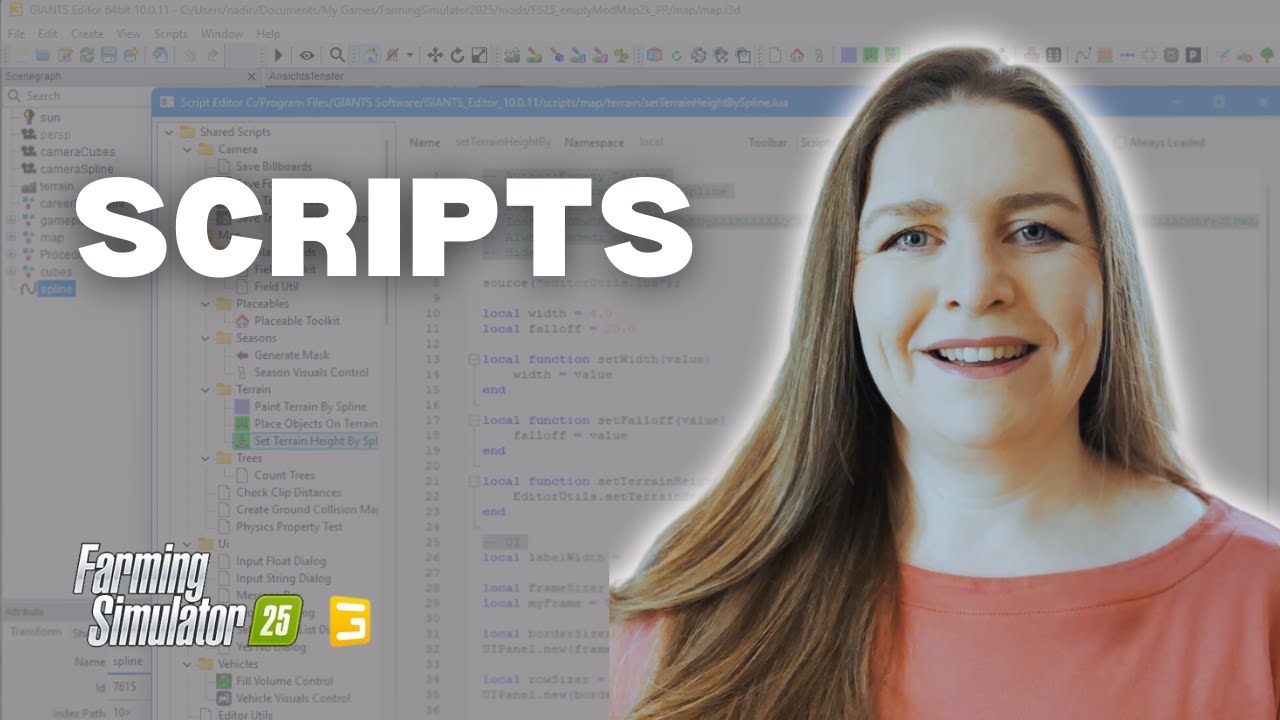
🚜 How to run and organizes scripts in Giants Editor 10🌿
🔧 What you’ll learn
How to run scripts in Giants Editor
How to set up and manage custom script folders
How to use downloaded Lua scripts
How to adjust simple script settings safely
How to add scripts to toolbar buttons
Where to find and use built-in shared scripts
🧾 Add the word "Hi" to the console with this command (at 5:45) :
print("Hi")
📥 Download script "Terrain Texture Layer list":
👉 https://drive.google.com/file/d/11o2g...
📌 Watch the full Giants Editor modding playlist here:
👉 • Farming Simulator 25 Modding
If you found this helpful, don’t forget to like, subscribe, and leave your questions or video requests in the comments—your feedback directly shapes future tutorials. 😊
See you in the next one!
⏱️ Timestamps:
0:00 Intro
0:10 What you'll learn
0:57 Scripts menu
1:18 Place objects on terrain
2:15 Scripts with or without UI
2:46 Specific selections for a script
3:17 Set up scripts folder
4:31 Add your own script - method 1
6:53 Add your own script - method 2
8:18 Execute Terrain Texture Layer Script
9:32 Change settings within script
11:34 Reload script environment
11:58 Link scripts to toolbar buttons
13:10 Add icon to script (toolbar button)
13:33 Download icon
14:42 Most important Built-in mapping scripts
15:32 Outro
Повторяем попытку...
Доступные форматы для скачивания:
Скачать видео
-
Информация по загрузке: