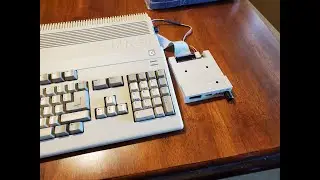
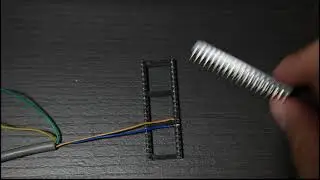
Amiga Switchless Boot Drive Device Swapper For External Gotek Drives. Installation and Operation.
Автор: Bits Bytes & Bourbon
Загружено: 2022-02-13
Просмотров: 2443
Описание:
In this video, we go through the explanation, installation and operation of an Amiga switchless boot device selector add on board that allows you to boot your Amiga 500 or 2000 machine with Workbench 1.2 or 1.3 off an external floppy or Gotek floppy emulator without the use of an external switch. This device replaces the previous device that had to have a wire and switch routed out of the machine and mounted somewhere OR drill a hole in your case. With this addon board, to swap boot devices, all you have to do is press the reset key sequence (Ctrl) + (Left Amiga Key) + (Right Amiga Key) three times (or hold the three keys down for a 4 second duration) to swap your boot device.
The board can be found here:
https://www.ebay.ca/itm/194726373634?...
The Gotek external case seen in the video can be found here:
https://www.ebay.ca/itm/194798587239?...
Tools used in this video:
Aoyue Int 474A++ Desoldering System
https://www.amazon.ca/Aoyue-Digital-D...
Xytronic LF-389D Soldering Station
https://www.amazon.ca/Xytronic-LF-389...
Gopro Hero 4 Camera
Повторяем попытку...

Доступные форматы для скачивания:
Скачать видео
-
Информация по загрузке: