Gantt Chart Dependencies & Display Options | Production Calendar Tutorial
Автор: StudioBinder Academy
Загружено: 2024-04-21
Просмотров: 383
Описание:
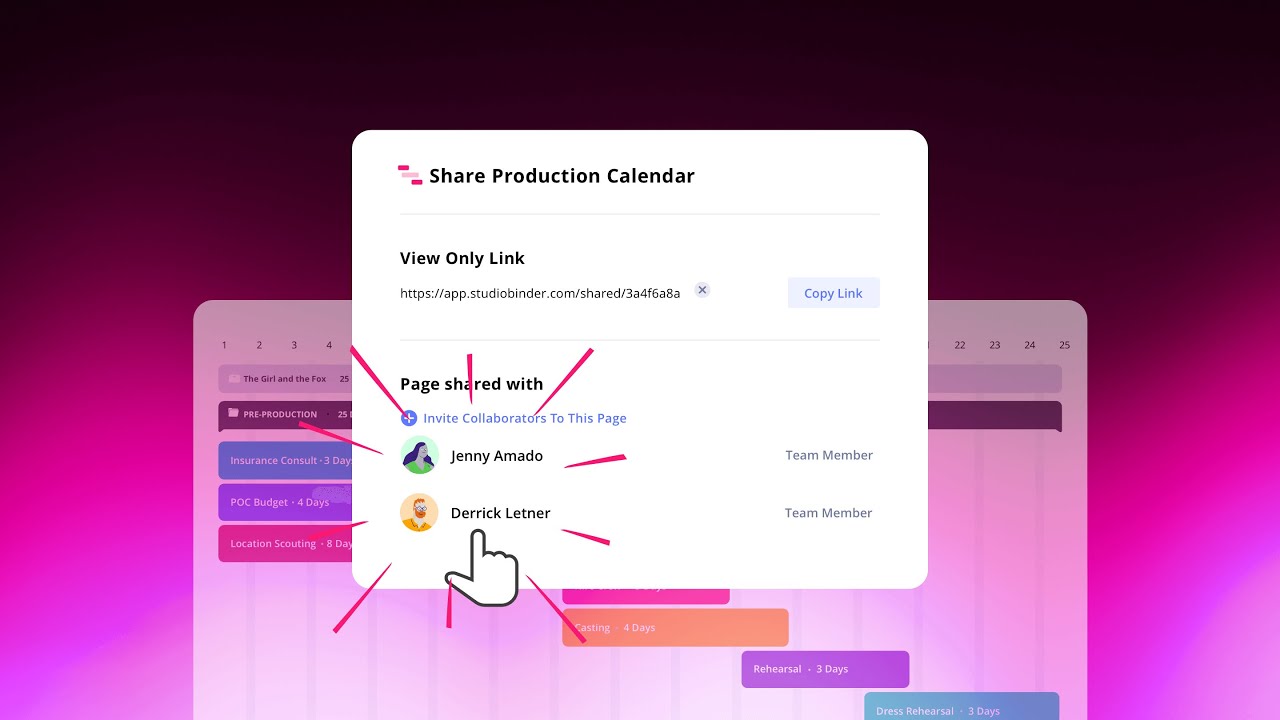
Production Calendar Tutorial — In this series, we will cover how to make a Gantt chart in StudioBinder. In this episode, we run through various display options and how to add a Gantt chart dependency.
Try StudioBinder Today ►► https://studiobinder.com/pricing
StudioBinder Blog ►► http://bit.ly/sb-bl
─────────────────────
PRODUCTION CALENDAR TUTORIAL — GANTT CHART DEPENDENCIES & DISPLAY OPTIONS
StudioBinder’s Production Calendar solution is designed to give any project structure and efficiency. Using a Gantt chart, you’ll be able to lay your entire project onto a timeline to ensure the process is thorough and timely. This Gantt chart tutorial series will walk you through the step-by-step process of creating and managing your ideal production calendar.
In this episode, we continue with how to customize your Gantt chart display options and how to add dependencies to a production calendar.
With you production calendar populating with events, you may want to adjust how the calendar is displayed. For example, you want to see what’s coming up this week or if you want to see the pending tasks over the next few months. All you have to do is toggle the display options between day, week, month, quarter, and year views.
You also have the ability to delineate between working and non-working days.
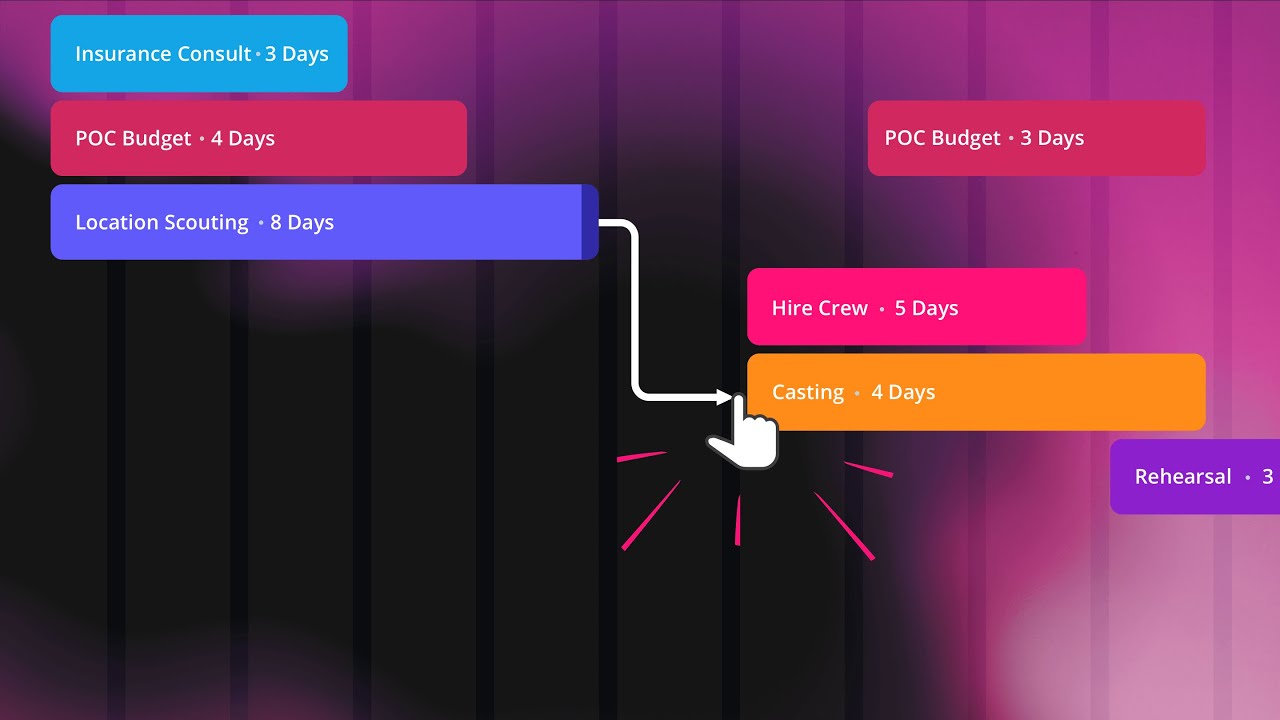
Another common Gantt chart feature is called “dependencies,” which are annotations that help ensure that tasks that are “dependent” on other tasks are completed first. These Gantt chart dependencies look like arrows drawn from the end of one task to the beginning of the next task as a visual representation of the order in which these tasks must be completed.
In the next episode, we will dive into how to create production calendar templates for all your future projects.
No matter what your project entails, having all the necessary information laid out in a bird’s-eye-view will help ensure its successful completion. As we will see in this Production Calendar tutorial series, once you grasp the power of a Gantt chart, you’ll never do another project without one.
#FilmTheory #VideoEssay #Filmmaking
─────────────────────
Music by Artlist ► https://utm.io/umJx
Music by Artgrid ► https://utm.io/umJy
Music by Soundstripe ► http://bit.ly/2IXwomF
Music by MusicBed ► http://bit.ly/2Fnz9Zq
─────────────────────
SUBSCRIBE to StudioBinder’s YouTube channel! ►► http://bit.ly/2hksYO0
Looking for a production management solution for your film? Try StudioBinder for FREE today: https://studiobinder.com/pricing
— Join us on Social Media! —
Instagram ►► / studiobinder
Facebook ►► / studiobinderapp
Twitter ►► / studiobinder
Повторяем попытку...
Доступные форматы для скачивания:
Скачать видео
-
Информация по загрузке:

![Smartsheet Gantt Chart Tutorial [Smartsheet Training]](https://imager.clipsaver.ru/JwkhNM0IJaY/max.jpg)


![Уральские Пельмени | [НОВЫЙ 2025] Хельга | Комедийная группа №1 в России](https://imager.clipsaver.ru/SRaUkTHDwlg/max.jpg)