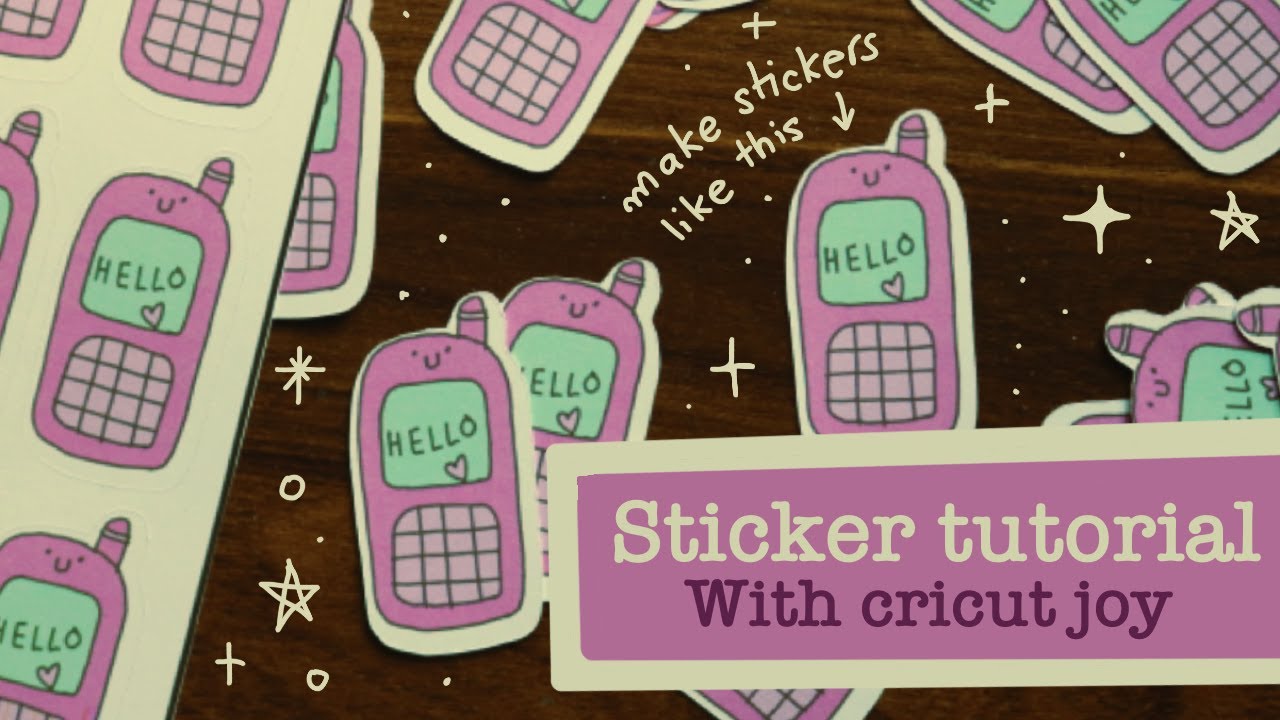
How to make stickers using Cricut Joy | Print then cut 👩🏻🎨
Автор: noor is painting
Загружено: 2026-01-27
Просмотров: 82
Описание:
In this video, I’m showing you how to print then cut stickers using Cricut Joy ✂️✨
Since Cricut Joy doesn’t support Print Then Cut, this tutorial is for anyone who wants a simple workaround using Procreate + Illustrator. I’ll take you through my full process, drawing stickers on the iPad, setting them up for print in Illustrator, and cutting the printed stickers accurately on Cricut Joy.
If you’ve been trying to print then cut with Cricut Joy, this method is for you 🙌
If this helped, don’t forget to like, subscribe, and comment 💛
More Cricut Joy + sticker tutorials coming soon.
0:00 Intro
0:48 Things you will need
1:40 First make the sticker
2:48 Setup design for Print
6:41 Setup on Cricut Design Space for Cuting stickers
9:29 Make marks on Cricut Joy mat
15:23 Diecut stickers
17:01 Outro
Повторяем попытку...
Доступные форматы для скачивания:
Скачать видео
-
Информация по загрузке: