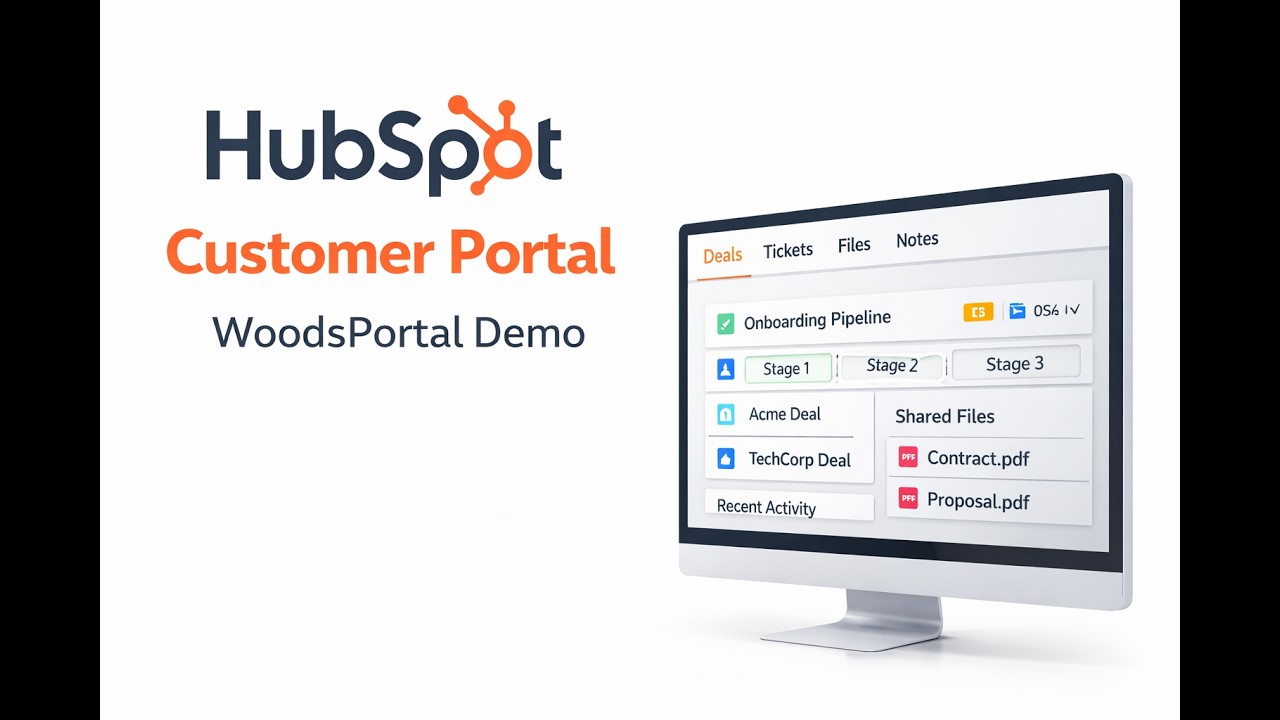
HubSpot Customer Portal Demo – How WoodsPortal Works Natively in HubSpot
Автор: DigitalWoods
Загружено: 2026-02-23
Просмотров: 132
Описание:
HubSpot Customer Portal (Native CRM Portal App) | WoodsPortal Technical Demo
Looking for a truly native HubSpot Customer Portal built directly inside HubSpot CRM?
WoodsPortal is an advanced HubSpot portal app that enables you to build secure, fully customizable customer portals and partner portals using HubSpot’s CMS, CRM objects, workflows, and permissions system — without external databases or sync layers.
This is not a basic ticket portal.
This is a full HubSpot CRM-powered customer portal.
🔎 What Makes This HubSpot Customer Portal Different?
Unlike third-party client portal tools that mirror data externally, WoodsPortal operates natively inside HubSpot:
• No external database
• No data duplication
• No third-party sync dependency
• No external file storage layer
Your CRM remains the single source of truth.
⚙️ Technical Capabilities of This HubSpot Customer Portal
1️⃣ Native Multi-Object Sharing (Standard + Custom Objects)
Share any HubSpot object:
Deals
Tickets
Contacts
Companies
Custom Objects
Use association labels to control record visibility at scale.
Perfect for:
SaaS onboarding portals
Partner relationship management
B2B deal collaboration
Multi-tenant portals inside HubSpot
2️⃣ Two-Way CRM Sync (Timeline Events + Notes)
• Internal notes can be surfaced inside the portal
• Customer notes sync back to HubSpot timeline
• All actions logged as timeline events
• Fully workflow-triggerable
Build automation such as:
Auto-status updates
SLA tracking
Escalation workflows
Customer engagement scoring
3️⃣ Secure File Management Inside HubSpot
• File uploads via HubSpot UI Extensions
• Files stored in HubSpot File Manager
• Folder automation via workflows
• Record-level access control
Ideal for:
Contract sharing
Compliance documentation
Vendor onboarding
Secure document exchange
4️⃣ Custom-Branded UI Built in HubSpot CMS
Design your HubSpot client portal UI using:
HubSpot CMS Editor
Custom modules
Dynamic pages
HubDB
Membership-based access
No iframe wrappers.
No external UI frameworks.
Fully native CMS architecture.
5️⃣ Customer Self-Service with Permission Control
Allow customers to:
Create CRM records
Edit properties
Submit forms tied to custom objects
Update deal-related data
Trigger HubSpot workflows
All controlled using:
HubSpot permissions
Object-level access
Association rules
🏗 Use Cases for a HubSpot Customer Portal
• SaaS customer onboarding portal
• HubSpot partner portal
• Secure client collaboration portal
• HubSpot project management portal
• Vendor management portal
• Subscription management portal
• HubSpot B2B deal tracking portal
🔐 Security Architecture
WoodsPortal leverages:
HubSpot CMS
CRM permissions
Association labels
Timeline events
Native workflow engine
No external database = reduced security surface area.
🧠 Who Should Use This?
• HubSpot Professional & Enterprise users
• RevOps leaders
• SaaS founders
• Agencies building complex portals
• Organizations using custom objects
If you're searching for a HubSpot Customer Portal that works beyond tickets, this is the most flexible native solution available.
🎬 In This Technical Demo
• Full portal architecture overview
• Custom object configuration
• Multi-object visibility setup
• File upload + workflow automation demo
• Timeline event triggers
• CMS customization walkthrough
🔗 Get WoodsPortal
👉 HubSpot Marketplace: https://ecosystem.hubspot.com/marketp...
👉 Product Website: https://woodsportal.digitalwoods.io
Повторяем попытку...
Доступные форматы для скачивания:
Скачать видео
-
Информация по загрузке: