How to Use the Semantic AI Agent: Cloud, Local LLMs & On-Device SLMs | Autonion
Автор: Autonion
Загружено: 2026-06-02
Просмотров: 16
Описание:
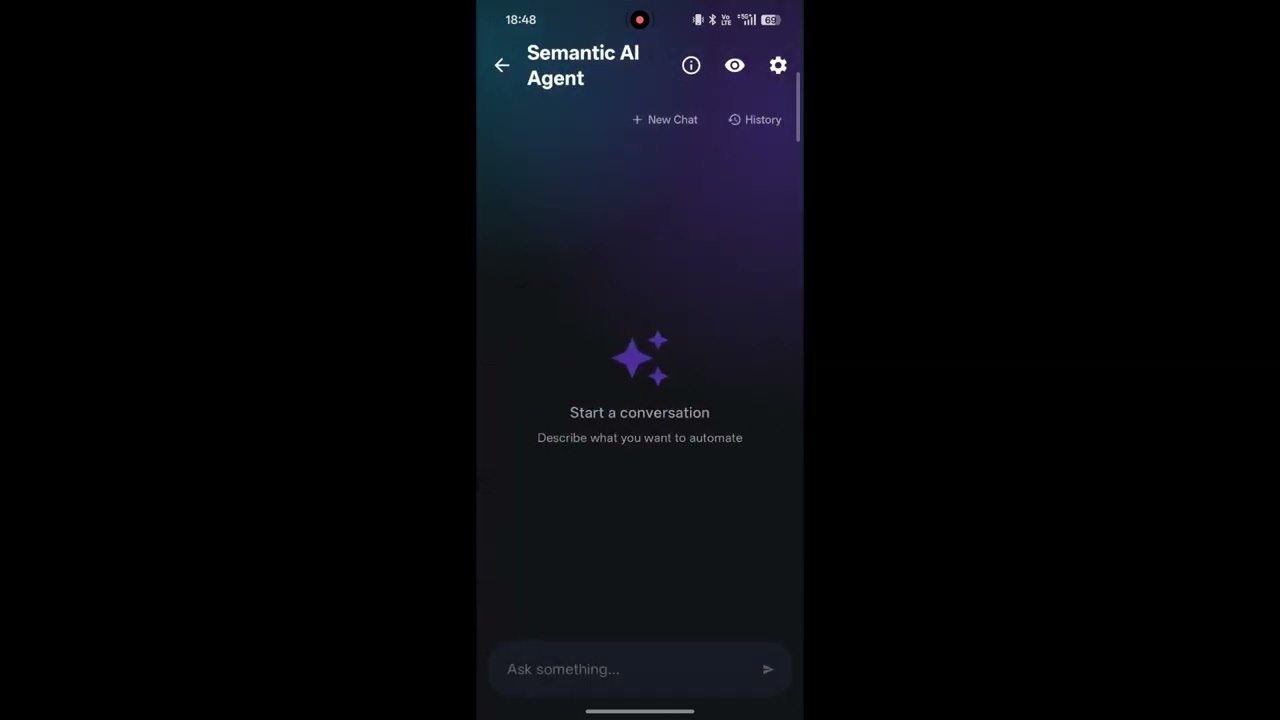
Welcome to the future of mobile automation! In this tutorial, we dive into the most powerful feature of Autonion: the Semantic AI Agent. Watch as we show you how to control your phone using natural language prompts powered by AI.
We cover all three ways to run your AI models: Cloud API (fastest), Local Server LLMs via your PC (private & free), and completely On-Device SLMs (offline processing).
📌 Video Chapters: 0:00 - Intro to the Semantic AI Agent: Unlocking the feature and choosing your preferred AI model type (Cloud, Local Server, or On-Device). 0:31 - Cloud AI Demo: Sending our first natural language prompt and watching the agent execute it flawlessly. 1:14 - Browser Automations: What happens when you ask the AI to use an app you don't have installed? We show you how to route it to a web browser! 1:32 - Installing the Browser Extension: How to use Lemur Browser to install the Autonion Android extension from our GitHub release. 2:48 - Running AI in the Browser: Watching the AI agent automate tasks directly inside the mobile web browser. 3:25 - Local LLM Setup (Desktop to Mobile): Want to run models locally? Learn how to connect your phone to your PC via Wi-Fi/LAN using the Cross-Device Sync feature. 3:48 - Installing the Desktop Agent: Downloading the Autonion Agent (.exe) for Windows. 4:48 - Setting up Ollama & Qwen 3.5: How to download Ollama and run reasoning-heavy local models via Command Prompt. 5:45 - Network Configuration: The crucial step: Exposing Ollama to your local network so your phone can communicate with it. 6:14 - On-Device SLM (Offline AI): Have a powerful phone? Learn how to import GGUF or BIN models directly into the app for 100% offline, on-device AI processing!
💡 Important Note: When using Local Server LLMs (3:25), ensure that both your desktop and Android device are connected to the exact same Wi-Fi or LAN network for the discovery to work!
👇 Important Links mentioned in this video:
GitHub - Android Extensions: https://github.com/Autonion/Autonion-...
GitHub - Desktop Agent: https://github.com/Autonion/Autonion-...
Ollama: https://ollama.com/
Download Autonion: https://play.google.com/store/apps/de...
If you successfully set up a Local LLM or ran your first AI automation, drop a comment below and let us know which model you used! Please hit the LIKE button and SUBSCRIBE for more advanced automation guides. 🧠⚡
#AutomationCompanion #SemanticAIAgent #LocalLLM #Ollama #AndroidAutomation #AIAutomation #OnDeviceAI #TechTutorial #Autonion
Повторяем попытку...
Доступные форматы для скачивания:
Скачать видео
-
Информация по загрузке: