Redmi 15c 5g Stuck On Logo Flash | Xiaomi Redmi Hang On Bootup Logo Fix Without Pc 2026
Автор: Technical Rabi
Загружено: 2025-12-13
Просмотров: 63
Описание:
If your Redmi A3 is stuck on the logo screen, you can try the following steps to resolve the issue:
1. Force Restart:
Press and hold the power button for about 10-15 seconds. This might force the phone to restart.
2. Boot into Safe Mode:
Press and hold the power button until the power off menu appears.
Press and hold the "Power Off" option until you see the "Reboot to safe mode" prompt. Tap "OK" to reboot in safe mode.
3. Wipe Cache Partition:
Turn off the phone.
Press and hold the Volume Up button and the Power button simultaneously until the Mi logo appears.
Use the volume buttons to navigate to "Wipe Cache Partition" and use the power button to select it.
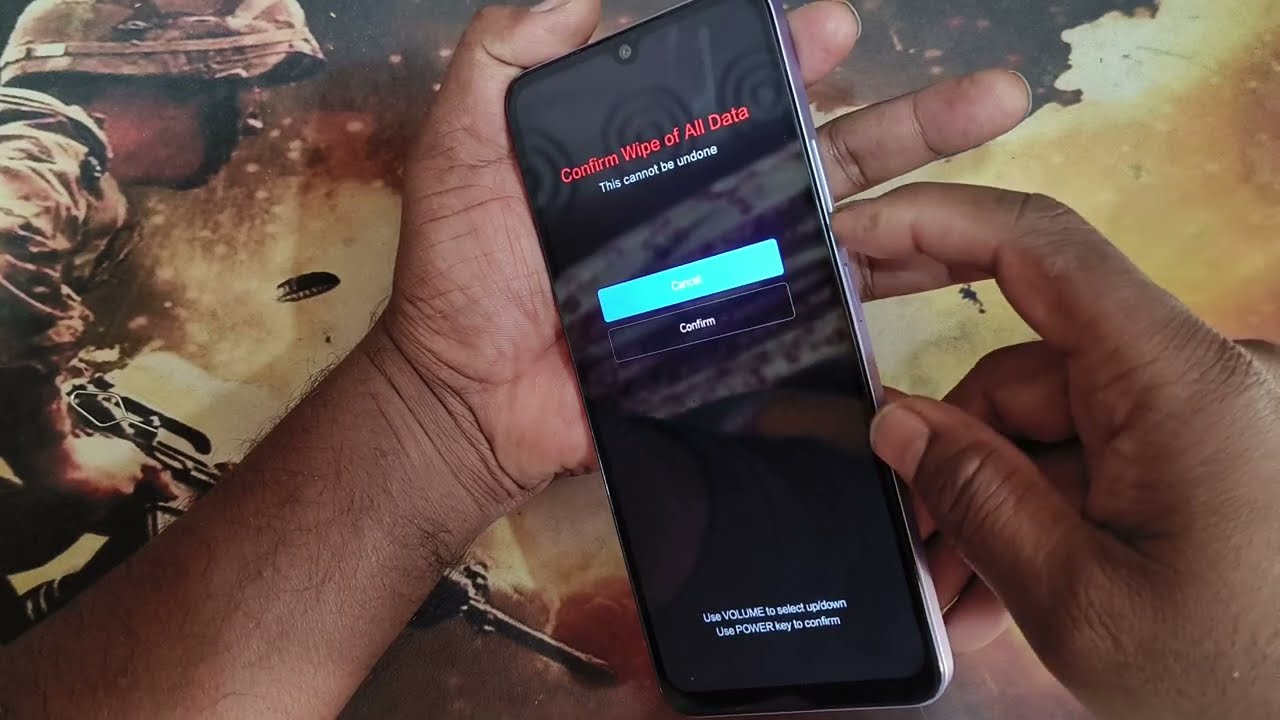
4. Factory Reset:
Turn off the phone.
Press and hold the Volume Up button and the Power button simultaneously until the Mi logo appears.
Use the volume buttons to navigate to "Wipe Data/Factory Reset" and use the power button to select it.
Confirm the reset. Note that this will erase all data on the phone.
5. Flash Stock ROM:
If the above steps don’t work, you might need to flash the stock ROM using a computer.
Download the appropriate firmware for your device from the official Xiaomi website.
Follow the instructions provided with the firmware to flash it using tools like Mi Flash.
Повторяем попытку...
Доступные форматы для скачивания:
Скачать видео
-
Информация по загрузке: