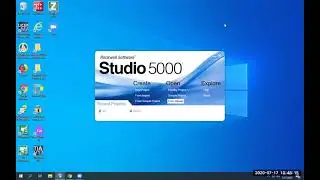
Connect to an Allen Bradley PLC using USB
Автор: Short PLC videos
Загружено: 2020-07-29
Просмотров: 18999
Описание:
When you plug into the PLC with the USB cable, RSLinx should automatically generate a "USB" driver in RS Who. Once that driver is created you can expand it until you see the PLC, then you can open RS Logix 5000 or Studio 5000 (depending on firmware version of the PLC) and upload the project out of it.
In this video I go over the steps and cabling involved in connecting to an AB PLC. In this case it is a 1769-L30ER Compact Logix with version 30 firmware. This PLC requires RSLinx and Studio5000 software to connect to it.
There is a long wait while the program is read out, that may be more of a function of my shared license server than the USB performance.
This method would be used if you had no Ethernet capability or perhaps the PLC was directly connected to another device and you wanted to go online with it while it was running.
Let me know what else you'd like to see and I'll try to get to it. I will be trying to add audio during the screen captions, hopefully future videos will have this feature.
Повторяем попытку...

Доступные форматы для скачивания:
Скачать видео
-
Информация по загрузке: