How to keep your old 1080p receiver on a 4K UHDTV
Автор: MacSteve
Загружено: 2016-11-16
Просмотров: 56438
Описание:
So you've moved on to a 4K UHDTV, affectively obsoleting your old 1080p AV receiver that originally costed hundreds of dollars. Should you shell out for a new 4K capable receiver? No!
Here's how you keep the old one going:
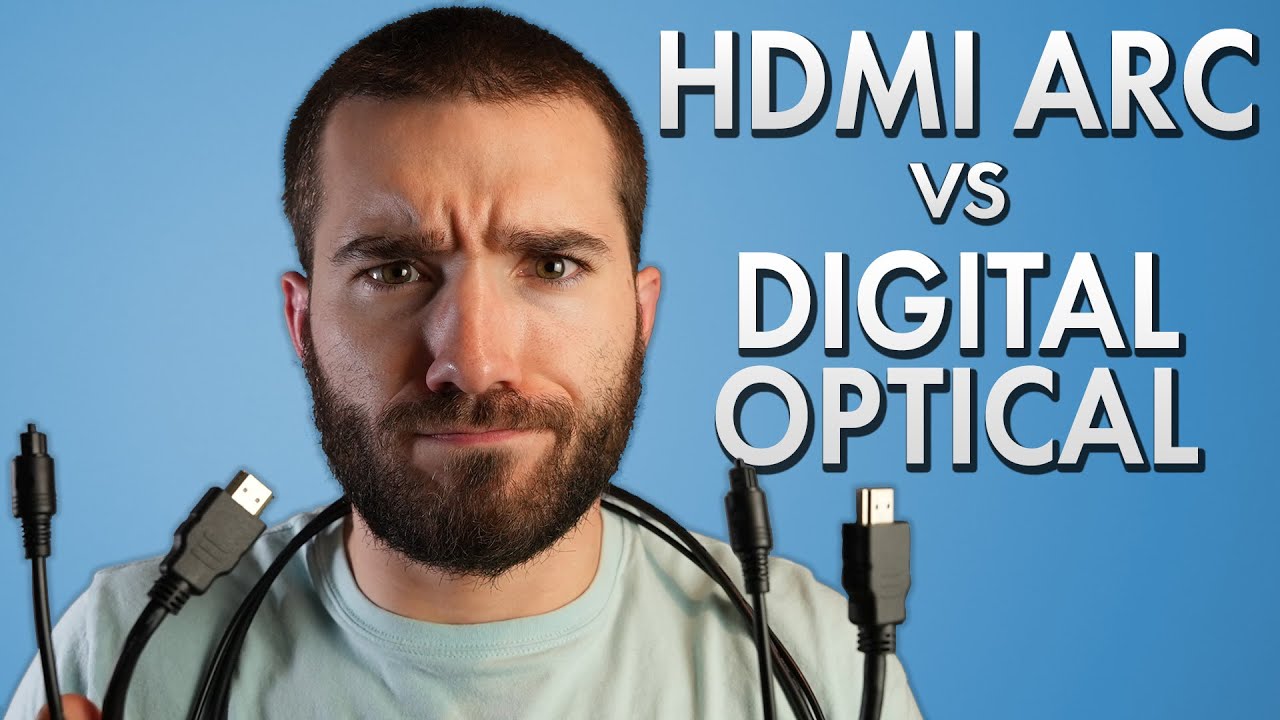
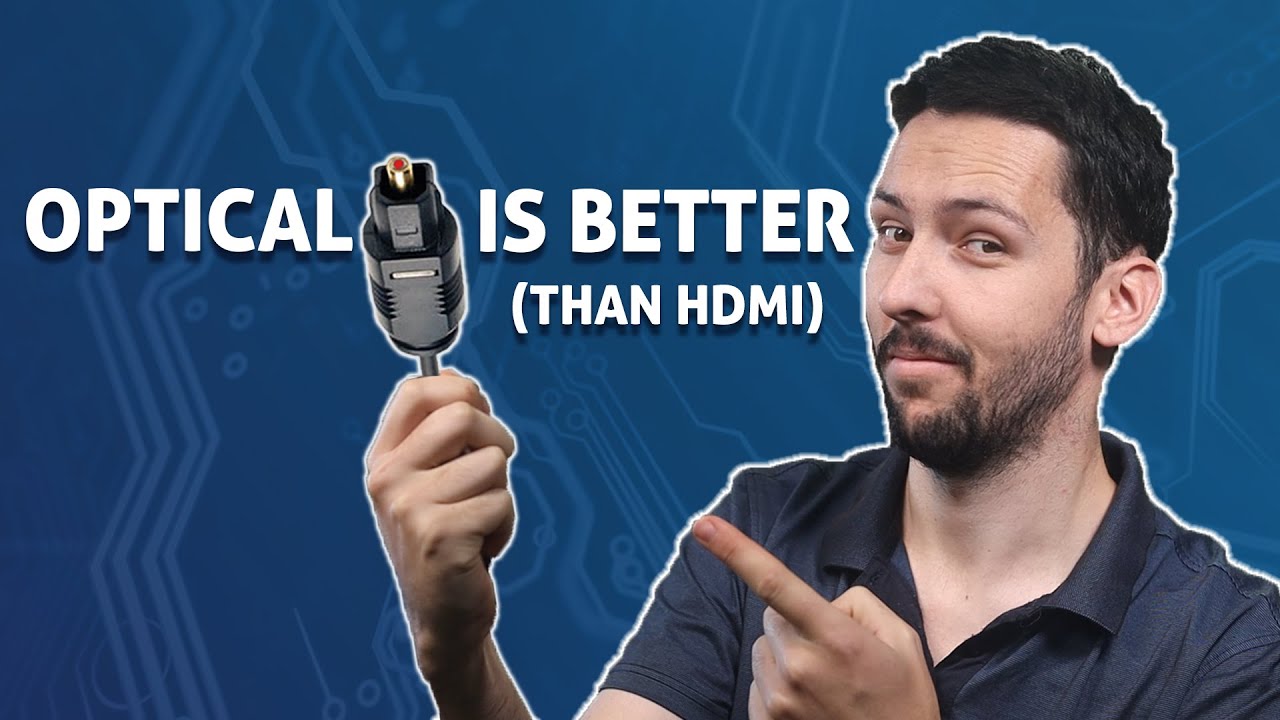
1) Connect the UHDTV and 1080p receiver using a digital optical audio cable, assuming both are Toslink equipped.
2) Next, move HDMI devices from the AV receiver to the UHDTV. You will use the UHDTV as an HDMI switcher —smart TVs do it better and more gracefully.
3)Program your UHDTV to output audio to the digital optical audio interface, if it's not automatic like my KS8000.
4) Set the AV receiver switched to the setting that looks for the digital optical audio input. It'll stay put there. That's it!
You will only need a $6 cable. Hundreds saved.
What I'm using:
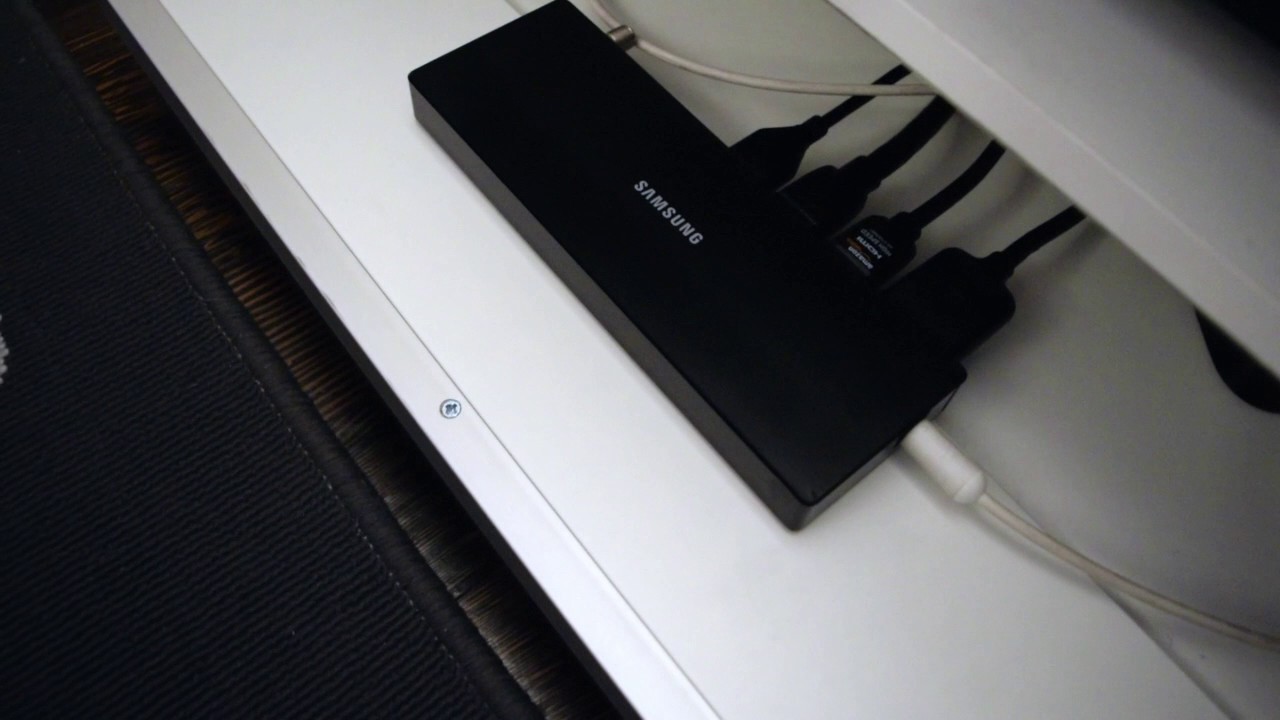
Samsung 55-inch KS8000
Onkyo HT-S7200
Sony Digital Optical Audio Toslink Cable
If you find this video to be useful please give me a thumbs up!
Повторяем попытку...
Доступные форматы для скачивания:
Скачать видео
-
Информация по загрузке: