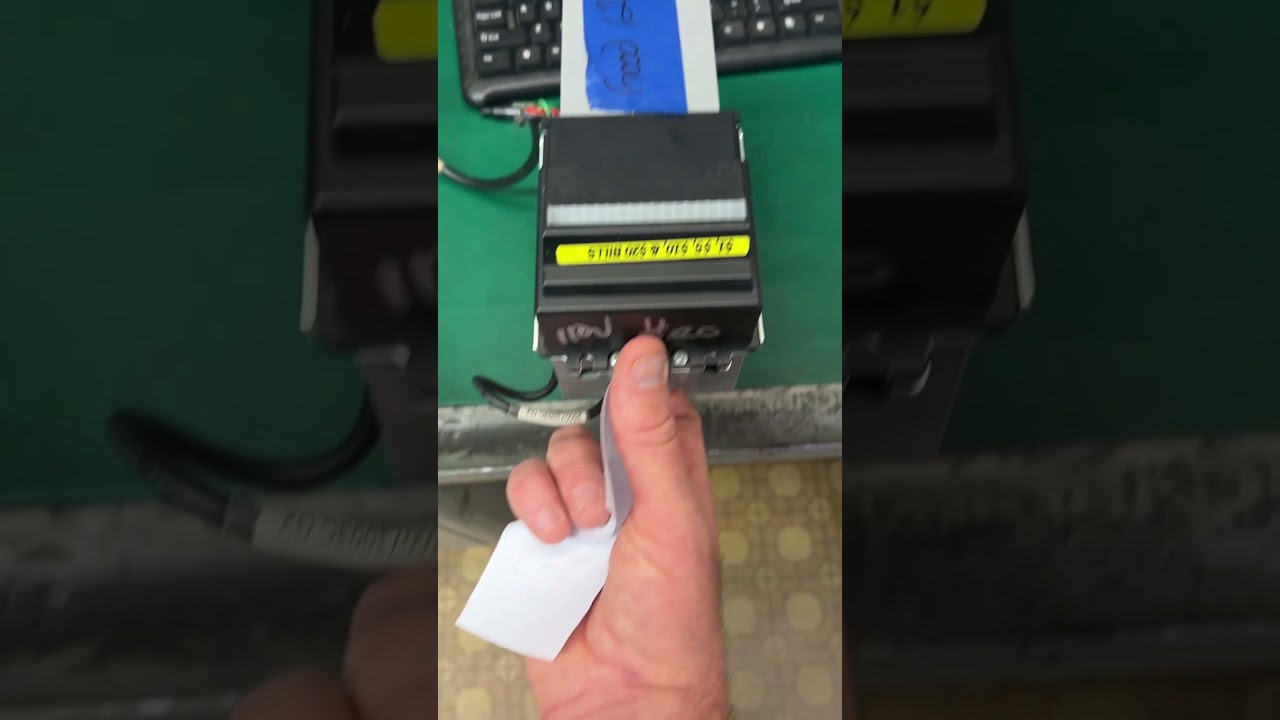
How to Program CV3 Conlux Bill Validator
Автор: Vendnet USA
Загружено: 2022-07-11
Просмотров: 8213
Описание:
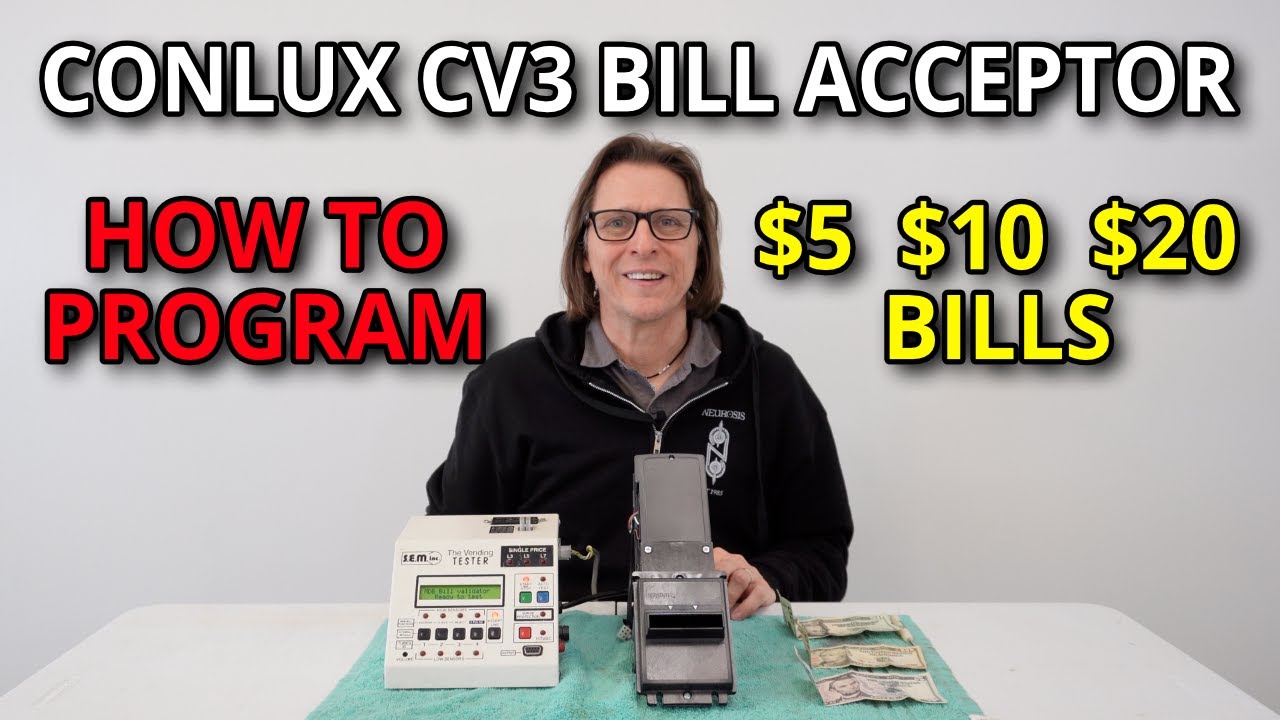
Learn how to program your CV3 Conlux Bill Validator with this step-by-step guide. Proper setup ensures your vending machine reliably accepts dollar bills and operates smoothly, maximizing profits for your vending business.
What This Video Covers:
Programming Your Bill Validator Steps:
• Start by removing the bill box and switch the validator to programming mode.
• Reattach the bill box
• A flashing green light is an indication that the validator is ready for calibration.
• Insert a bill into the validator slot and wait for ten consecutive flashes of the light to confirm successful programming.
By following these simple instructions, you'll ensure your vending machine accepts bills correctly and runs efficiently.
Need More Help?
For additional technical videos and troubleshooting resources, visit:
https://vendnetusa.com/pages/bill-val...
Help Center for expert support: https://vendnet.zendesk.com/hc/en-us
#BillValidator #CV3Conlux #VendingMachineSetup #VendingMachineProgramming #BillAcceptance #VendingMaintenance #VendingBusiness #Vendnet
Повторяем попытку...

Доступные форматы для скачивания:
Скачать видео
-
Информация по загрузке: