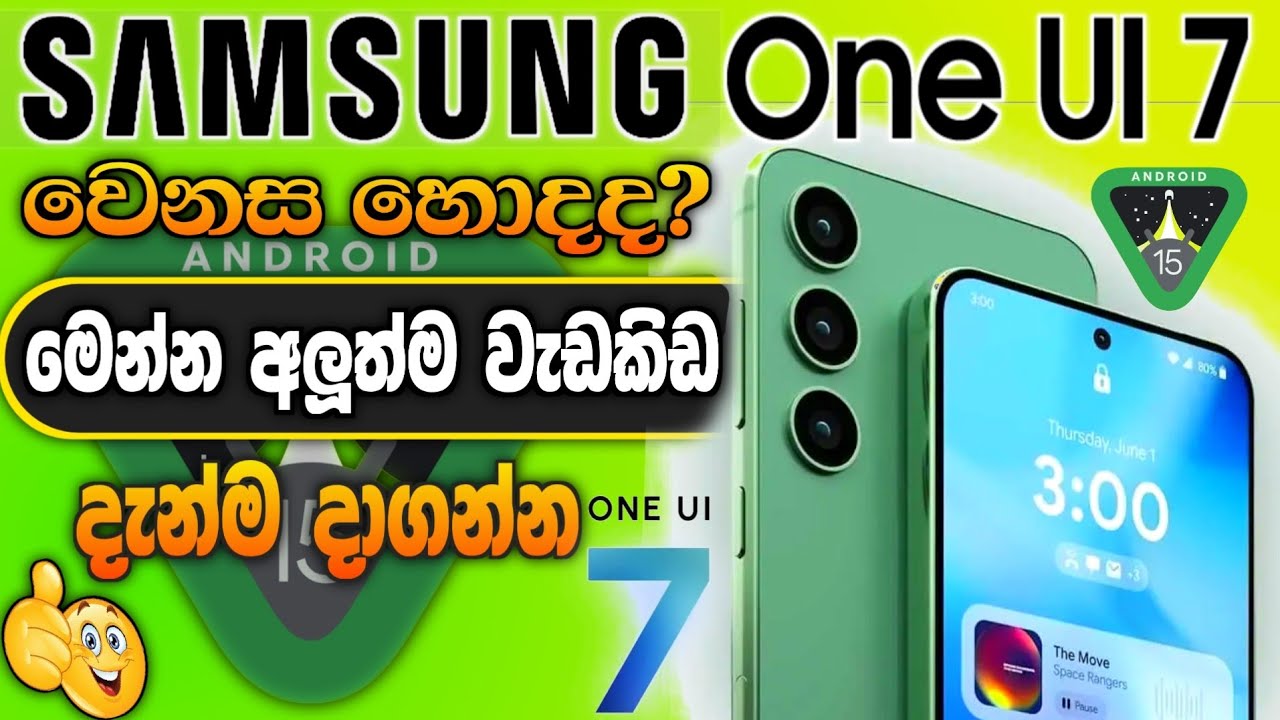
Samsung One UI 7 Top Features | one ui 7 sinhala | ui 7 update and tricks | RV Academy LK
Автор: RV Academy LK
Загружено: 2025-06-03
Просмотров: 23862
Описание:
Samsung One UI 7 Top Features 🔥🔥
One UI 7 upgrade with Android 15 - • Samsung One UI 7 Update sinhala 2025 | sam...
Samsung වැඩකෑලි 👇
🔰Playlist • • RV Academy LK Top Samsung tricks 2026 🔥| s...
Lock screen.
In One UI 7, the quick settings panel and notification panel are now separated (by default). We made this change to improve usability.
Previously, you had to swipe twice to access the quick settings panel. This new design makes it more convenient.
Swipe down from the top right corner of the screen to open the quick settings panel.
Swipe down from anywhere else at the top of the screen to open the notification panel.
Order of applications.
With One UI 7, changes were made to the app grid. In One UI 7, only 4x6 and 5x6 home screen grids are supported. Because of this, updating your device may cause the previously used grid to change.
If you prefer the previous home screen layout or want more diverse options, you can use Good Lock's Home Up to customize your settings.
Application screen customization.
In One UI 7, to resize a folder on the home screen, you can long-press the folder until a menu appears. Then, select the Enlarge icon.
In One UI 7, the default notification sorting method has changed from Priority Order to Time Order.
This means that notifications will now appear in the order they arrived.
Game Booster priority mode.
Game Booster's Game Priority mode feature has been integrated into Mode and Routine.
By integrating it into Mode and Routine, you can add other settings beyond muting notifications and incoming calls.
Game Booster game add-on.
For user convenience, we have integrated the customization of individual game settings into the Game Booster settings menu.
In One UI 7, when you enter the search menu, up to 10 recent tags are supported, and you can also search for tags using the search function.
Brief widget.
In One UI 7, the face widget has been updated. You can now use the Brief widget and Now bar instead.
Most of the features previously available in the face widget are now available through the Brief widget and Now bar.
Loading icon.
In One UI 7, the charging effect image has been changed.
Home screen: Changed to a number indicating battery capacity in the top right corner.
Lock screen: Displays the charging icon at the bottom.
Seeker.
In One UI 7, the Search icon has been removed. To access Search, you'll need to use the Quick Panel.
The search engine in the apps section has changed location with the One UI 7 update.
▶️Like us our Facebook Page :- / rvacademylk
00:00 - introduction
00:42 - Notification panel
01:42 - Sound
01:56 - Lock Screen Customize
03:28 - App icon
04:05 - Camera app
04:38 - Video minimize
05:23 - Home screen Widgets
05:49 - Screenshot
06:26 - Music player
06:40 - Notification style
08:15 - Home screen & Display
09:13 - Game booster setting
10:15 - Battery
10:55 - Group Alarm
11:17 - Battery charging style
11:34 - Gemini AI
11:56 - Setting app topics
12:30 - 2 app open
13:14 - Brightness
13:20 - Resent App style
13:54 -Ending
🔻SUBSCRIBE🔔
@RVAcademyLK
#oneui7 #ui7update #ui7features #samsungoneui7 #rvacademylk
Повторяем попытку...
Доступные форматы для скачивания:
Скачать видео
-
Информация по загрузке: