How to Update Payment Method on Amazon Prime (Step-by-Step Guide)
Автор: App Ultra
Загружено: 2026-04-28
Просмотров: 959
Описание:
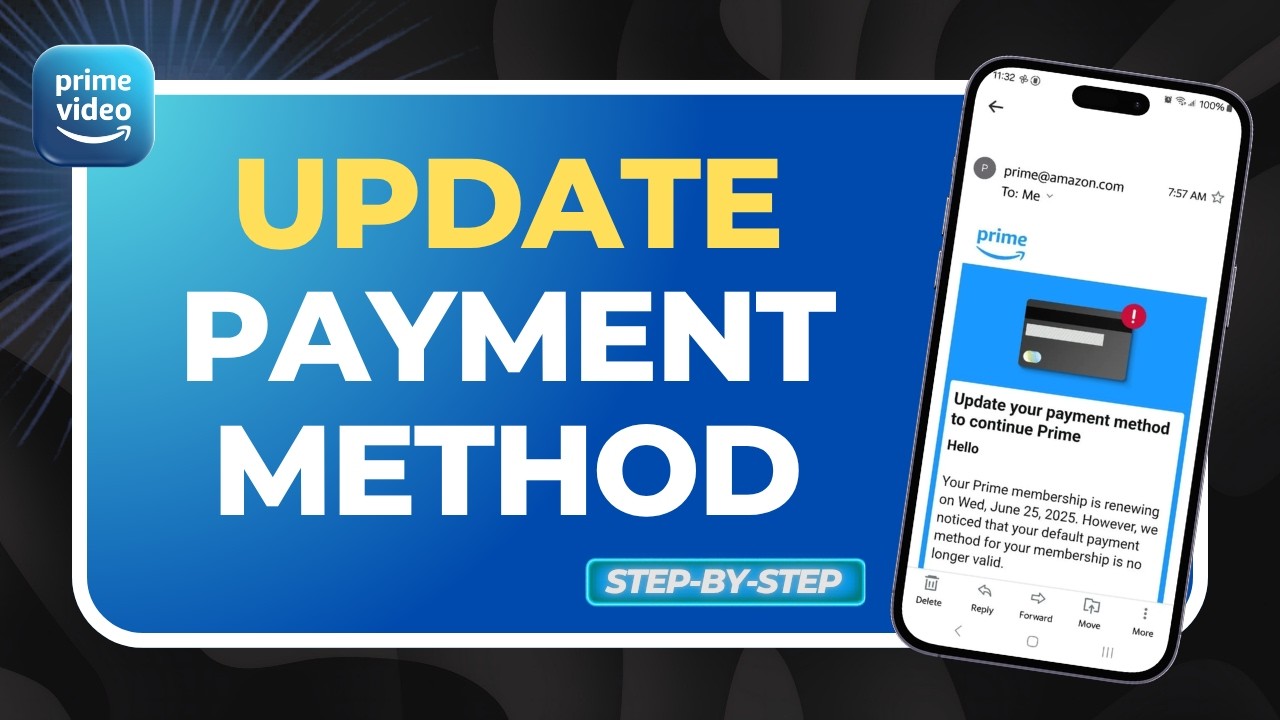
Want to update your payment method on Amazon Prime but not sure where to start? In this video, we walk you through a simple and clear process to change or add a new payment method on your Amazon account. Whether you’re updating expired card details or switching payment options, this guide will help you manage your Amazon Prime billing بسهولة.
The first step is to open any web browser and go to Amazon.com. Once there, sign in to your account using your preferred method, such as a password or passkey. After logging in, head over to your profile and navigate to the “Your Account” section to access all account settings.
Inside your account dashboard, click on “See All” options and look for the payments and purchases section. From there, select “Your Payments,” where you can view, edit, or add a new payment method. This section allows you to update your billing information quickly and securely.
We hope this Amazon tutorial helps you update your payment method without any confusion. If you have questions or need further assistance, feel free to comment below. Stay tuned for more tech guides, account tips, and easy step-by-step tutorials.
#AmazonPrime #PaymentMethod #AmazonGuide #TechTips #OnlineShopping #AmazonAccount #BillingUpdate #HowTo #AmazonHelp #Tutorial
For Business Enquiries:
Email - [email protected]
Повторяем попытку...
Доступные форматы для скачивания:
Скачать видео
-
Информация по загрузке: