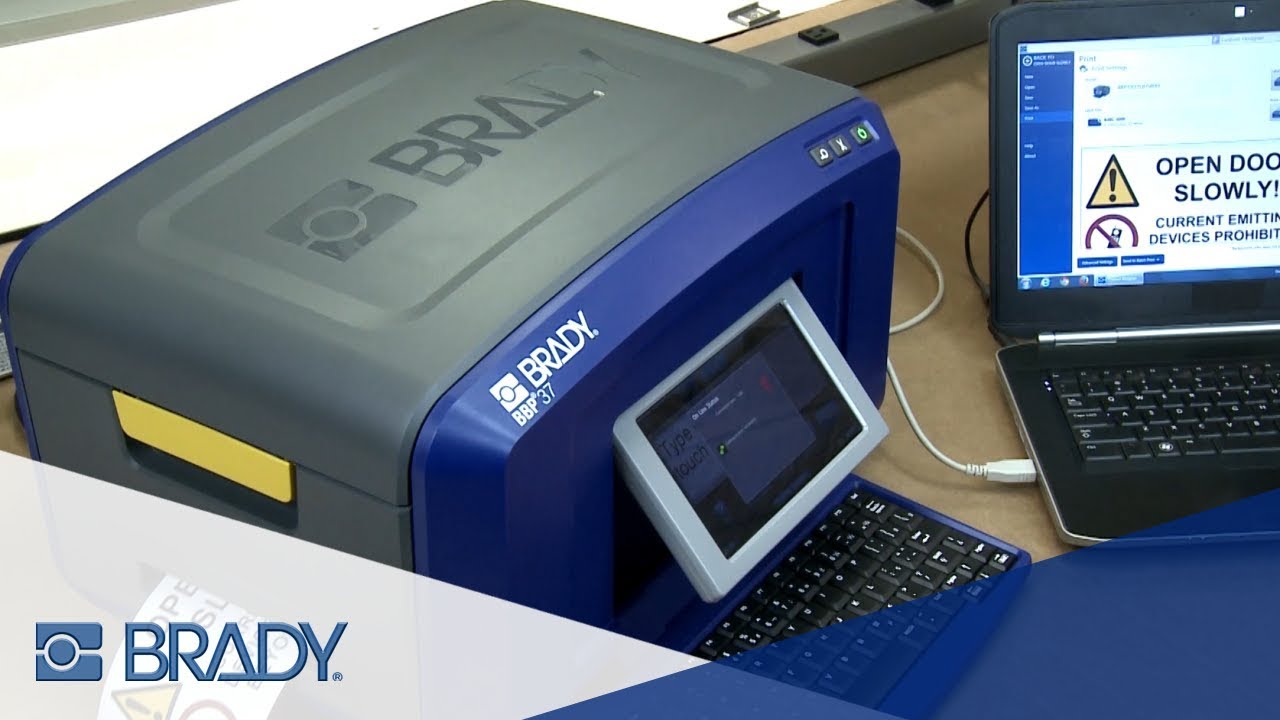
How to Adjust the Cutter Depth and Replace the Blade on your Brady BBP37 Printer
Автор: Brady North America
Загружено: 2018-12-18
Просмотров: 2243
Описание:
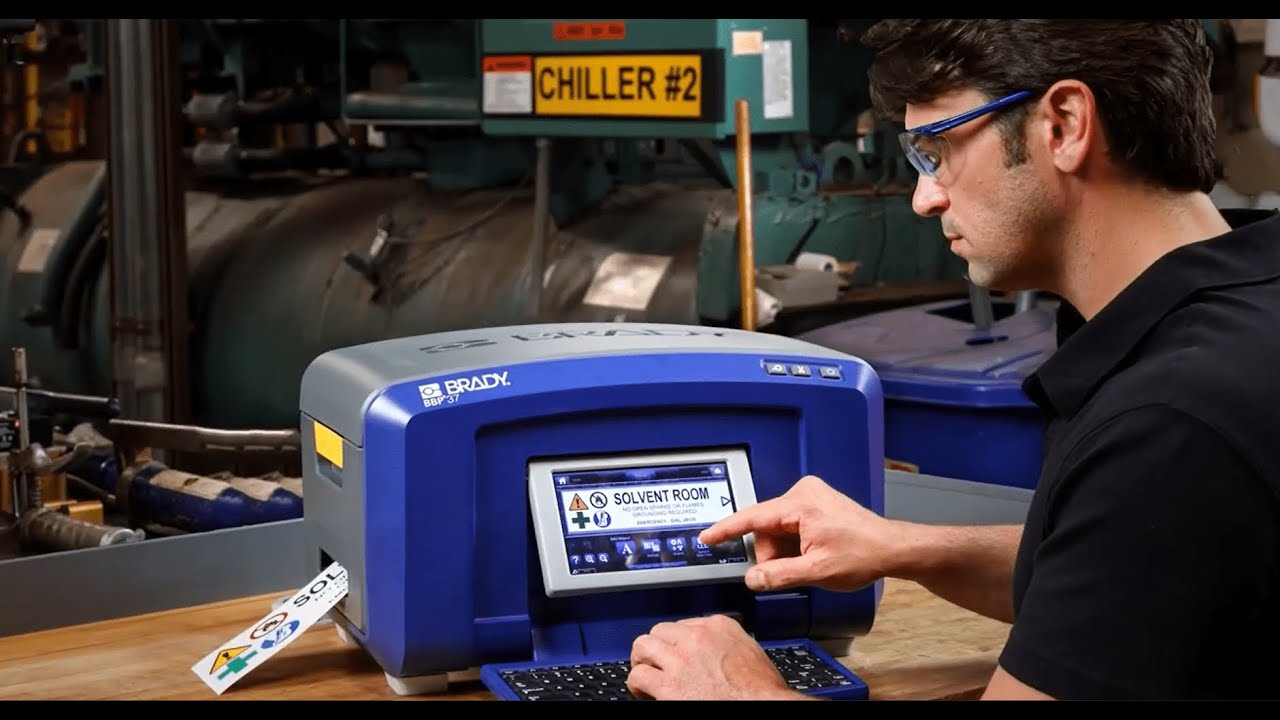
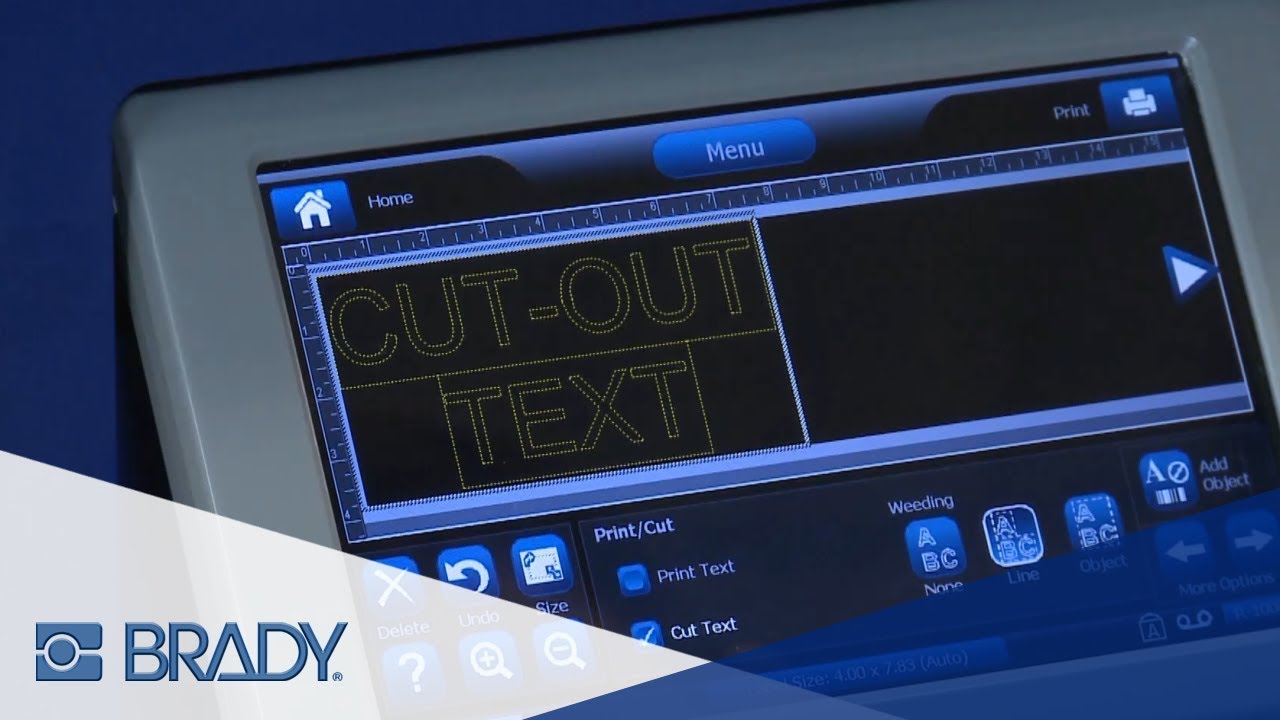
In this video, we will demonstrate how quick and easy it is to adjust cutting depth settings needed for a variety of material thicknesses and how to replace the blade if it gets dull.
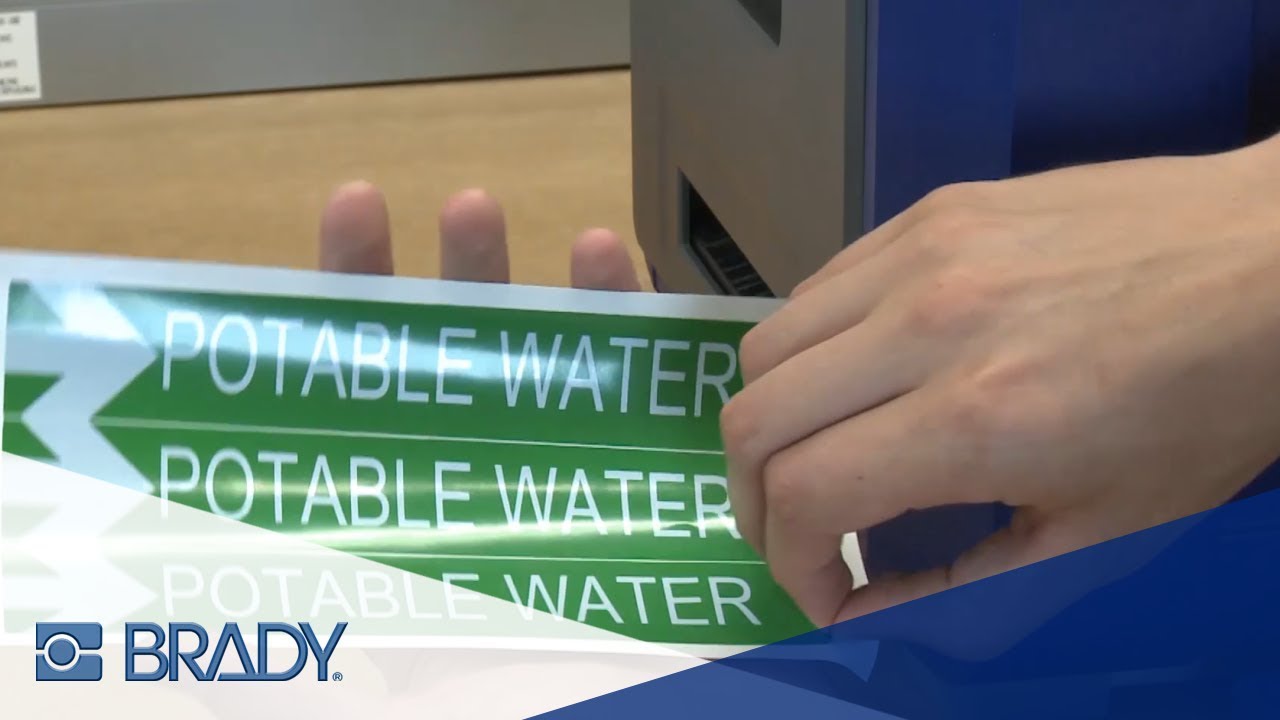
If your label fails to "weed" or separate cleanly, then you may need to make smaller depth adjustments. If you see that the liner peels up along with your cut object when weeding, it means your cut is a little too deep. If when weeding, your cut object pulls off of the liner along with the unused tape, your cut depth isn't deep enough. This video shows you how to make these minor adjustments for ideal cuts.
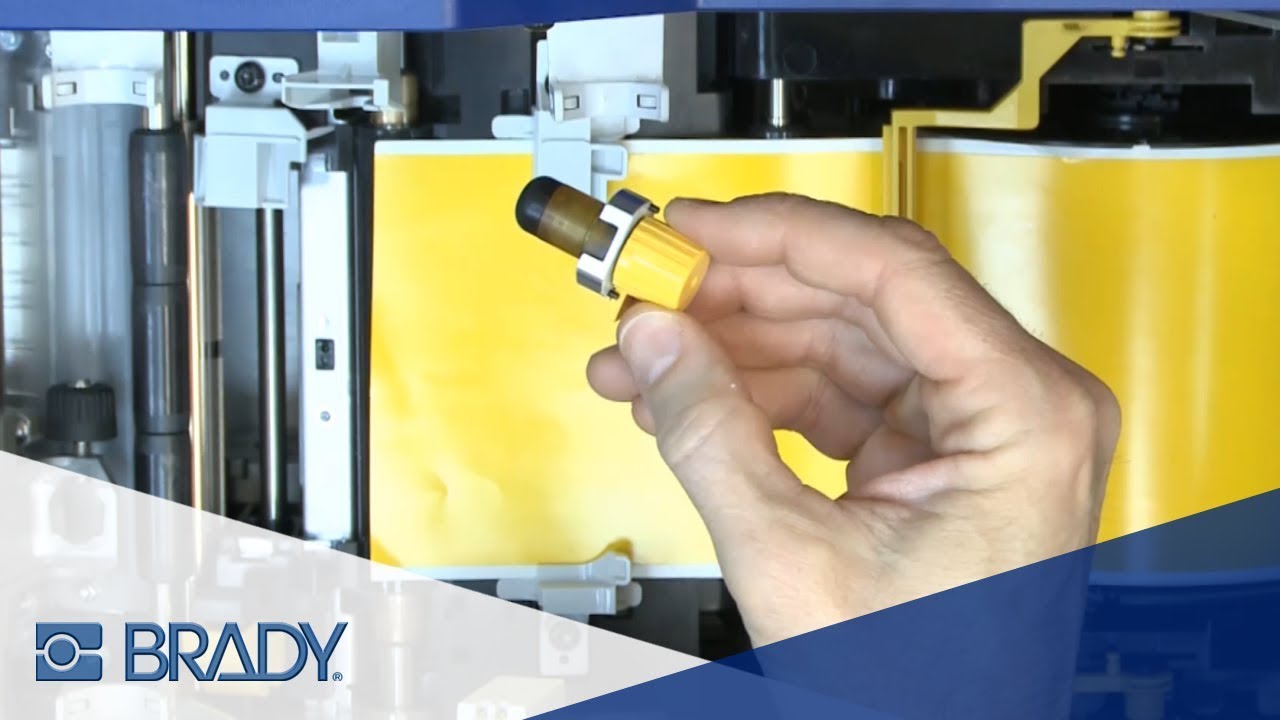
Occasionally your blade may get dull, requiring you to replace it. If your cut objects are not weeding properly and the depth adjustments have not helped, this may be a sign that your blade is dull. This video shows how to remove the cutter and replace it with a new one.
Learn more: https://www.bradyid.com/label-printer...
Subscribe to our channel: https://www.youtube.com/user/BradyNor...
Visit our website: http://www.bradyid.com
Повторяем попытку...
Доступные форматы для скачивания:
Скачать видео
-
Информация по загрузке: