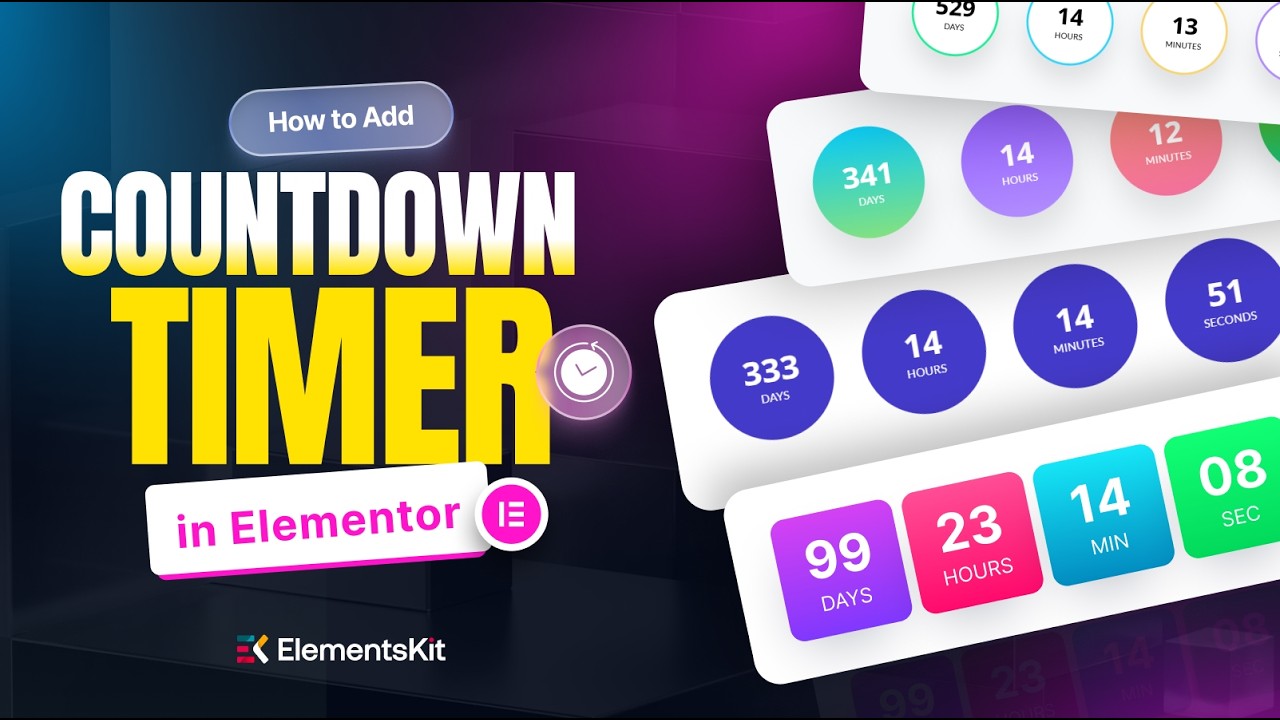
Add a Countdown Timer in Elementor for FREE (Boost Sales Fast)
Автор: Wpmet
Загружено: 2026-05-18
Просмотров: 55
Описание:
Urgency drives action. In this tutorial, I'll show you how to add a high-converting countdown timer to any WordPress site using the ElementsKit Countdown Timer widget in Elementor — completely FREE, no Pro version, no code.
Countdown timers tap directly into FOMO (Fear of Missing Out) — the same psychological trigger top e-commerce stores use to boost flash sale conversions, product launches, and event signups. Add one to your sales page, and you give visitors a reason to act NOW instead of "thinking about it" and forgetting.
✅ What you'll learn:
✅ Enable & use ElementsKit's pre-built countdown templates (one-click insert)
✅ Set Due Date, time units (Days, Hours, Minutes, Seconds) & custom labels
✅ Style: background color, border radius (50px for circles!), typography
✅ Margin & alignment tips for that "professional" look
✅ Advanced tab: add a subtle pulse motion effect
✅ Make it mobile-perfect with Responsive Mode
✅ Bonus: Build a countdown from scratch with full creative control
🛠️ Plugins used (both FREE):
👉 Elementor (free version)
👉 ElementsKit Lite — https://wpmet.com/plugin/elementskit/...
💡 Perfect for: flash sales, Black Friday, product launches, coming-soon pages, event countdowns, webinar signups, course launches, and limited-time offers.
👍 If this boosted your design game, smash like and subscribe for more Elementor + conversion-focused tutorials every week!
#ElementsKit #CountdownTimer #ElementorTutorial #WordPressDesign #FlashSale
Повторяем попытку...
Доступные форматы для скачивания:
Скачать видео
-
Информация по загрузке: