How to Change Waze Map Color | Dark Mode & Map Display Settings
Автор: Delft Stack
Загружено: 2026-01-20
Просмотров: 9
Описание:
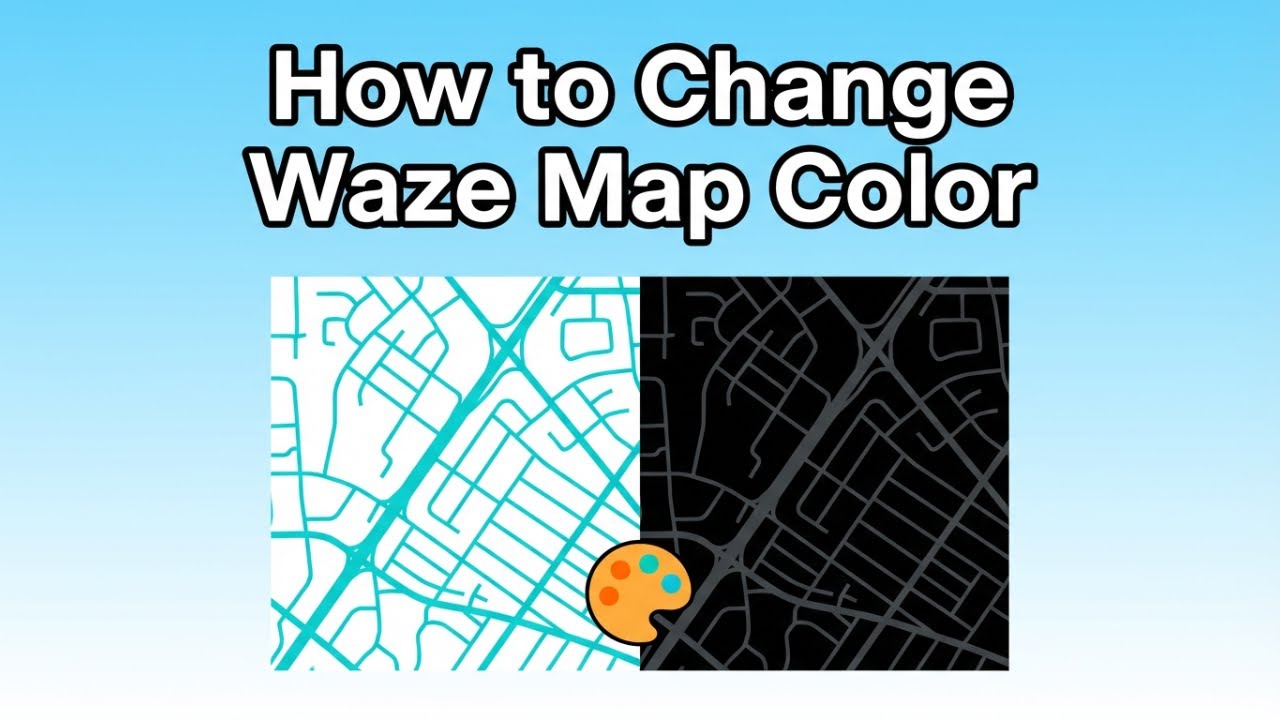
Want to customize the look of your Waze map? In this tutorial, we’ll show you how to switch between light and dark mode and use map display options for a better driving experience.
🔹 What You’ll Learn in This Video:
✅ Open Waze and access the menu → Settings → Map Display
✅ Enable Dark Mode to reduce glare during night driving
✅ Switch map Type between Default or Map Editors for a different interface
✅ Customize your map display for a clearer and more comfortable view
📌 Timestamps ⏱
00:00 - Introduction
00:10 - Open Waze. Go To Settings And Map Display
00:54 - Enable Dark Mode. Change Map Type
01:28 - Final Tips And Recap
🔧 Why Watch This Video?
Customizing your Waze map improves your driving experience by reducing eye strain, enhancing visibility, and letting you navigate more comfortably. Perfect for night driving or anyone who prefers a personalized map interface.
🔥 Enjoyed the Video? Don’t Forget to Subscribe!
Like 👍, share, and subscribe for more Waze tutorials and driving hacks. Turn on notifications 🔔 to never miss a navigation tip!
Повторяем попытку...
Доступные форматы для скачивания:
Скачать видео
-
Информация по загрузке:


