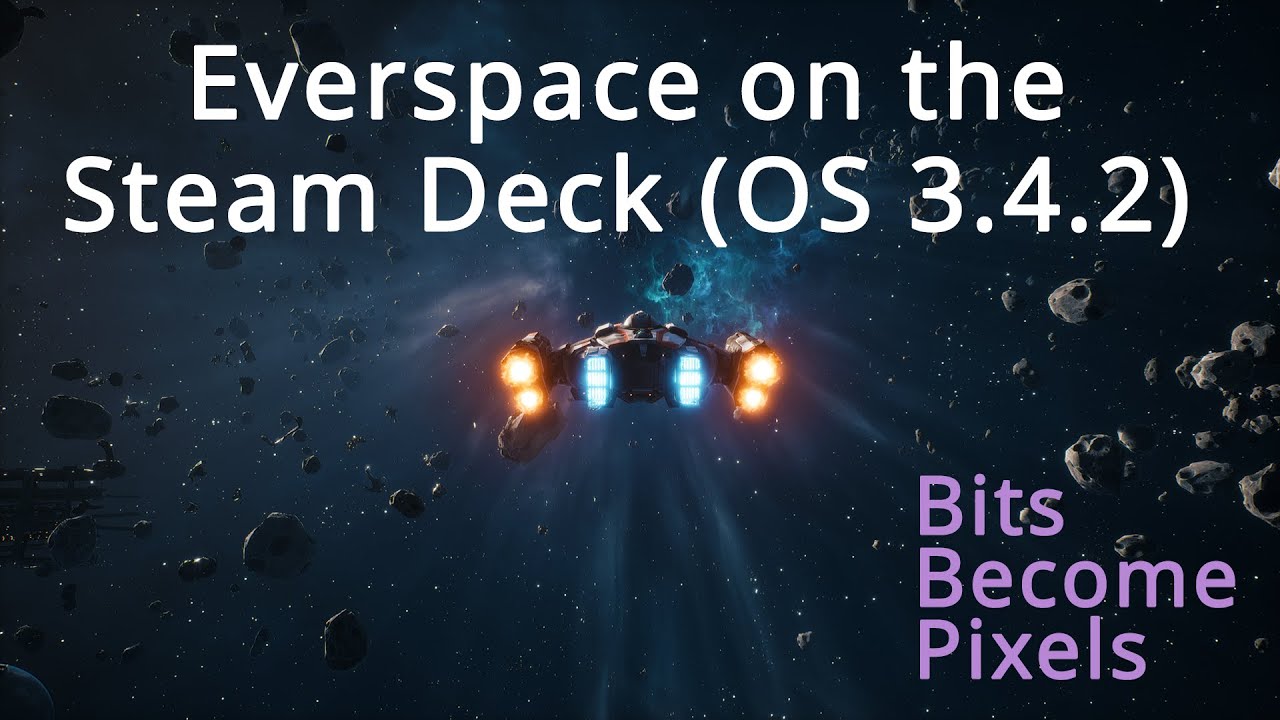
Everspace on the Steam Deck with SteamOS 3.4.2
Автор: Bits Become Pixels
Загружено: 2022-12-28
Просмотров: 518
Описание:
This video shows Everspace running on SteamOS 3.4.2 on the Steam Deck using the stable version of Proton 7. The game was bought and installed via the Steam client.
This new video is recorded on the recently released version of SteamOS 3.4.2. The temporal AA setting makes the game a lot crisper.
The game runs without any workarounds or manual configuration steps. Clicking Install and Play were the only required steps to get it to run.
The settings I've used can be found below. These settings were chosen to balance fan noise, battery usage and graphics quality.
Steam Deck Performance settings:
Use per-game profile: enabled
Framerate limit: OFF
Refresh rate: 50
Allow tearing: OFF
Half Rate Shading: OFF
Thermal Power (TDP) Limit: 10
Manual GPU Clock Control: OFF
Scaling filter: Linear (default)
Game settings:
Resolution: 1280x800
Display Mode: windowed fullscreen
Antialiasing quality: medium
Effects quality: medium
Post process quality: medium
Texture quality: medium
View distance quality: medium
Smoothen frame rate: disabled
Vsync: enabled
Screen percentage: 100
Anti aliasing method: temporal AA
Motion blur: enabled
Chromatic aberration: off (personal preference)
SteamOS version: 3.4.2
In addition to these settings, I've also disabled smoothing for the controller input in the game's settings.
Proton DB page: https://www.protondb.com/app/396750
The game looks better on the Steam Deck than it does in the video.
Don't forget to subscribe to be notified when new videos are uploaded.
Повторяем попытку...
Доступные форматы для скачивания:
Скачать видео
-
Информация по загрузке: