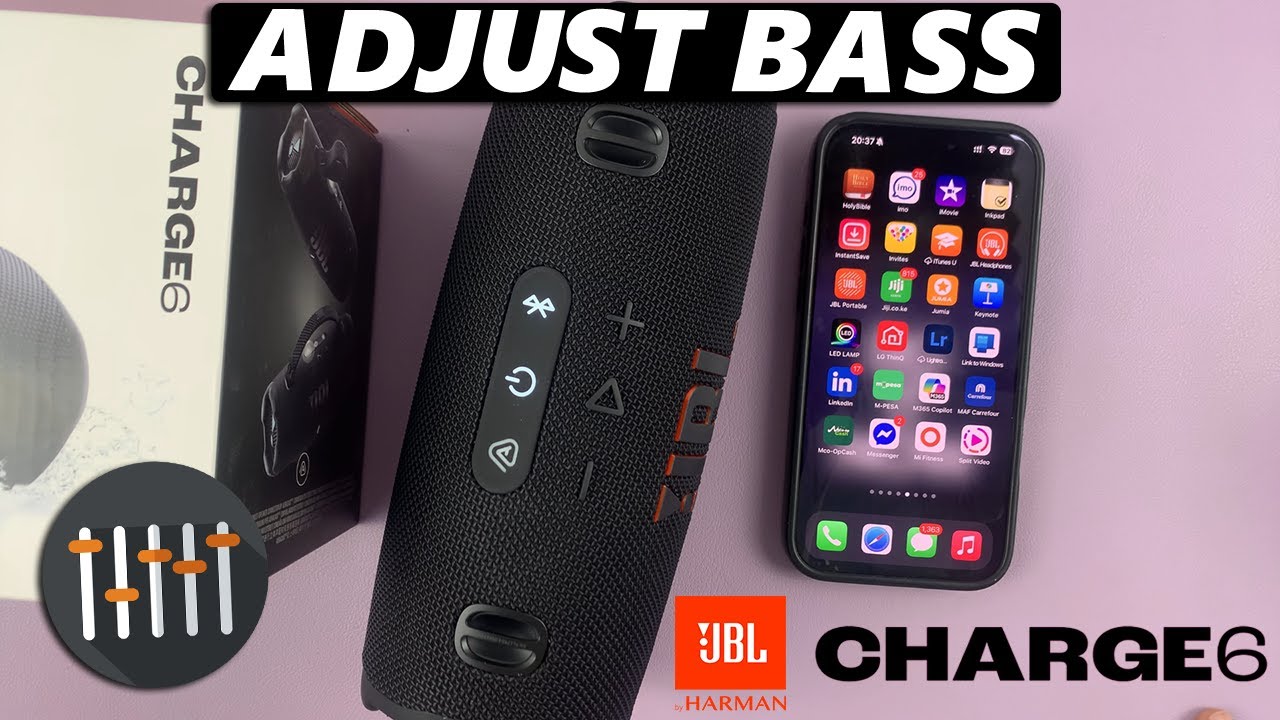
How To Adjust Bass On JBL Charge 6
Автор: WebPro Education
Загружено: 2025-05-20
Просмотров: 3086
Описание:
Learn exactly how to adjust the bass on the JBL Charge 6. Dial in the low end so your tunes hit harder than ever and get that booming bass from your speaker.
JBL Charge 6: https://amzn.to/4j61oMV
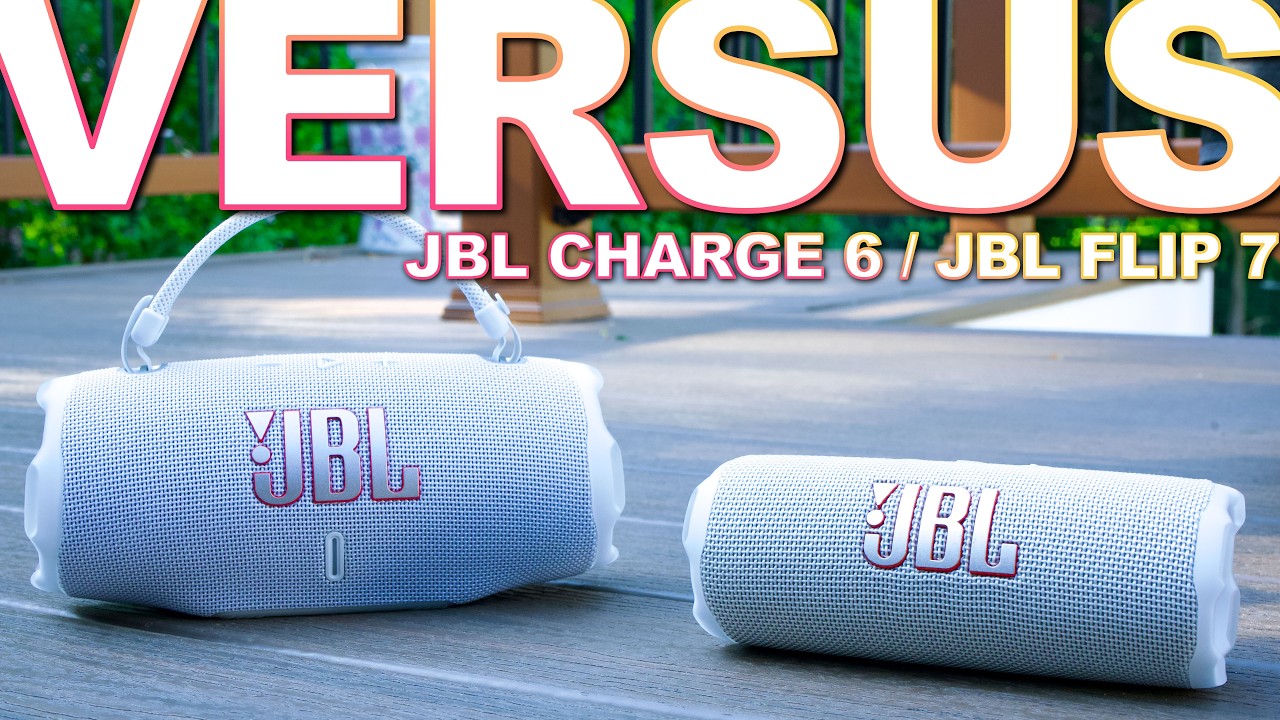
JBL Flip 7: https://amzn.to/4mcnO21
How To Regulate Bass On JBL Charge 6:
Step 1: First, make sure you install the JBL Portable app. On iOS, search “JBL Portable” in the App Store. Do the same for Android in the Google Play Store. Launch the app once it's installed.
Step 2: Press the Power button on your Charge 6 to turn it on. In the JBL Portable app, tap “Add New Device” (if you haven’t paired before), or select your Charge 6 from the device list. Follow the on-screen prompts to complete pairing.
If you had previously paired the speaker, you can press the Bluetooth button on the speaker. then, select it from the list of available devices, to connect, if it doesn't connect automatically.
Return to the JBL Portable app—your speaker should appear on the home screen. Tap on your Charge 6 in the app.
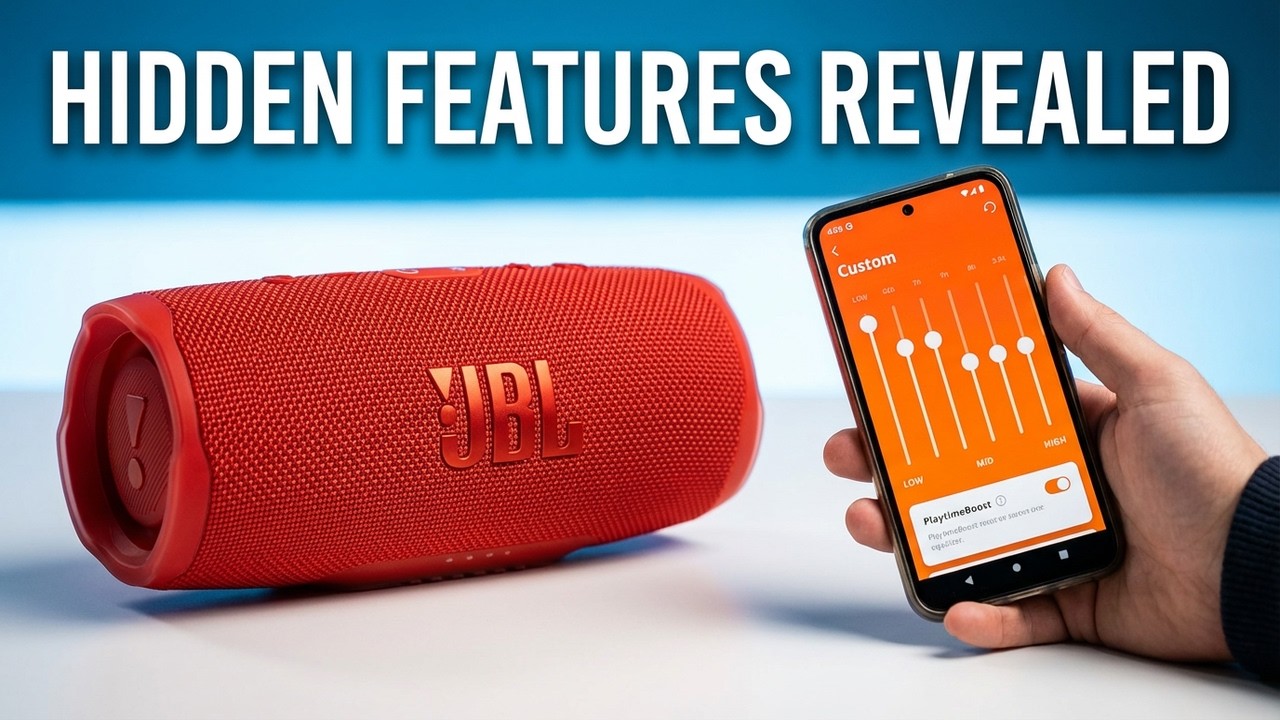
Step 3: In the device dashboard, find and tap "Equalizer" (just below the charging indicator slider). Scroll through to see a list of EQ presets.
"JBL Signature" selected by default. This is the neutral setting—perfect if you prefer the speaker’s stock tuning.
Step 4: Select "Custom" in the EQ menu and tap on "Edit". You’ll see individual sliders for frequency bands (e.g., 125 Hz, 250 Hz, 500Hz, 1 kHz, 2kHz, 4 kHz, 8 kHz). They are labelled Low, Mid and High.
Step 5: The Low sliders (125, 250 & 500 Hz) are the bass equalizers. Push them up and down to increase or reduce bass as you listen to music.
Step 6: Once you’ve settled on the right tone of bass, tap the Back arrow to save the custom equalization. It will now be ready for use every time you select it, until you change it back once again.
#jblcharge6 #jbl #jblspeaker
----My Gear for YouTube videos----
Main Camera (iPhone 13 pro): https://amzn.to/3GZztve
Tripod: https://amzn.to/35acqRa
Cell Phone Tripod Adapter: https://amzn.to/3v3wFuI
Lights: https://amzn.to/3vkoGK7
As full disclosure, I use affiliate links on this channel and purchasing through these links earns me a small commission. The price you pay will be the same!
Website: https://www.webproeducation.org
Facebook: / webproeducation.org
Twitter: / webpro_e
Instagram: / webproeducation
Повторяем попытку...
Доступные форматы для скачивания:
Скачать видео
-
Информация по загрузке:

![JBL Charge 6: Adjust & Boost Bass for Better Sound! [Best Equalizer Settings]](https://imager.clipsaver.ru/ChPsbNb3awM/max.jpg)











![How To Connect JBL Charge 6 with App! [Setup Guide]](https://imager.clipsaver.ru/spZujwjWLDI/max.jpg)