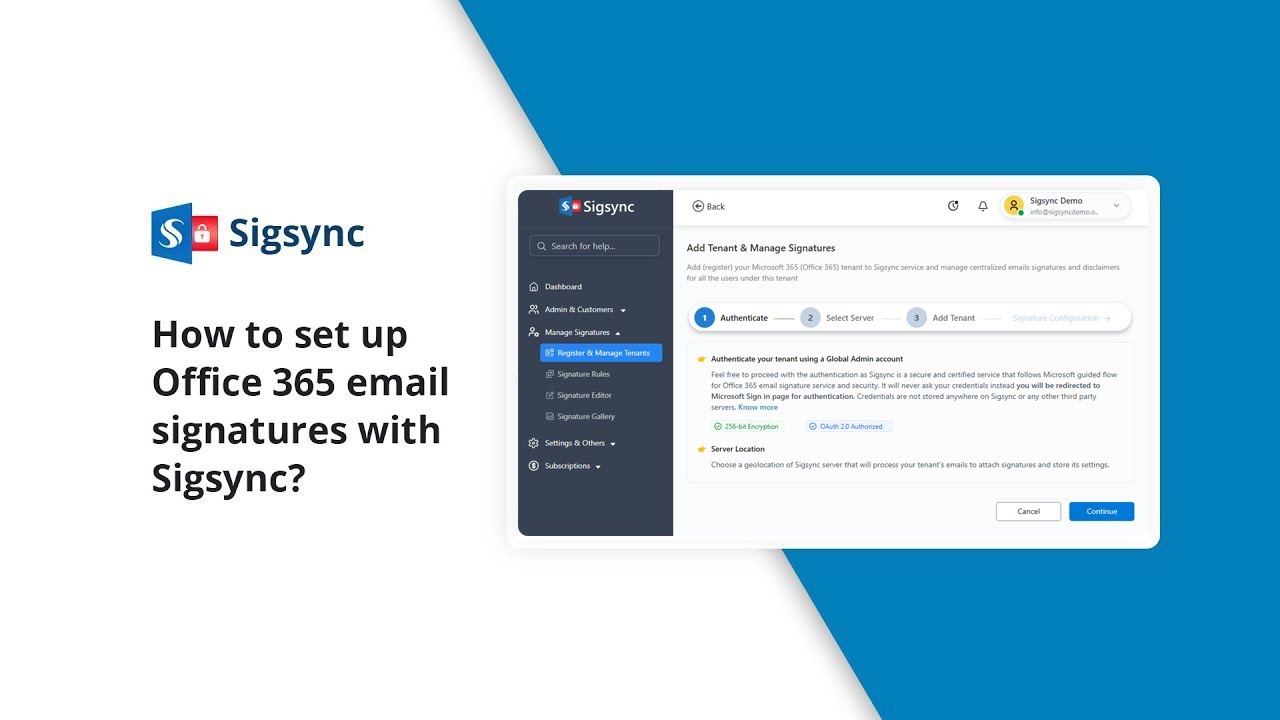
How to Set Up Office 365 Email Signatures with Sigsync
Автор: Sigsync
Загружено: 2026-02-04
Просмотров: 7
Описание:
Learn how to create and manage professional, centralized email signatures for Microsoft 365 (Office 365) using Sigsync Email Signature Service. This step-by-step tutorial is perfect for IT admins and business owners who want consistent, branded email signatures across their organization.
In this video, you’ll learn how to:
✦ Connect your Microsoft 365 tenant with Sigsync
✦ Create and design email signatures using the Sigsync editor
✦ Add dynamic placeholders like name, job title, phone number, and more
✦ Assign signatures to individual users or groups
✦ Preview and test your email signatures
Follow best practices for branding and compliance
Why choose Sigsync?
Centralized email signature management
Cloud-based and secure (Microsoft-approved)
Works across all devices: Outlook, Mac, mobile
Supports banners, logos, social media icons, disclaimers, and more
Resources:
Try Sigsync for Free: 👉 https://www.sigsync.com
Support & Help: 👉 https://www.sigsync.com/support.html
Useful Videos:
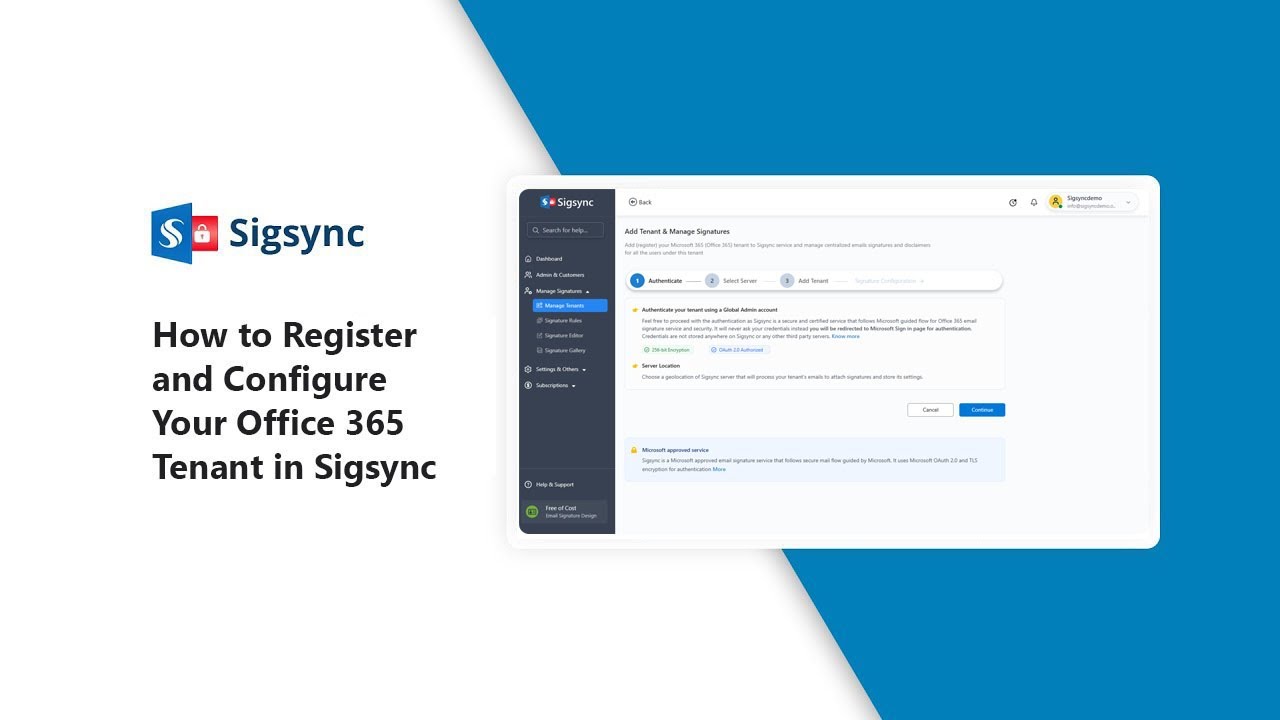
✦ Register and configure your Office 365 tenant:
✦ Create, Design your signature template:
✦ Set Signature Rules: • How to Set Email Signature Rules in Sigsync?
✦ Add SPF Record: • How to Set Up an SPF Record for Your Domain?
If you found this tutorial helpful, give us a 👍 like, 🔔 subscribe for more, and explore additional Sigsync tips to enhance your email signatures.
#Sigsync #EmailSignature #Office365 #Microsoft365 #OutlookSignature #CentralizedSignatures #EmailDisclaimer #CompanyWideSignatures #SigsyncSignatureEditor #SigsyncSignatureGallery #Office365EmailSignature #ProfessionalEmailSignature
Повторяем попытку...
Доступные форматы для скачивания:
Скачать видео
-
Информация по загрузке:














![Почему работает теория шести рукопожатий? [Veritasium]](https://imager.clipsaver.ru/ggI1xKzoANs/max.jpg)
