Скачать
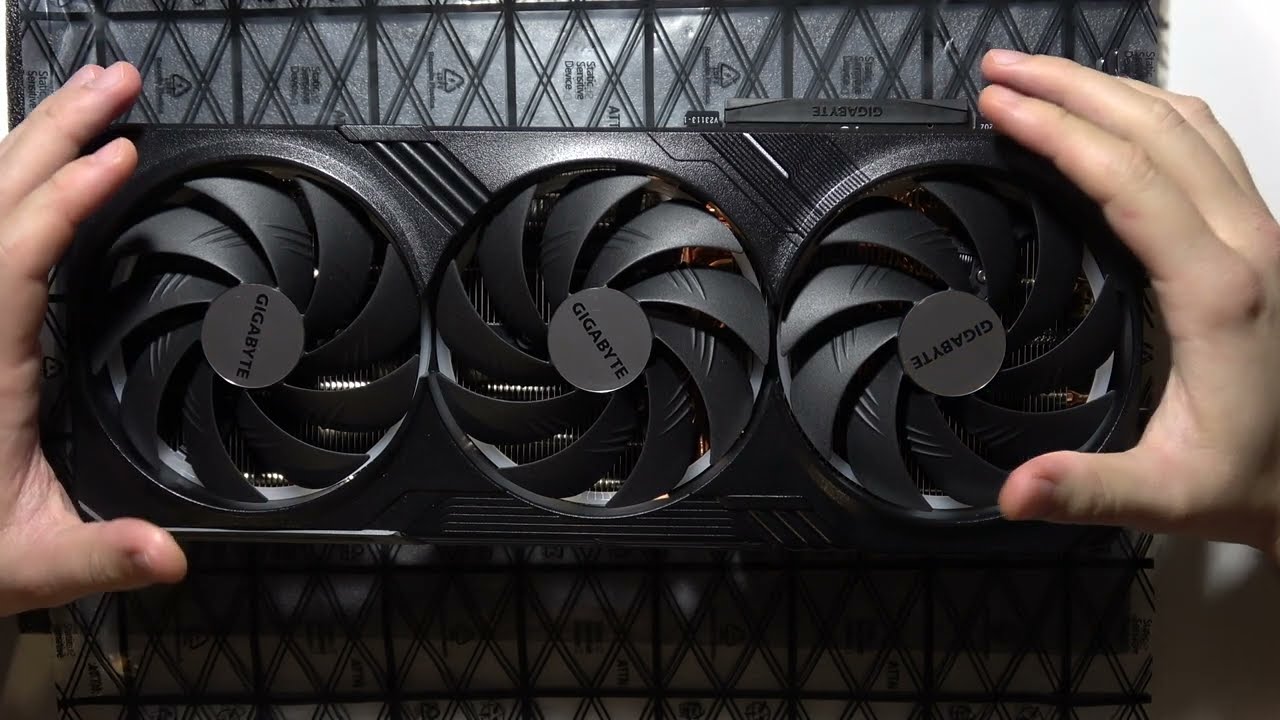
Gigabyte GeForce RTX 4080 SUPER: How to Switch Bios OC & Silent?
Автор: Step-by-Step Videos
Загружено: 2025-01-14
Просмотров: 3839
Описание:
Learn how to switch between BIOS OC and Silent modes on the Gigabyte GeForce RTX 4080 SUPER. OC mode increases the GPU’s performance by overclocking, while Silent mode reduces fan noise and lowers performance for a quieter experience. You can toggle between these modes using the BIOS switch located on the card or through software. Follow simple steps to adjust the BIOS mode according to your needs.
#rtx4080 #rtx4080super #geforcertx
Subscribe here: / @step-by-stepvideos
If this Gigabyte GeForce RTX 4080 SUPER guide didn’t help you enough, let me know in the comments.
Не удается загрузить Youtube-плеер. Проверьте блокировку Youtube в вашей сети.
Повторяем попытку...
Повторяем попытку...
Доступные форматы для скачивания:
Скачать видео
-
Информация по загрузке: