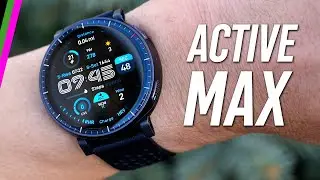
AMAZFIT Balance 2 XT – How to Use Find My Phone
Автор: HardReset.Info
Загружено: 2026-01-18
Просмотров: 4
Описание:
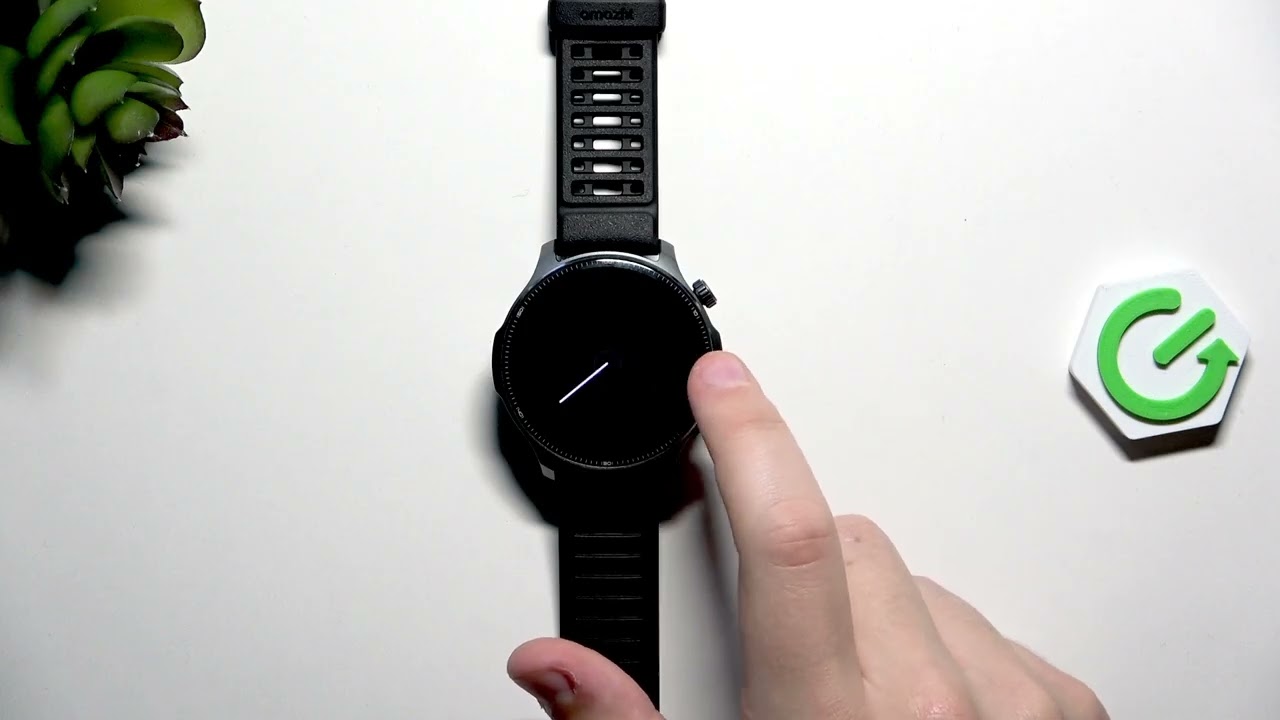
Learn how to use the Find My Phone feature on your AMAZFIT Balance 2 XT step by step. In this short video we demonstrate how to open the watch Control Center, locate the Find My Phone icon, and tap it to make your paired phone ring loudly so you can find it quickly. The clip shows the exact on-watch steps, a demo with the phone hidden, and a quick note about volume so you don't get surprised. This is useful when your phone is nearby but out of sight and your AMAZFIT Balance 2 XT is connected via Bluetooth.
How to use the Find My Phone feature on AMAZFIT Balance 2 XT?
How to make AMAZFIT Balance 2 XT locate and ring my phone?
How to enable Find My Phone on AMAZFIT Balance 2 XT?
0:00 Introduction — what the Find My Phone feature does
0:09 Demo setup — hiding the phone for the test
0:21 Open Control Center on the AMAZFIT Balance 2 XT
0:35 Find and tap the Find My Phone icon to locate your phone
0:47 Phone ringing test and volume note
1:01 Wrap up and final tips
#AMAZFIT #AMAZFITBalance2XT #FindMyPhone #SmartwatchTips
Find out more:
https://www.hardreset.info/devices/am...
Follow us on Instagram ► / hardreset.info
Like us on Facebook ► / hardresetinfo
Tweet us on Twitter ► / hardreseti
Support us on TikTok ► / hardreset.info
Use Reset Guides for many popular Apps ► https://www.hardreset.info/apps/apps/
Повторяем попытку...
Доступные форматы для скачивания:
Скачать видео
-
Информация по загрузке: