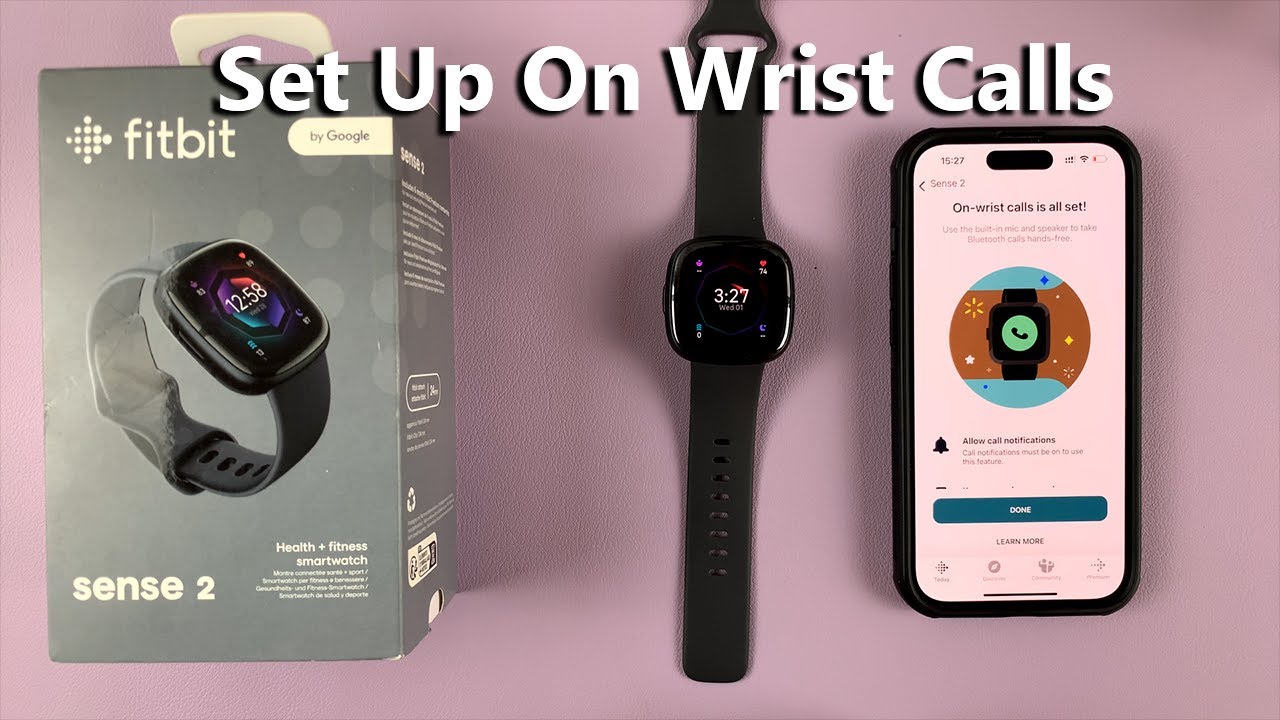
How To Set Up On-Wrist Calls On Fitbit Sense 2
Автор: WebPro Education
Загружено: 2023-02-02
Просмотров: 35681
Описание:
Learn how to set up the wrist calls feature on your Fitbit Sense 2 using an iPhone. This will enable you to receive call notifications as well as use the microphone and speaker on your Fitbit Sense 2 to pick up calls
To do this:
Make sure your Fitbit Sense 2 is close to your iPhone
Launch the Fitbit App
Tap on the profile icon at the upper left corner
Tap on Sense 2
Tap on "On-Wrist Calls", then select Start Setup
Follow the instructions provided to finish setting up the on-wrist calls feature on the Fitbit Sense 2
Fitbit Sense 2: https://amzn.to/3HNyZfp
----My Gear for YouTube videos----
Main Camera (iPhone 13 pro): https://amzn.to/3GZztve
Tripod: https://amzn.to/35acqRa
Cell Phone Tripod Adapter: https://amzn.to/3v3wFuI
Lights: https://amzn.to/3vkoGK7
As full disclosure, I use affiliate links on this channel, and purchasing through these links earns me a small commission. The price you pay will be the same!
Website: https://www.webproeducation.org
Facebook: / webproeducation.org
Twitter: / webpro_e
Instagram: / webproeducation
Повторяем попытку...
Доступные форматы для скачивания:
Скачать видео
-
Информация по загрузке: