Enable TPM 2.0 and Secure Boot to Fix Call of Duty Black Ops 7 Launch Issues on PC (Step-by-Step)
Автор: Delft Stack
Загружено: 2026-01-21
Просмотров: 51
Описание:
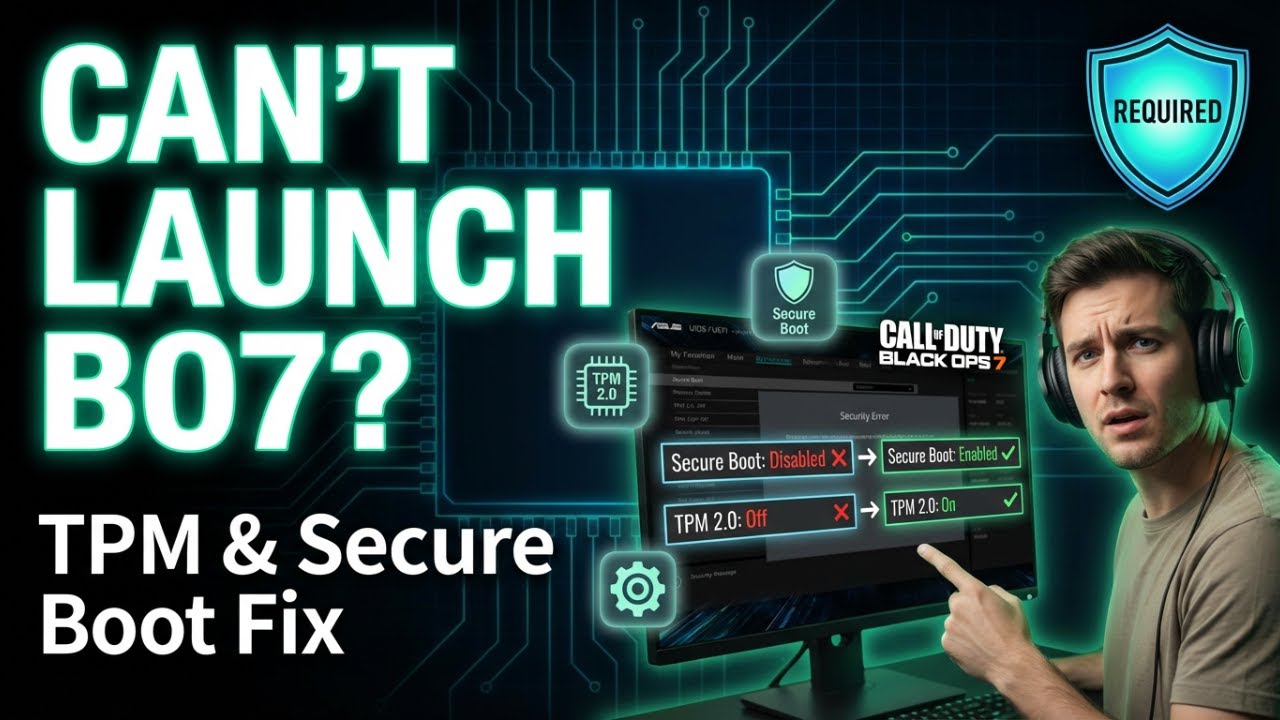
Having trouble launching Call of Duty Black Ops 7 on your PC due to security errors or crashes? 🔐 This DelftStack tutorial walks you through enabling TPM 2.0 and Secure Boot directly from the BIOS to fix these common startup issues.
By correctly configuring your system’s security settings, you’ll meet the game’s requirements and get back into action smoothly without launch failures or pre-menu crashes.
🔹 What You’ll Learn in This Video
✅ Fix Call of Duty Black Ops 7 not launching on PC
✅ Enable Secure Boot in BIOS or UEFI
✅ Turn on TPM 2.0 for modern game requirements
✅ Access BIOS using Windows Advanced Startup
✅ Prevent security-related startup errors
⏳ Timestamps
⏱ 00:00 – Introduction to launch and security errors
⏱ 00:20 – Open Advanced Startup settings in Windows
⏱ 00:41 – Enter BIOS / UEFI firmware settings
⏱ 01:00 – Enable Secure Boot in BIOS
⏱ 01:10 – Enable TPM 2.0 and save settings
📌 Summary
This tutorial shows you how to enable Secure Boot and TPM 2.0 in the BIOS to fix Call of Duty Black Ops 7 launch problems on Windows 10 and Windows 11. Following these steps ensures your system meets the required security standards, allowing the game to start without errors.
👉 If this tutorial helped you, like the video, subscribe to the DelftStack channel, and turn on the notification bell 🔔 so you never miss the latest tips and tutorials. Comment below if enabling TPM 2.0 and Secure Boot fixed your Black Ops 7 launch issue!
Повторяем попытку...
Доступные форматы для скачивания:
Скачать видео
-
Информация по загрузке: