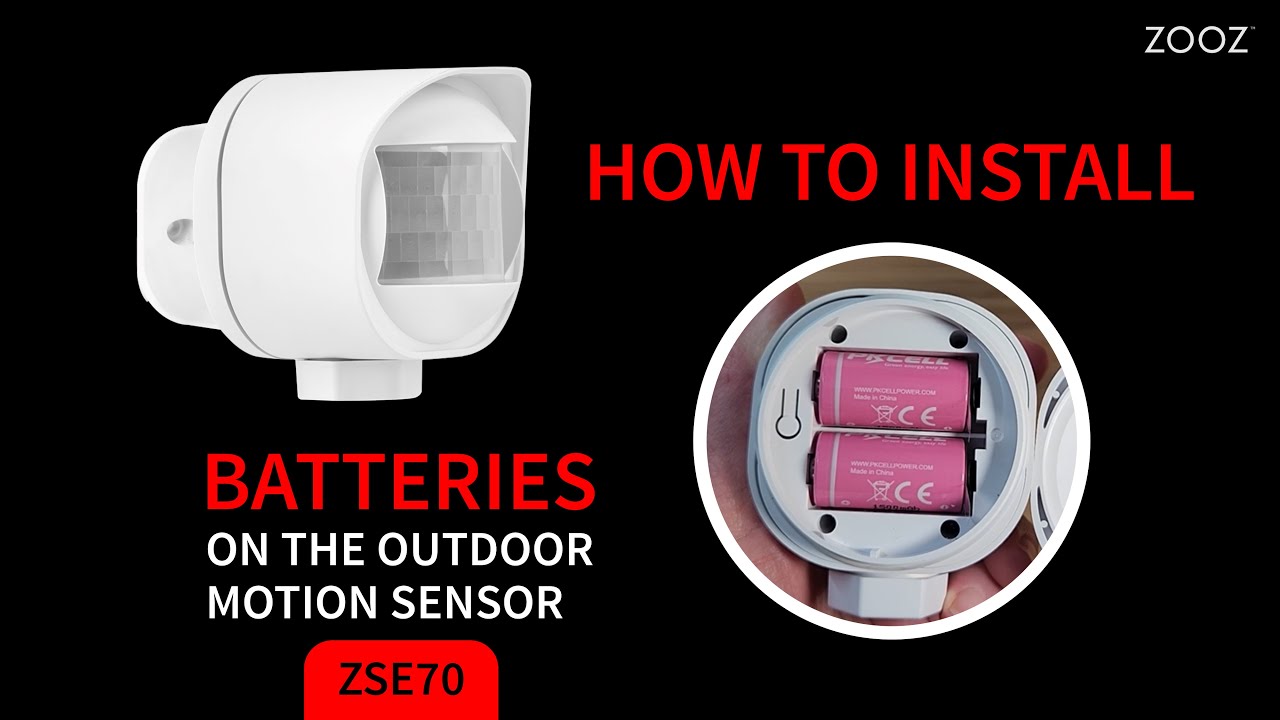
How To Install the Batteries On the Zooz Outdoor Motion Sensor ZSE70
Автор: Zooz
Загружено: 2025-03-12
Просмотров: 520
Описание:
Watch this helpful video on accessing and installing the batteries on your Zooz Outdoor Motion Sensor ZSE70. It's important that you choose the correct power source for your device before you add it to the Z-Wave hub so if you prefer to use a 12-24 V connection, watch this video instead: • How To Power Your Zooz ZSE70 Outdoor Motio...
Curious about this sensor?
🛒 Shop here: https://bit.ly/4dZRHha
❓ Support: https://bit.ly/3Xm3ktn
When you open the packaging, you’ll find the user manual, the sensor device, a mounting bracket, anchors and screws, wiring accessories, and mounting tape (to be used for indoor installations only).
The manual has some helpful installation tips and Z-Wave instructions for your hub so please read it.
Here is how to access and install the batteries on your ZSE70 sensor:
1. Open the battery cover at the back of the sensor. Turn the cover counterclockwise (or to the left) to access the batteries. Don’t pull on the cover, just twist it to the left. Do not use any tools during the process.
2. Remove the clear tabs from each battery slot.
3. This may be a good time to add the sensor to your Z-Wave hub. If using the SmartStart method, you want to scan the QR code on the side of the sensor. And to manually activate the device for inclusion, click the Z-Wave button 3 times quickly. The LED indicator will start flashing blue when the sensor is in pairing mode. Refer to the manual for detailed instructions for your hub.
4. Once the sensor is added, we can close the battery cover. Twist the cover back on by turning it clockwise (or to the right) until it’s fully aligned. You may need to use your muscle towards the end. Once the cover is on, you’ll see a small gap for the protective seal that helps keep the sensor dry.
And that’s it! Check out more videos to help you get the sensor mounted quickly.
#zoozhome #zwave #smartgadgets #smarthomesecurity #smarthome #smartsensors
Повторяем попытку...
Доступные форматы для скачивания:
Скачать видео
-
Информация по загрузке: