How To Edit Tax1 Sales Description Customer Receipts & Financial Reports Sam4S NR-500 Cash Registers
Автор: Sam4S Help
Загружено: 2025-01-08
Просмотров: 317
Описание:
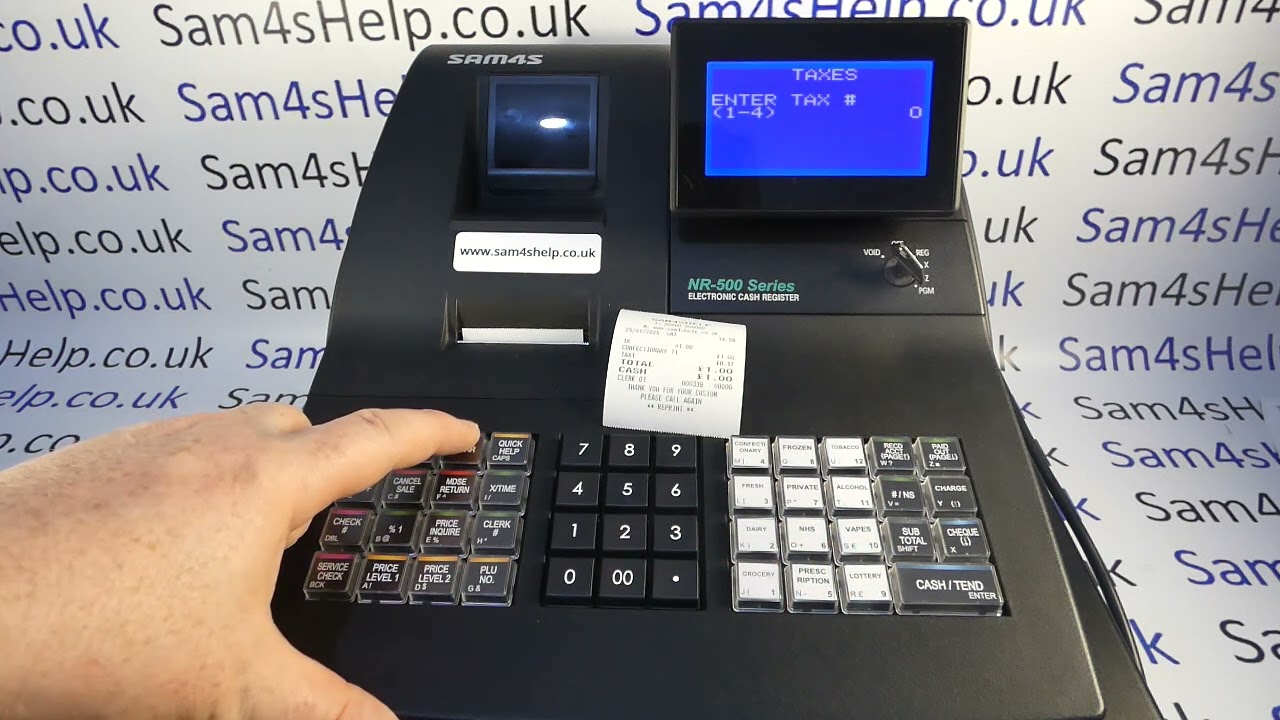
In this video we are taking a look at how you can edit the TAX1 or TAX2 wording on the customer receipt. We also show how to edit the associated TAX1 SALES and TAX1 descriptions on the end of day financial reports.
As we demonstrate in the video the process is fairly straightforward, but it is worth thinking through exactly want description you need on there to make sure that your X & Z financial reports don't become confusing.
To edit TAX1 description on customer receipts:
1. Turn metal key marked P to the PGM position
2. Line 7. TAXES, CASH to enter
3. Press 1 CASH (to edit Tax rate 1)
4. Press CASH again to edit description
5. Type in new description
6. CASH to save then CLEAR, CLEAR
7. You are now at the main Program menu so can either turn the key back to REG mode or you can go into line 8. MESSAGES
8. Then into line 3 FINANCIAL REPORTS
9. Then into lines 5 and 9 to edit the TAX 1 SALES and TAX1 o reflect the changes you have made on the receipt. Then CLEAR, CLEAR until you return to the main program menu and then key back to REG
Please watch the video for full details and like it if its useful to you. You can also SUBSCRIBE to this channel or visit: www.Sam4sHelp.co.uk for more.
Повторяем попытку...
Доступные форматы для скачивания:
Скачать видео
-
Информация по загрузке: