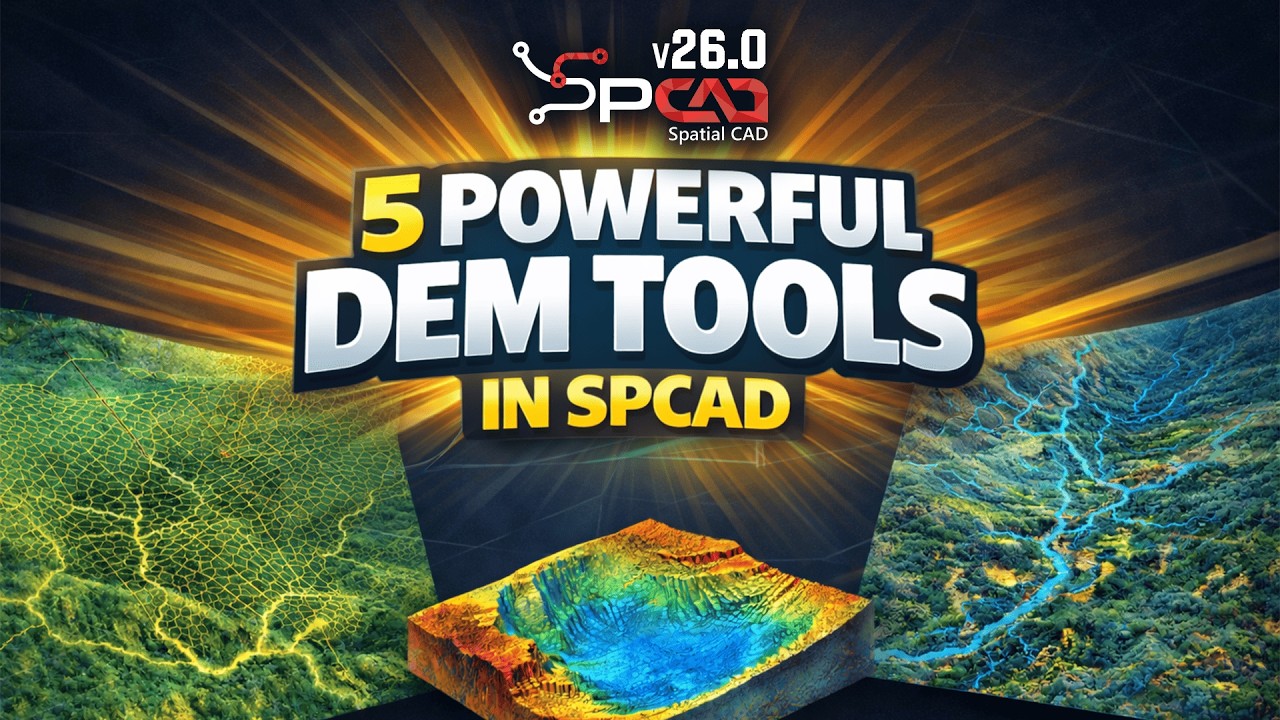
How to Create a Grading Platform in BricsCAD | SPCAD Pad Builder Tutorial
Автор: Cadomation
Загружено: 2026-02-25
Просмотров: 40
Описание:
Stop manual grading and start automating.
In this tutorial, we demonstrate the professional workflow for designing 3D building platforms using the SPCAD Pad Builder inside BricsCAD.
Whether you are managing simple pads or complex site grading, this step-by-step guide shows you how to turn a 2D polyline into a fully realized TIN Surface with accurate cut-and-fill slopes.
In this video, you will learn:
Surface Preparation: Verifying your TIN Surface foundation.
Platform Geometry: Defining boundaries with closed polylines.
Precision Grading: Setting custom Cut and Fill slope ratios.
Elevation Control: Assigning absolute platform heights with real-time feedback.
Daylight Visualization: Previewing the Contact Line before final generation.
TIN Management: Seamlessly adding your new pad to your Surface Manager.
Quality Assurance: Using Cross-Sections to audit your slopes in 3D.
Why use SPCAD Pad Builder?
1. Dynamic Previews: See exactly where your slopes intersect the ground.
2. Automated Integration: New platforms are instantly reflected in your TIN Manager.
3. Data Accuracy: Eliminate manual slope calculations and human error.
🔗 Useful Links
📘 SPCAD Help Documentation (Complete User Guide):
👉https://help.cadomation.com/spcad/doc...
💾 Download SPCAD – Start Your 14-Day Free Trial:
👉 https://cadomation.com/downloads/
#bricscad #spcad #surveying #civilengineering #tutorial #landdevelopment #cadtutorial #3dmodeling #topografia #earthworks
Повторяем попытку...

Доступные форматы для скачивания:
Скачать видео
-
Информация по загрузке:


![Best of Deep House [2026] | Melodic House & Progressive Flow](https://imager.clipsaver.ru/Il-ZpBuC8tA/max.jpg)